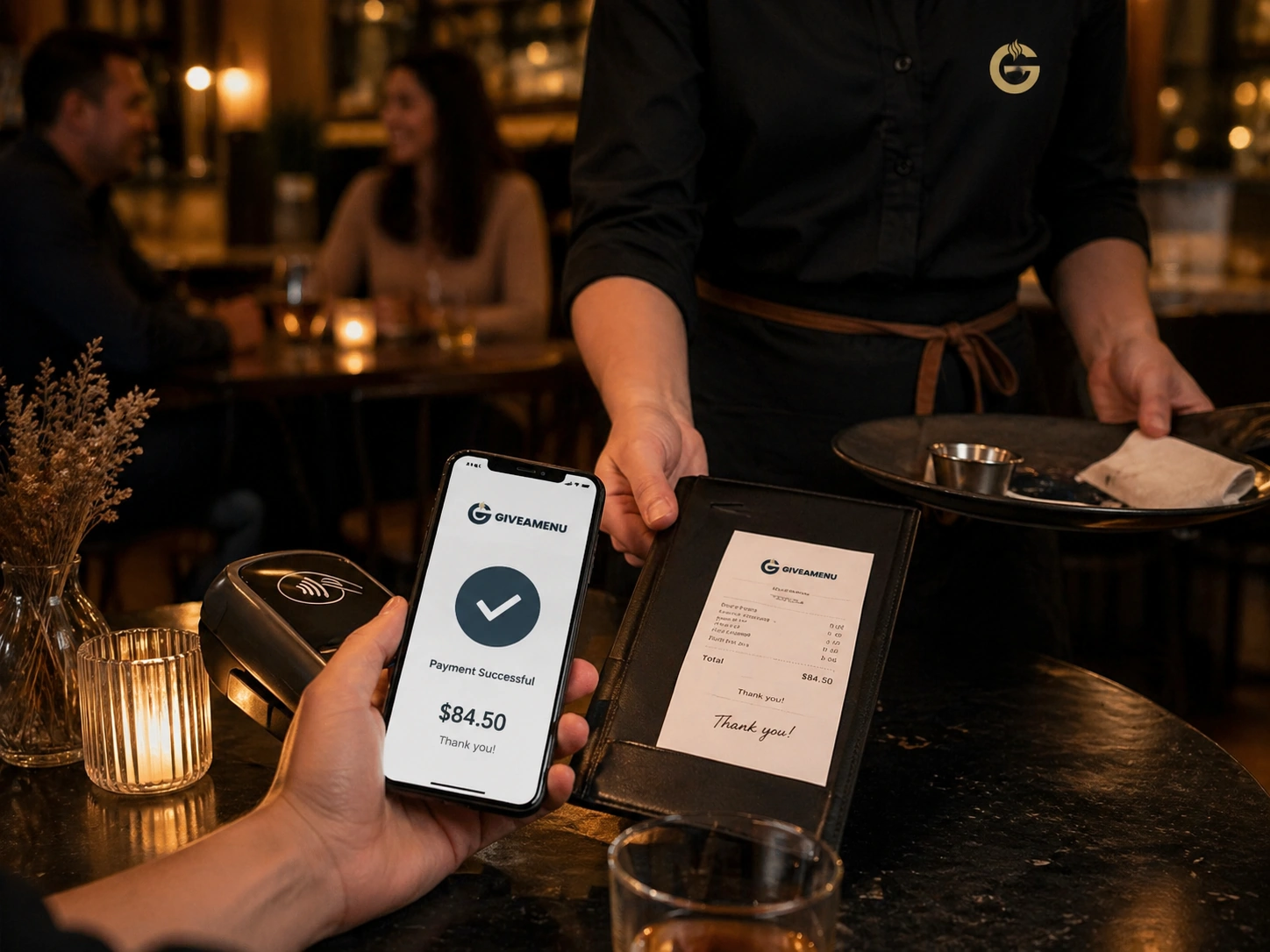
អ្នកបើកការបង់ប្រាក់ Viva
Order & Pay គឺជាផ្លូវចេញចូលដែលគ្រប់គ្រងសម្រាប់ការប្រមូលការទូទាត់ Viva នៅពេលដែលហាងមួយរួចរាល់សម្រាប់ចលនាប្រាក់តាមអ៊ីនធឺណិត។
ការទូទាត់ Viva, បង្កាន់ដៃសារពើពន្ធ, ការបង្វិលសង, ប្រវត្តិបង្កាន់ដៃ, និងលំហូរម៉ាស៊ីនបោះពុម្ពជាច្រើនគឺជាមុខងារសាកល្បងដែលត្រូវបានគ្រប់គ្រង។
ការបញ្ជាទិញ & បង់ប្រាក់គឺជាផ្លូវបង់ប្រាក់នាពេលអនាគត និងសារពើពន្ធសម្រាប់ហាងដែលត្រូវការការប្រមូលការទូទាត់តាមអ៊ីនធឺណិត និងលំហូរការងារបង្កាន់ដៃ បន្ទាប់ពីការរៀបចំការបញ្ជាទិញស្នូលមានស្ថេរភាព។
Order & Pay គឺជាផ្លូវចេញចូលដែលគ្រប់គ្រងសម្រាប់ការប្រមូលការទូទាត់ Viva នៅពេលដែលហាងមួយរួចរាល់សម្រាប់ចលនាប្រាក់តាមអ៊ីនធឺណិត។
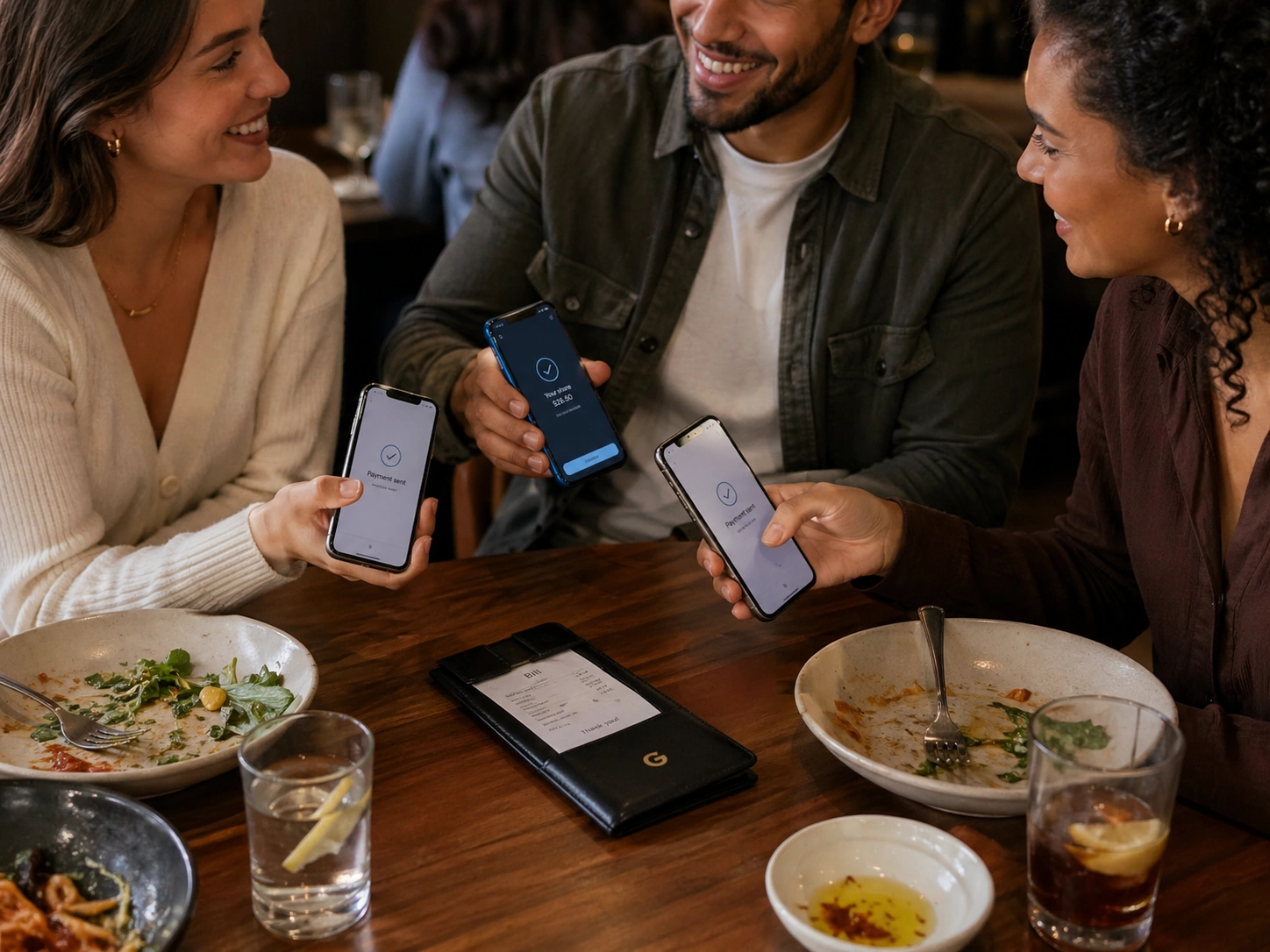
ការធ្វើសារពើពន្ធ បង្កាន់ដៃ ការបង្វិលសង និងប្រវត្តិបង្កាន់ដៃត្រូវបានចាត់ទុកជាលក្ខណៈដែលងាយនឹងផលិត មិនមែនជាសមត្ថភាពបញ្ជាទិញទូទៅទេ។
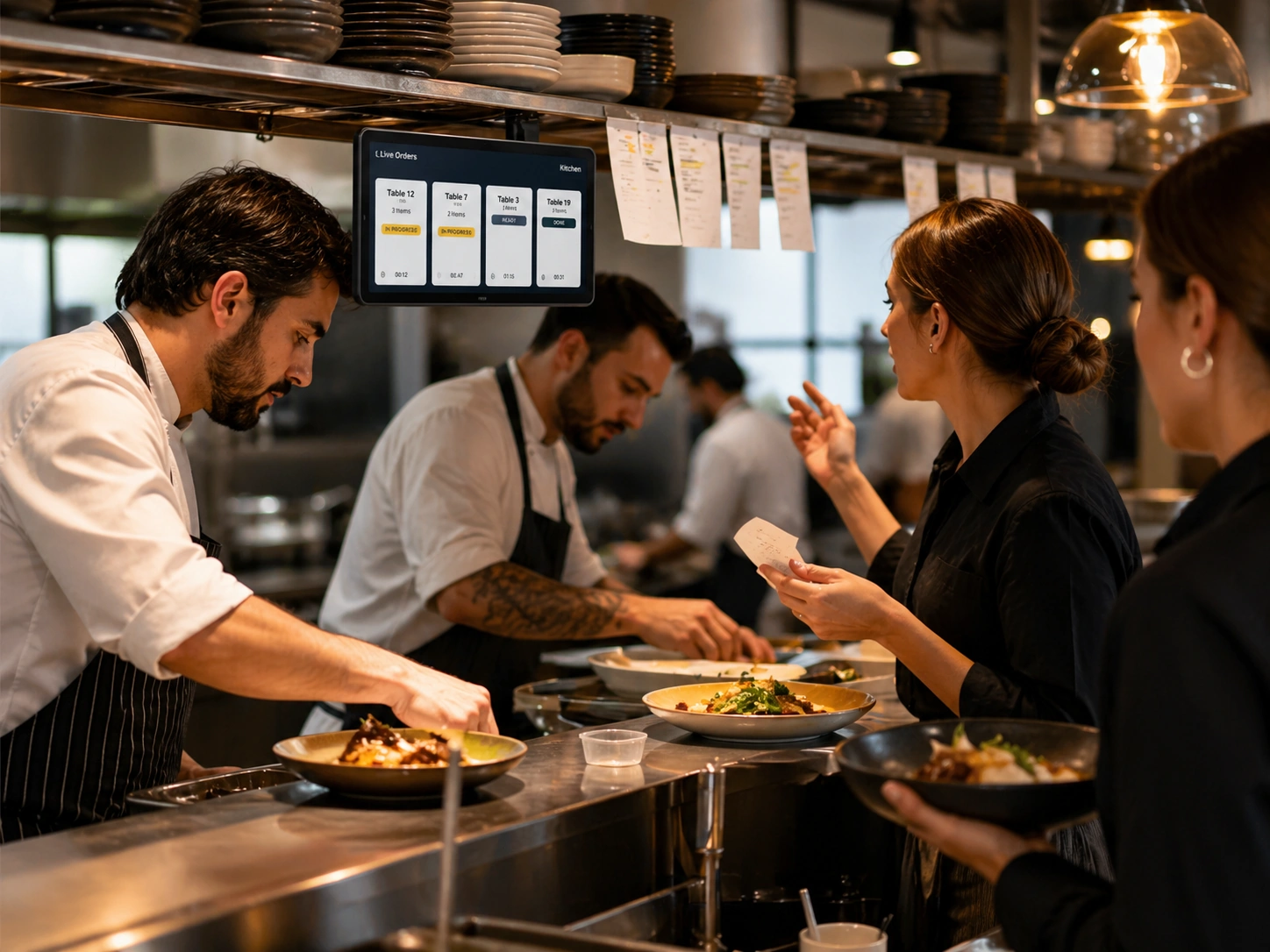
ហាងនានាអាចផ្ទៀងផ្ទាត់ម៉ឺនុយ ការបញ្ជាទិញ ម៉ាស៊ីនបោះពុម្ព និងដំណើរការការងាររបស់បុគ្គលិក មុនពេលចូលរួមការបង់ប្រាក់ និងការចូលប្រើប្រាស់សាកល្បងសារពើពន្ធ។
Create a free account, add your restaurant menu, and use the 90-day Order Pro trial to test On Tab ordering without credit card details.
មានតែហាងនៅក្នុងការបញ្ជាទិញ & Pay pilot ឬការរៀបចំសហគ្រាសប៉ុណ្ណោះដែលគួរតែបង្ហាញពីលំហូរនៃការទូទាត់តាមអ៊ីនធឺណិត និងបង្កាន់ដៃសារពើពន្ធ។ Order Pro មិនរួមបញ្ចូលការប្រមូលការទូទាត់តាមអ៊ីនធឺណិតទេ។
បាទ។ Order Pro ប្រើប្រាស់ភាសា On Tab ដូច្នេះការបញ្ជាទិញអាចត្រូវបានតាមដានខណៈពេលដែលការទូទាត់កើតឡើងនៅខាងក្រៅ Giveamenu ។
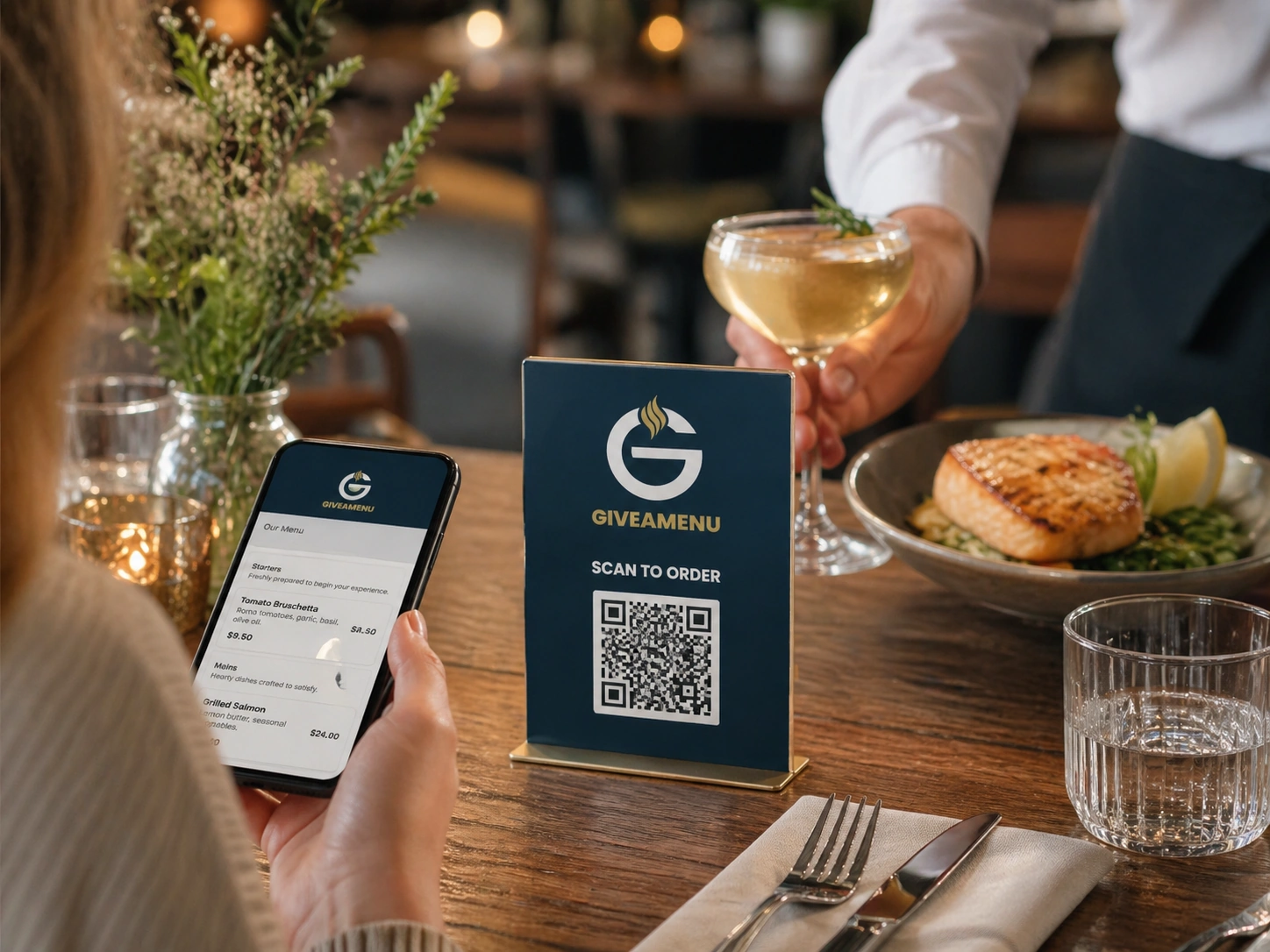
ផ្តល់ឱ្យភ្ញៀវនូវលំហូរ QR ដ៏លឿនសម្រាប់ការរុករកម៉ឺនុយ ធ្វើការកក់ទុកនៅកន្លែងដែលបើកដំណើរការ និងការដាក់ការបញ្ជាទិញនៅលើផ្ទាំង នៅពេលដែលហាងប្រើប្រាស់ Order Pro ។
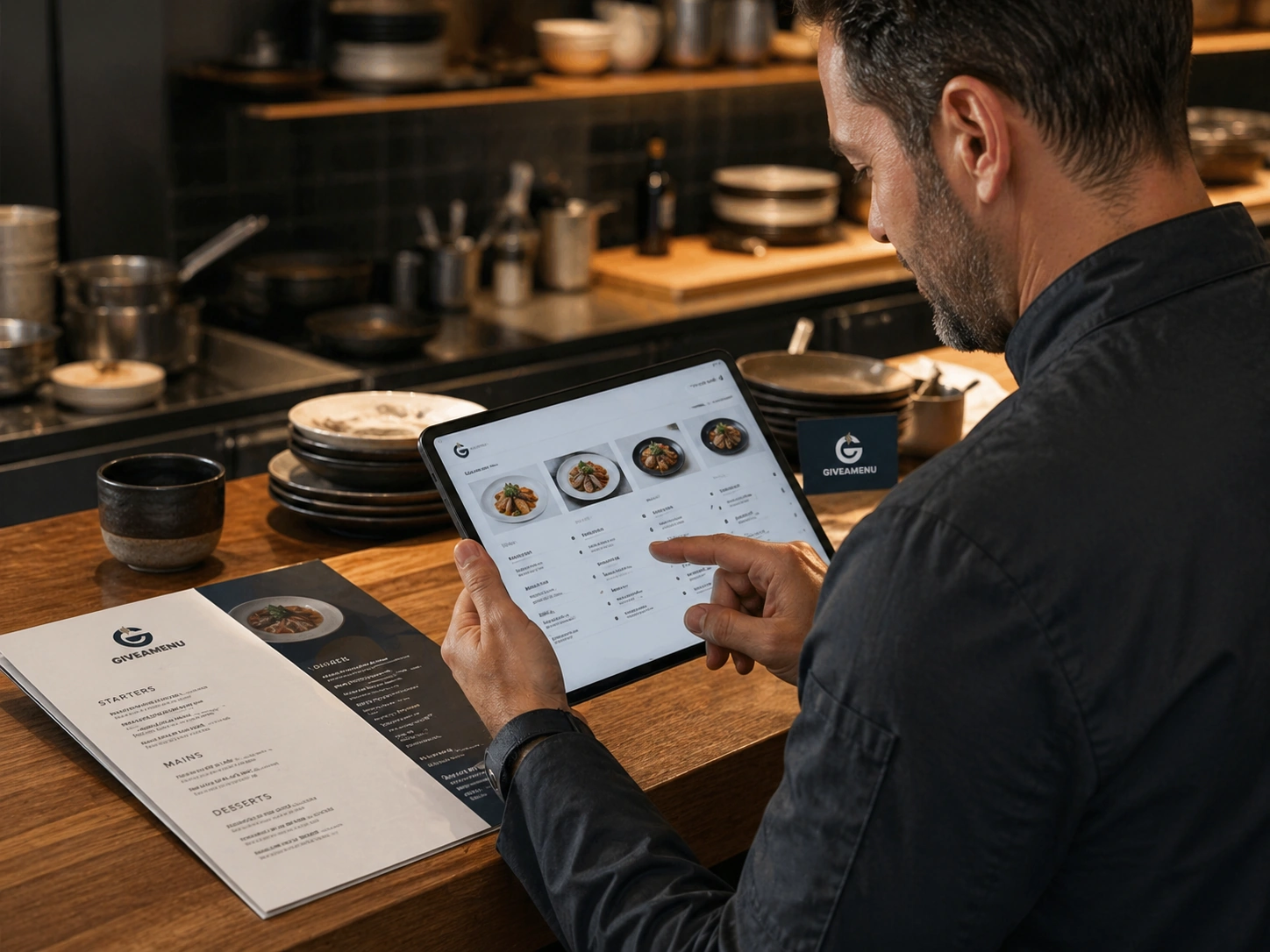
បង្កើតម៉ឺនុយឌីជីថលដែលមានរចនាសម្ព័ន្ធជាមួយនឹងប្រភេទ ព័ត៌មានលម្អិតអំពីផលិតផល វិចិត្រសាលរូបភាព ជម្រើស ការគ្រប់គ្រងភាពអាចរកបាន និងការបកប្រែ។
ស្ថានភាពការបញ្ជាទិញផ្ទាល់ជួយឱ្យក្រុមមើលឃើញពីអ្វីដែលត្រូវការការយកចិត្តទុកដាក់ អ្វីដែលកំពុងរៀបចំ និងអ្វីដែលត្រៀមរួចជាស្រេចសម្រាប់សេវាកម្ម ឬការប្រមូល។