Structured digital menu
Publish categories, dishes, prices, options, dietary notes, availability, and translations as real web content.
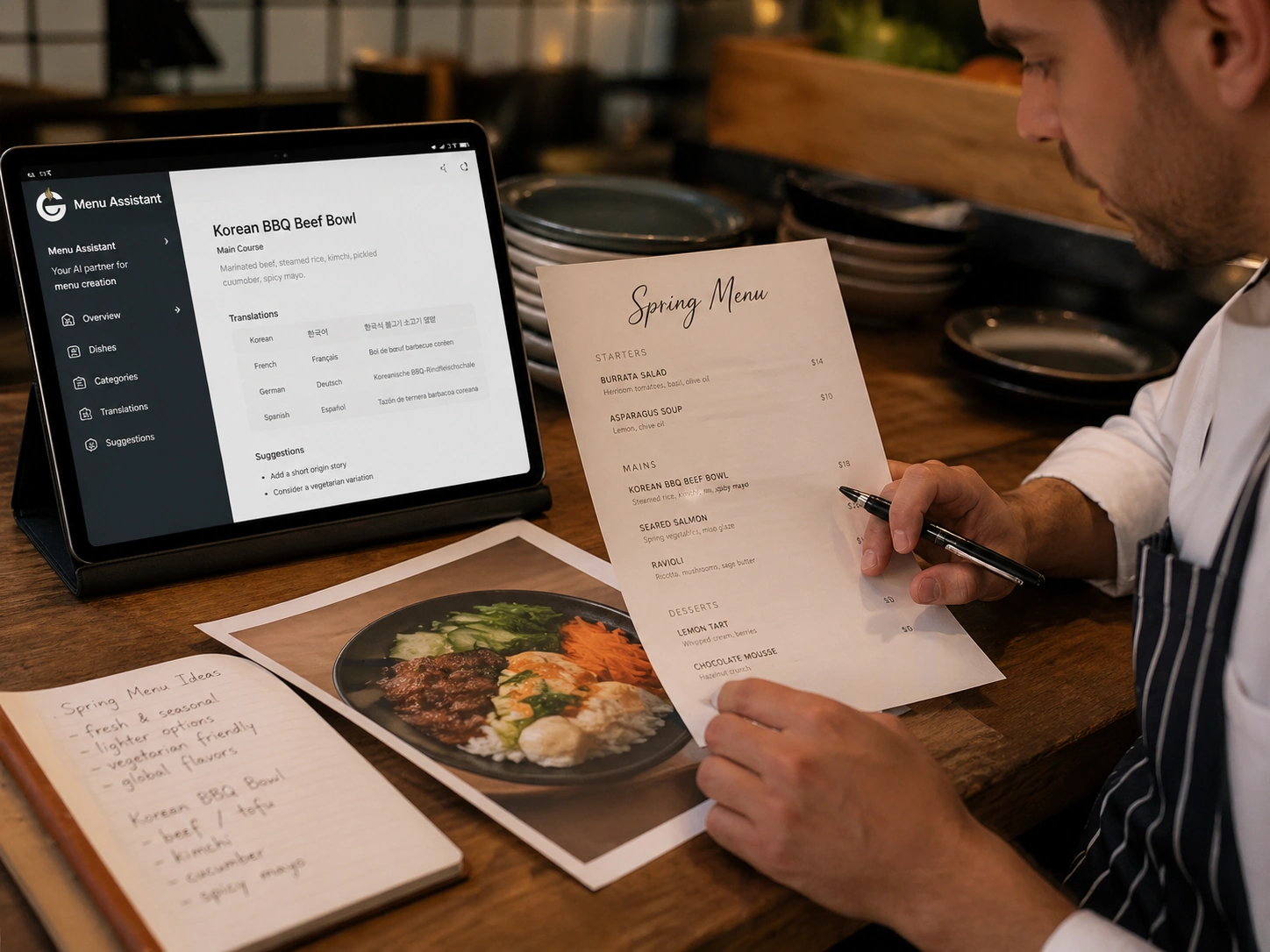
Giveamenu uses AI to structure your menu and prepare a concise design direction around your venue, languages, colours, content, and imagery. You review the result before anything is published.
The workflow is resumable, separates extraction from publication, and keeps menu and brand confirmation visible.
Start with the business details, location, languages, logo, and links your website should use.
Send several clear photos, a PDF, or both. AI prepares categories and products for your review.
Confirm the menu and a short brand brief while the detailed design and content guidance stays editable.
Launch the site, download QR codes, add offers and photos, then try Order Pro for 90 days.
The generated direction uses supported design controls so the site remains configurable instead of becoming one disposable AI mockup.
Publish categories, dishes, prices, options, dietary notes, availability, and translations as real web content.
Shape colours, typography, imagery, layout, and calls to action around the character of your venue.
Publish useful promotions and local updates without rebuilding the website or replacing printed QR codes.
Show food, atmosphere, and first-party guest feedback directly on the restaurant website.
Send guests to the current website from tables, windows, rooms, sunbeds, delivery bags, or printed material.
Choose the languages your guests need and use translation checks to find and fill incomplete content.
Seventeen venues, each with its own character. Explore the designs on desktop and mobile.
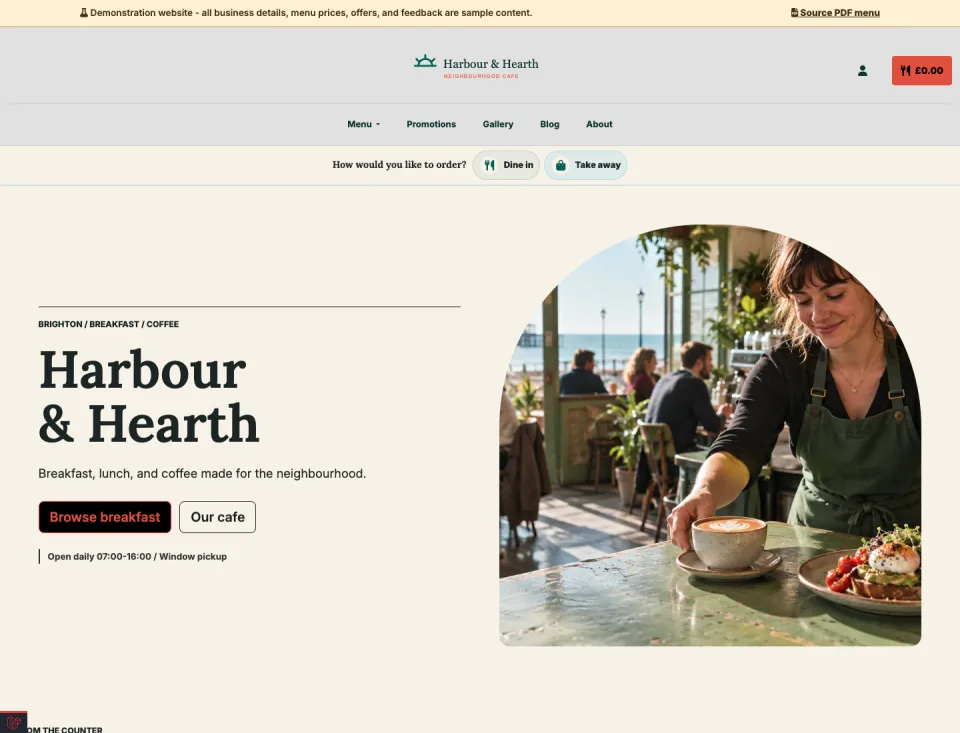
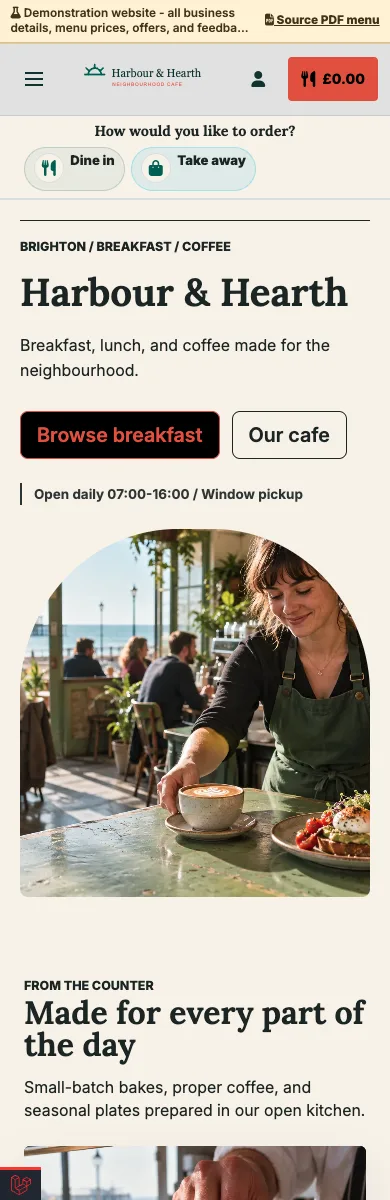
A mobile breakfast and lunch menu with daily offers, gallery, guest feedback, pickup ordering, and local contact details.
Explore demo — Neighbourhood cafe — Opens in a new tab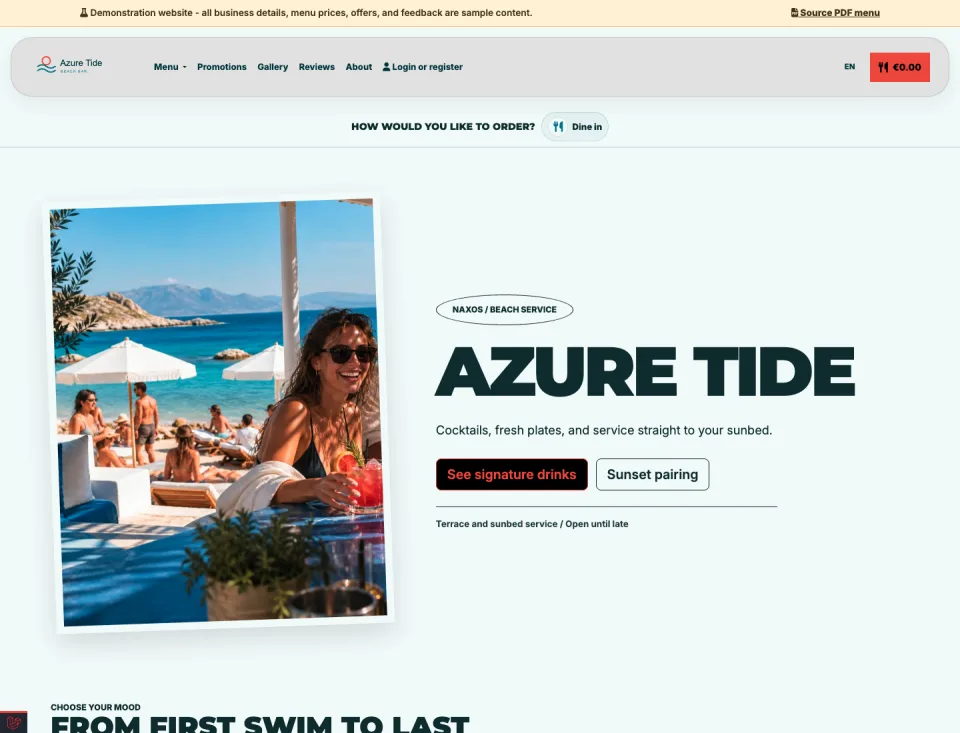
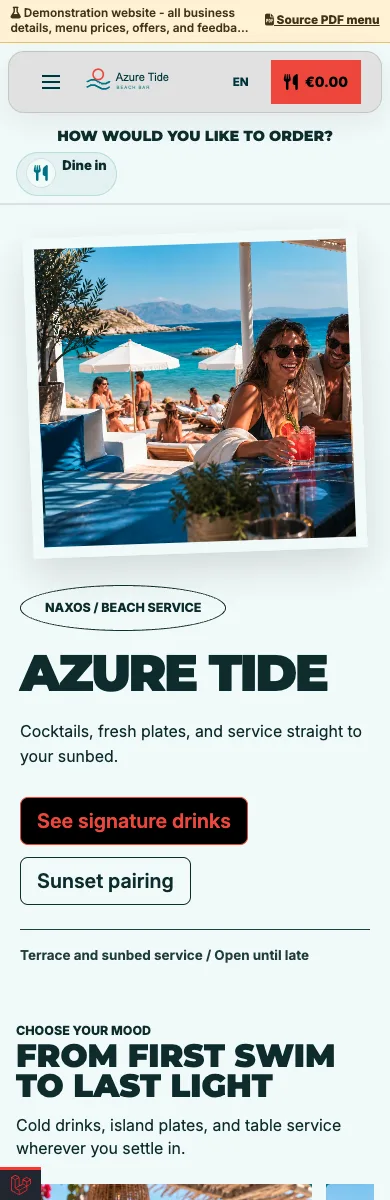
A visual drinks and food site with sunbed QR access, multilingual menus, seasonal promotions, and service-area ordering.
Explore demo — Beach bar — Opens in a new tab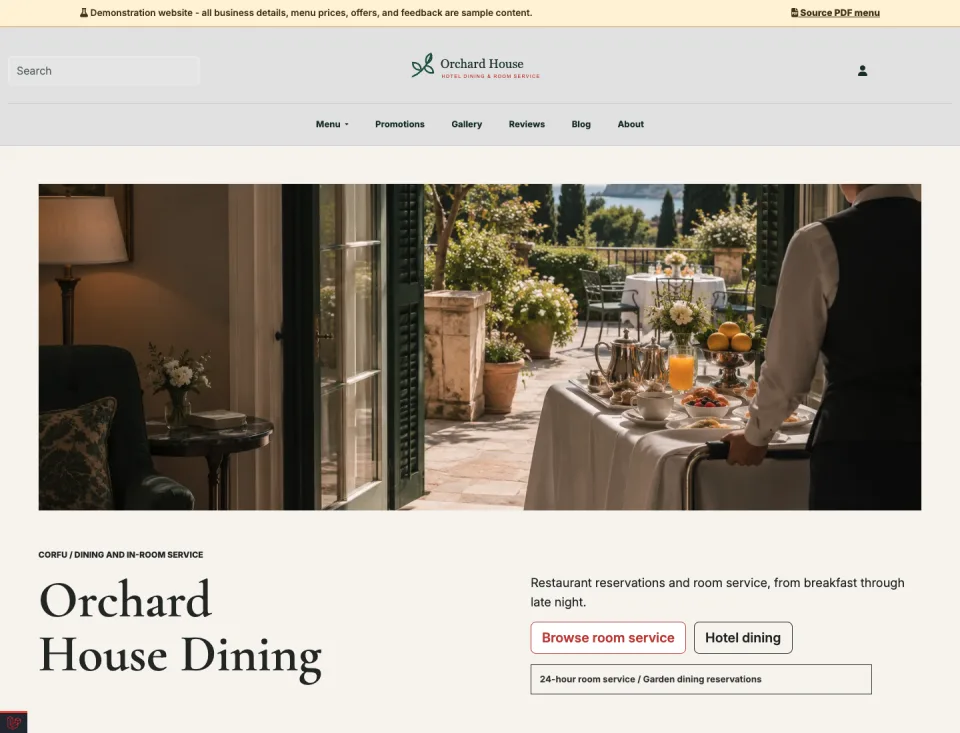
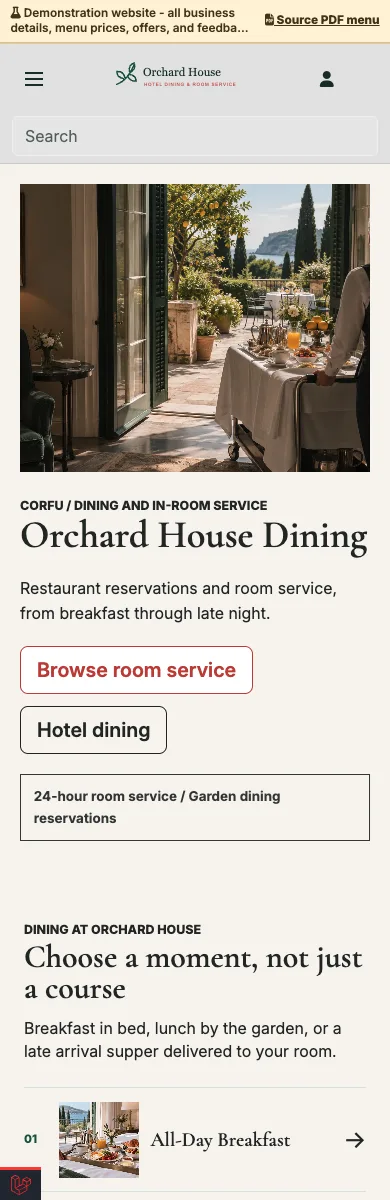
A guest-ready site for restaurant bookings, room-specific QR access, opening hours, galleries, and room-service ordering.
Explore demo — Hotel restaurant and room service — Opens in a new tab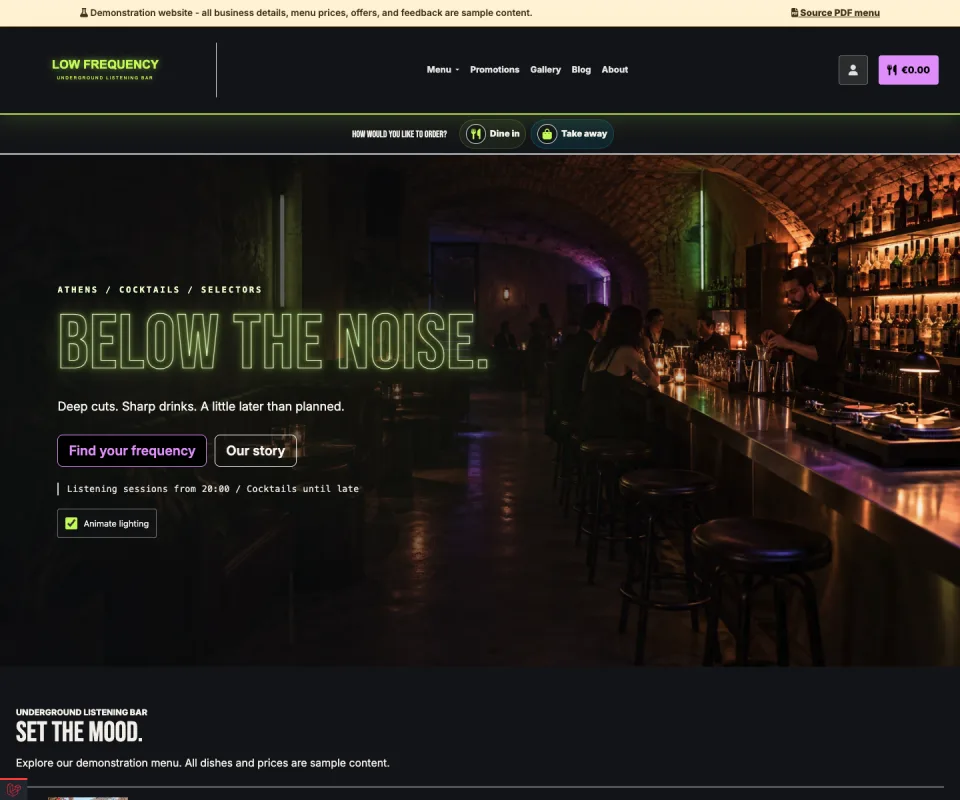
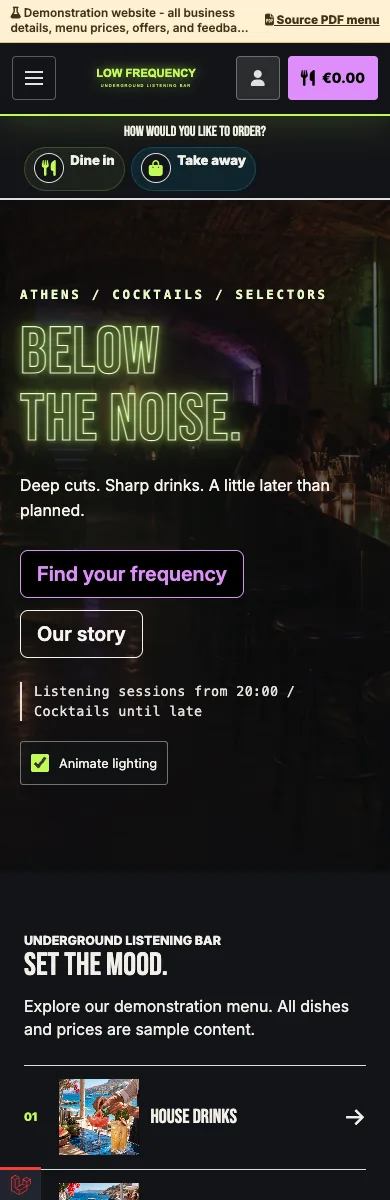
Neon lights, late-night energy and an immersive drinks menu.
Explore demo — Underground bar — Opens in a new tab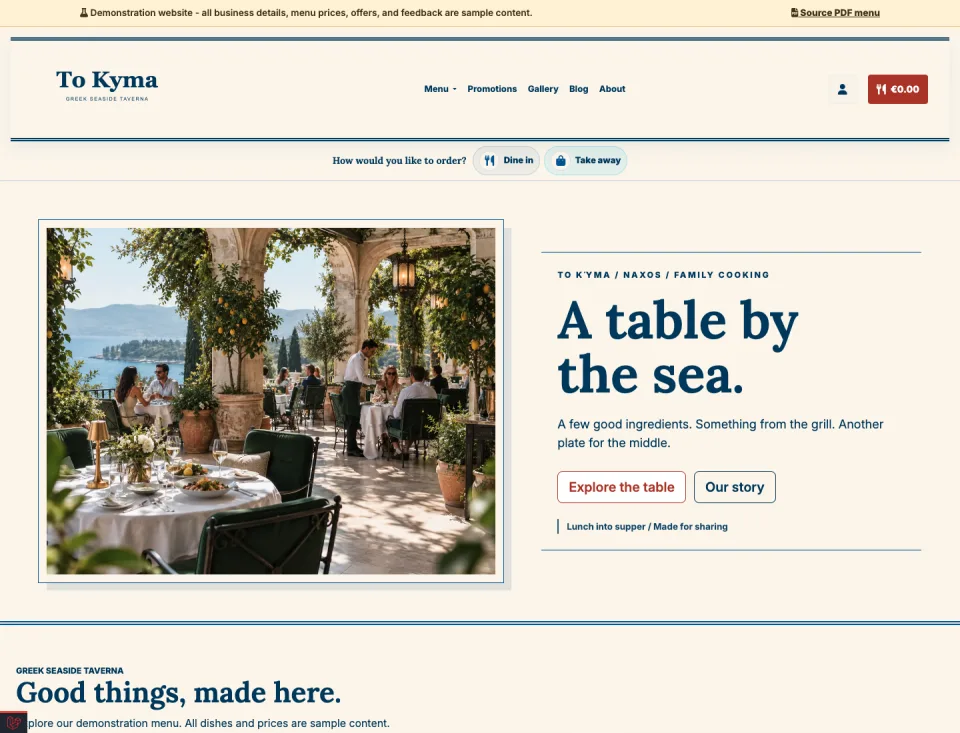
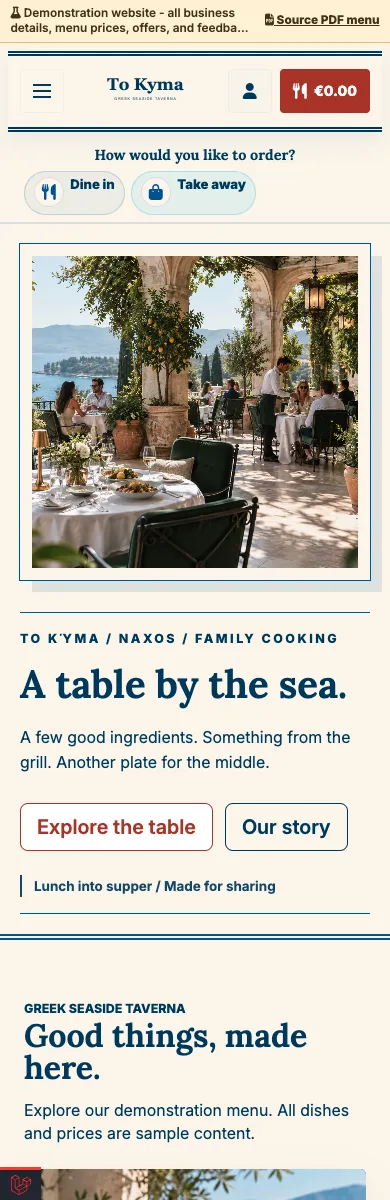
A sunlit blue-and-cream design for shared plates and warm hospitality.
Explore demo — Greek taverna — Opens in a new tab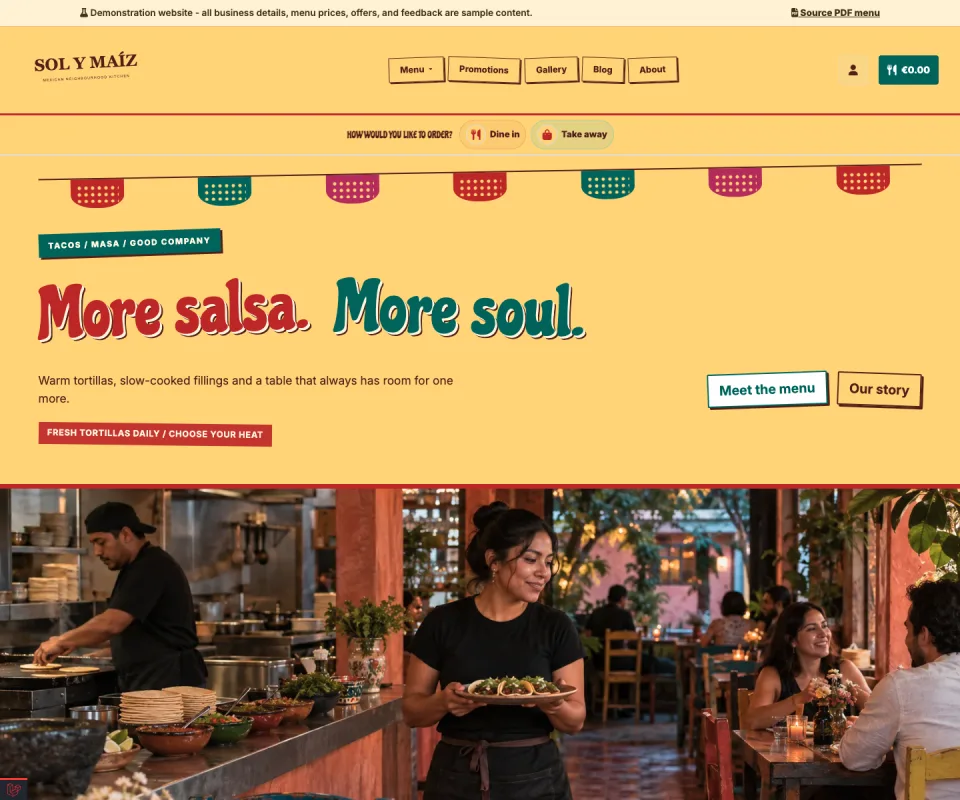
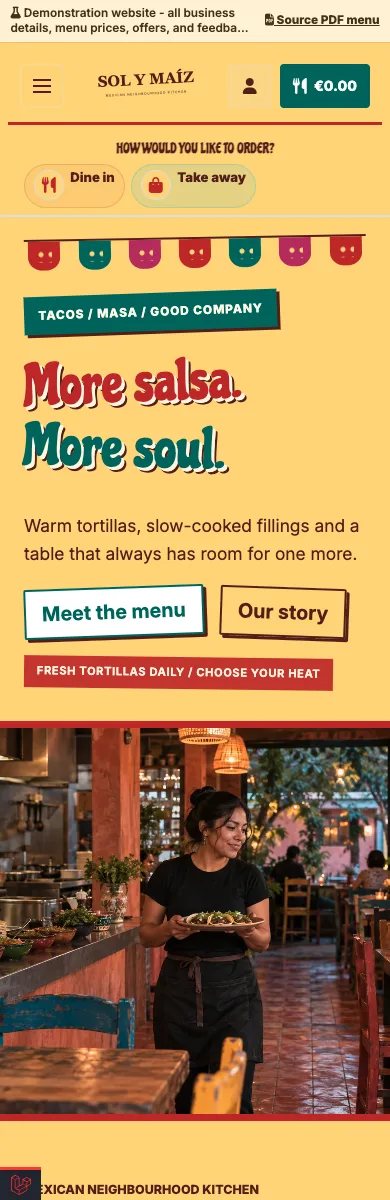
Painted lettering, vibrant colours and a menu full of character.
Explore demo — Mexican restaurant — Opens in a new tab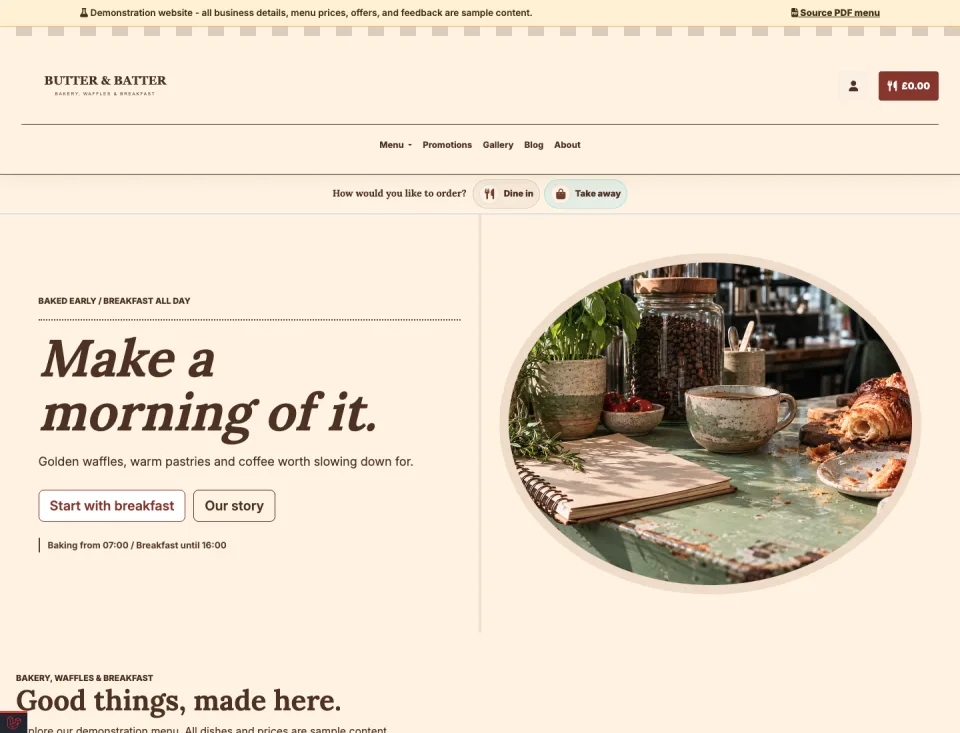
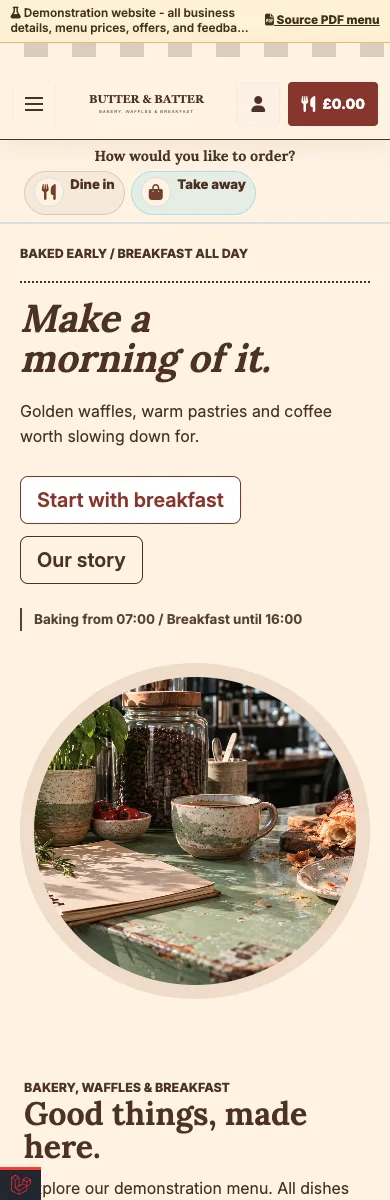
A striped awning, fresh bakes and a welcoming breakfast menu.
Explore demo — Bakery and breakfast bistro — Opens in a new tab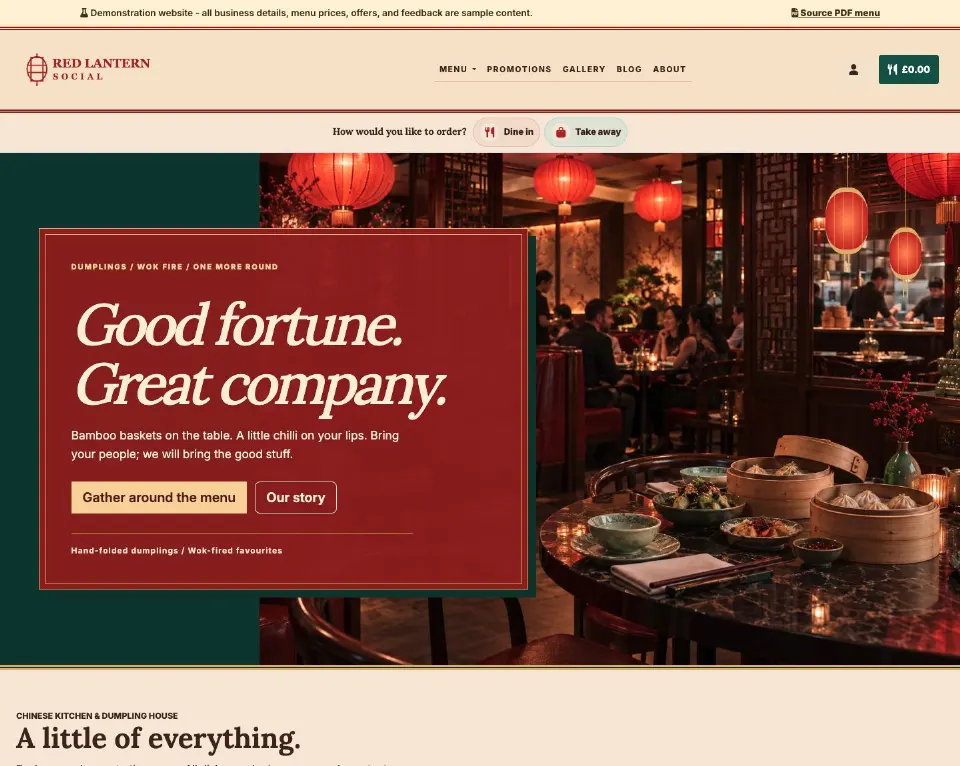
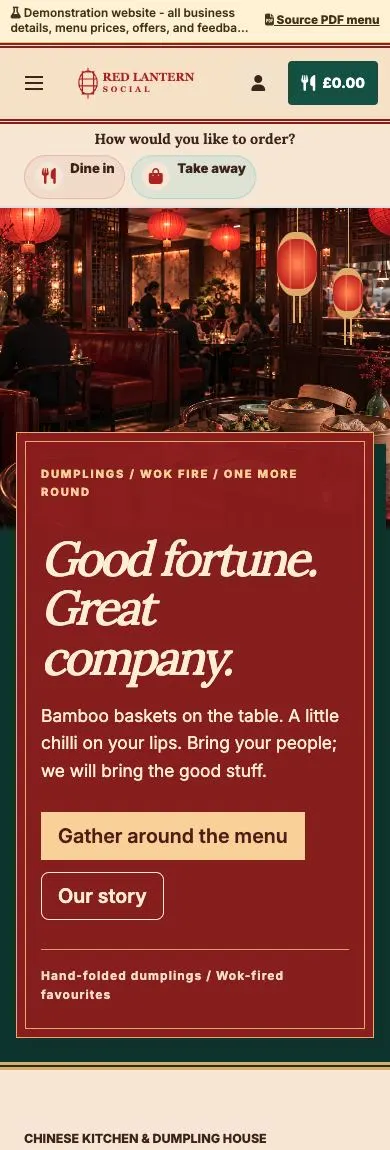
Lantern light, lacquer-red panels and a menu made for sharing.
Explore demo — Chinese supper club — Opens in a new tab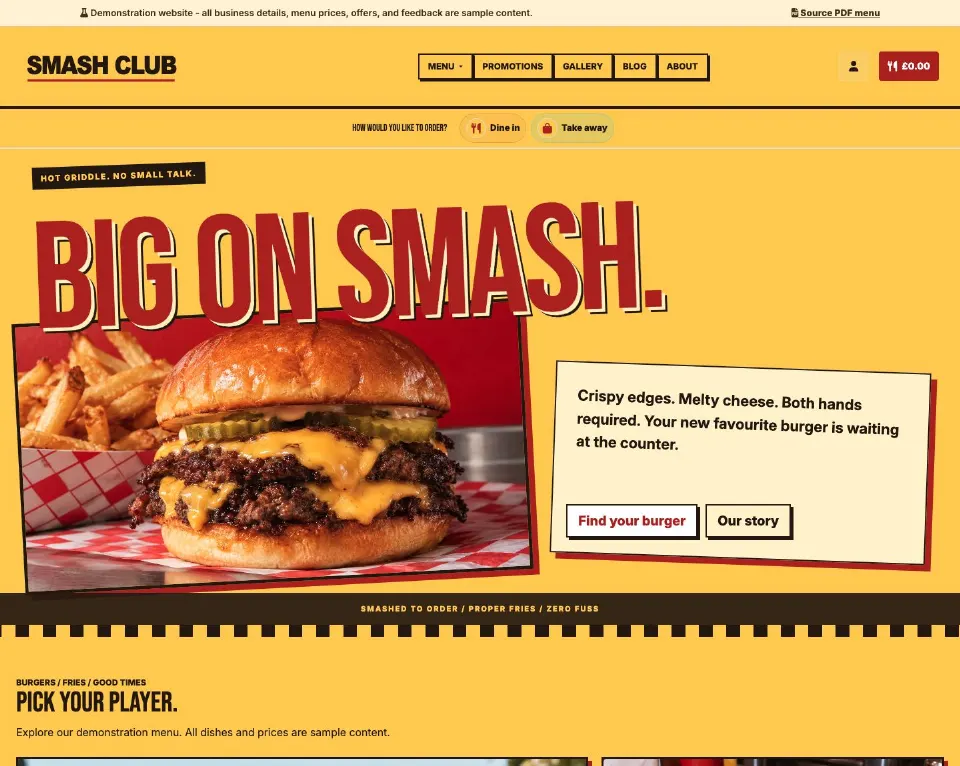
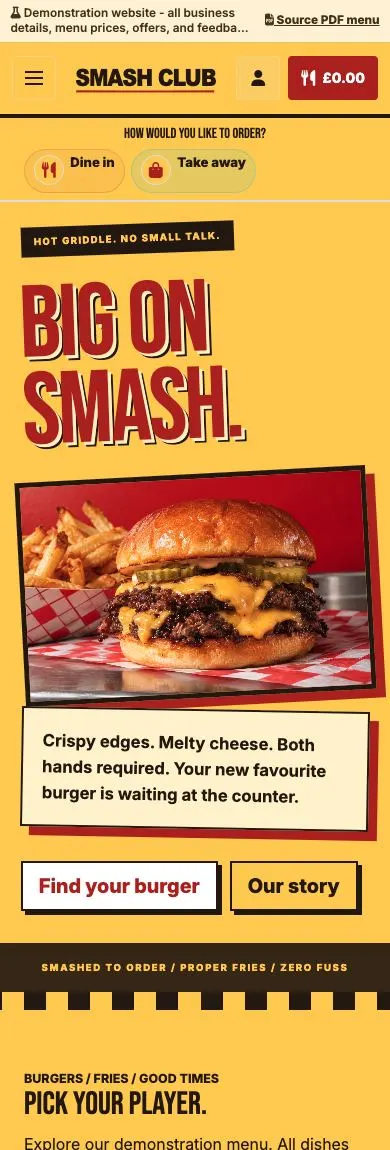
Oversized lettering, bold colour and burgers that take centre stage.
Explore demo — Burger joint — Opens in a new tab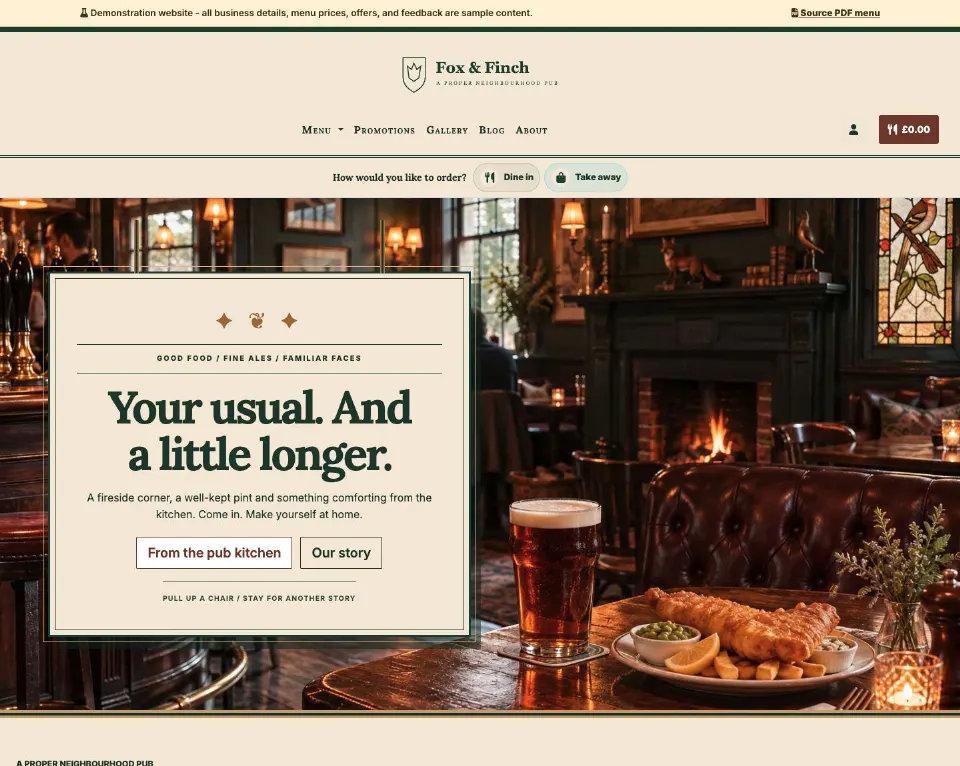
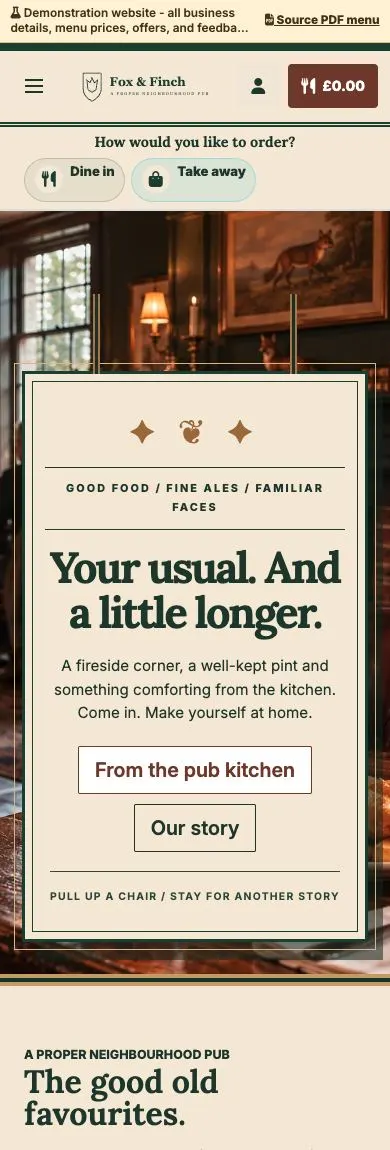
Traditional pub signage, fireside warmth and comforting classics.
Explore demo — British pub — Opens in a new tab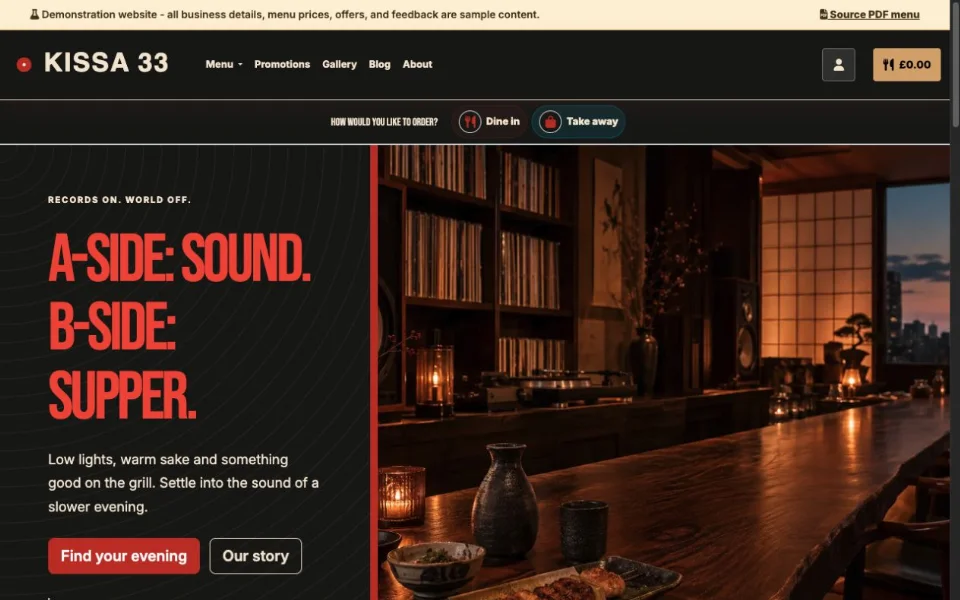
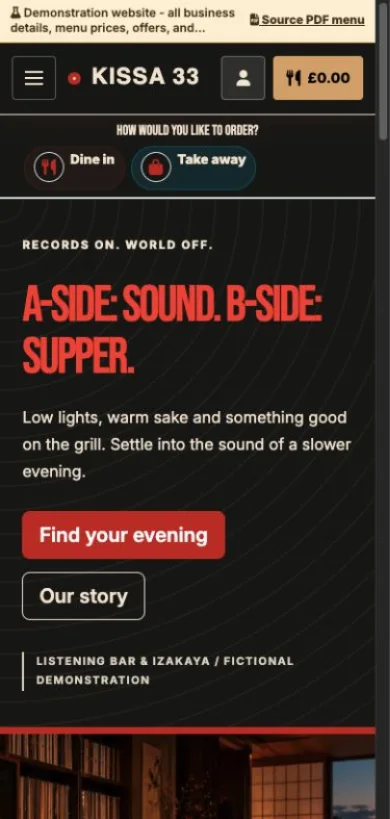
Warm wood, record-sleeve typography and small plates after dark.
Explore demo — Listening bar & izakaya — Opens in a new tab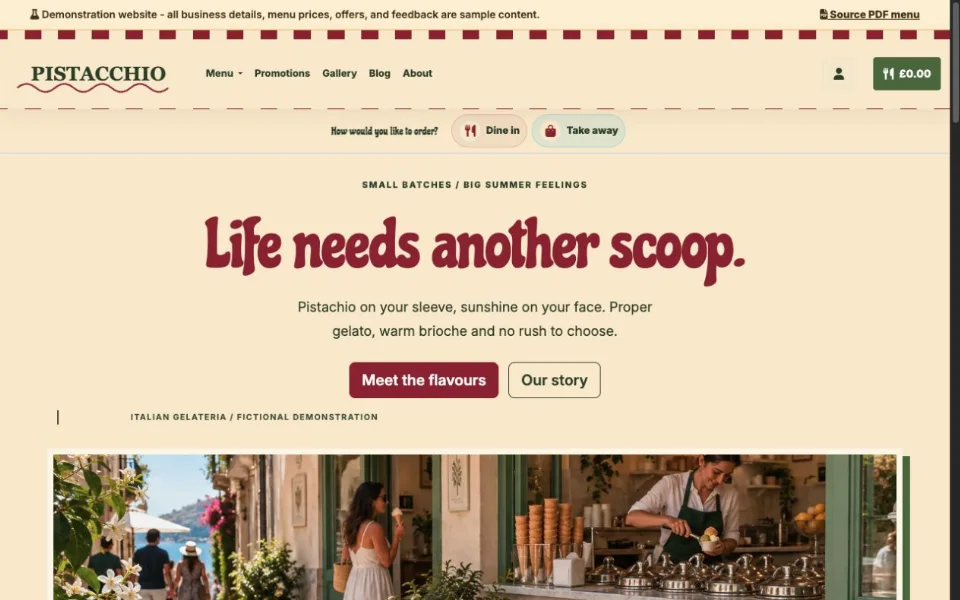
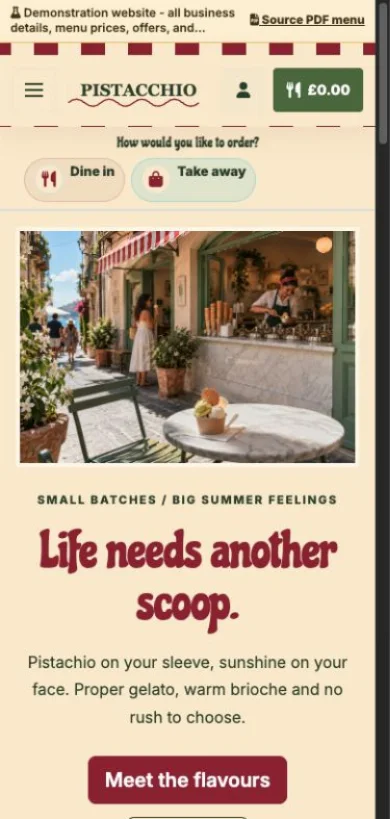
Pistachio green, cherry stripes and a scoop of Italian sunshine.
Explore demo — Italian gelateria — Opens in a new tab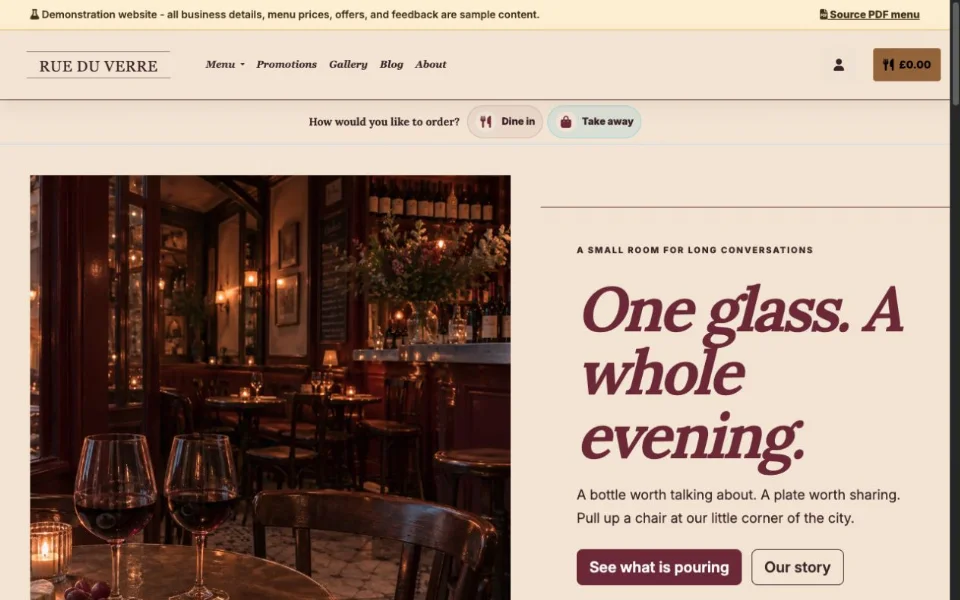
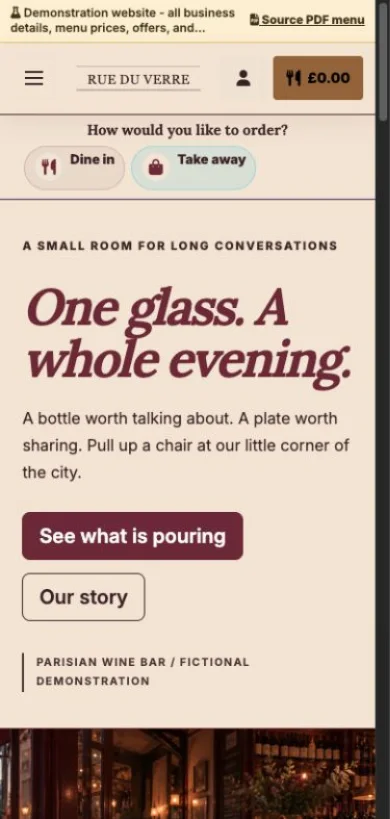
Burgundy, brass and an intimate editorial wine-bar design.
Explore demo — Parisian wine bar — Opens in a new tab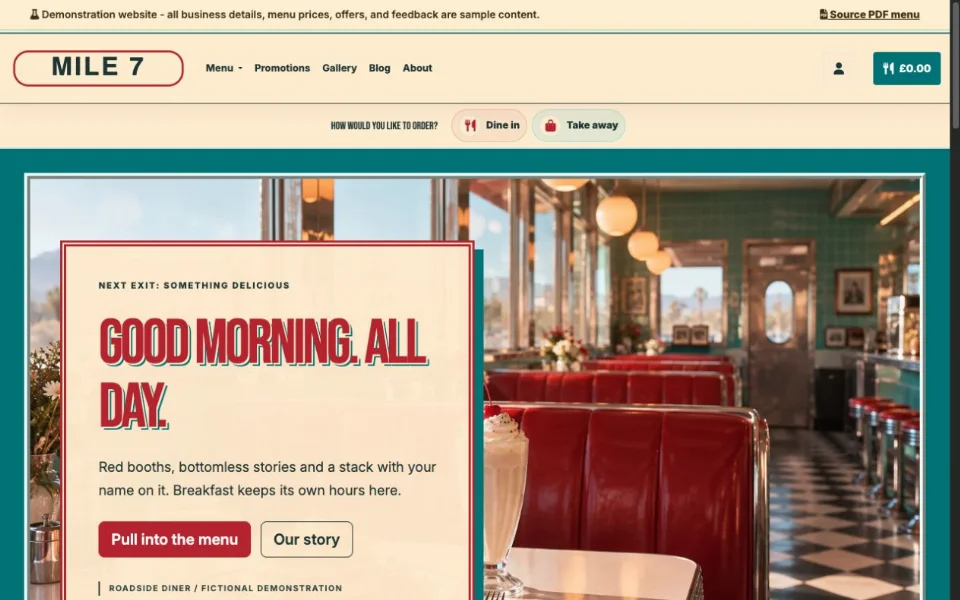
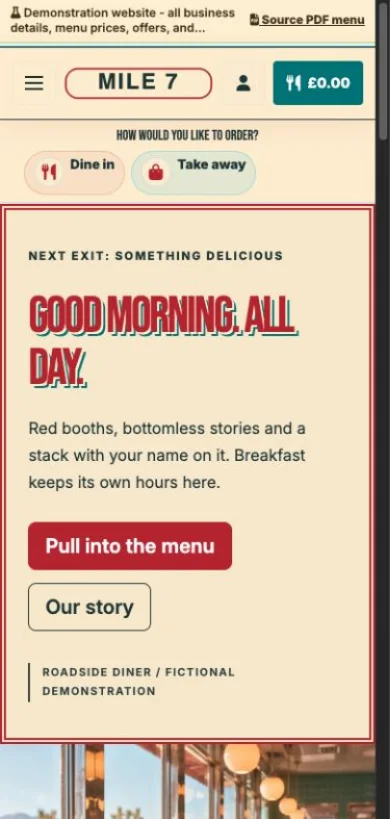
Chrome trim, red booths and a breakfast menu with big personality.
Explore demo — Roadside diner — Opens in a new tab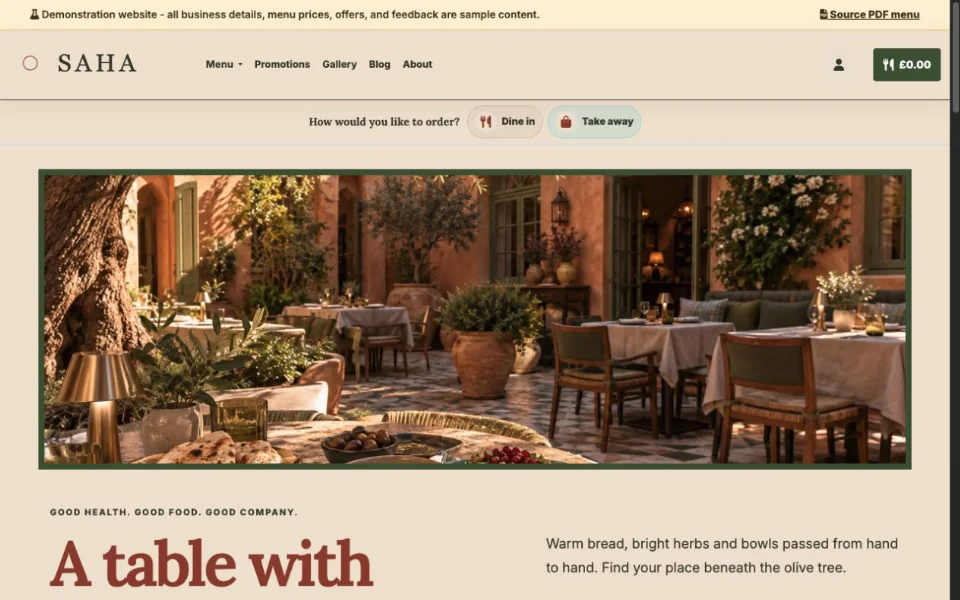
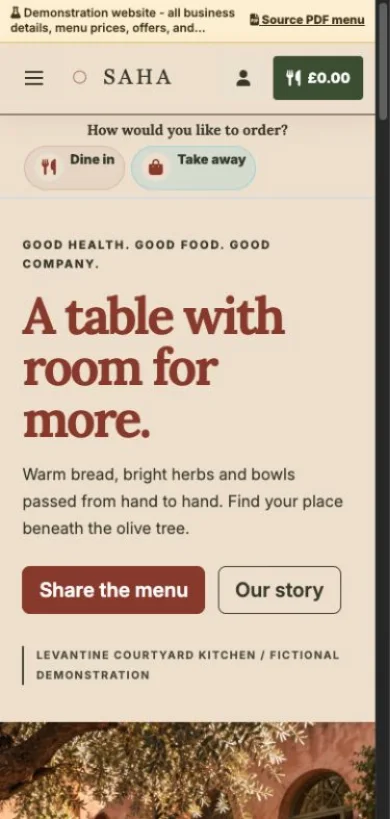
Terracotta, olive tones and a generous table made for sharing.
Explore demo — Levantine courtyard — Opens in a new tab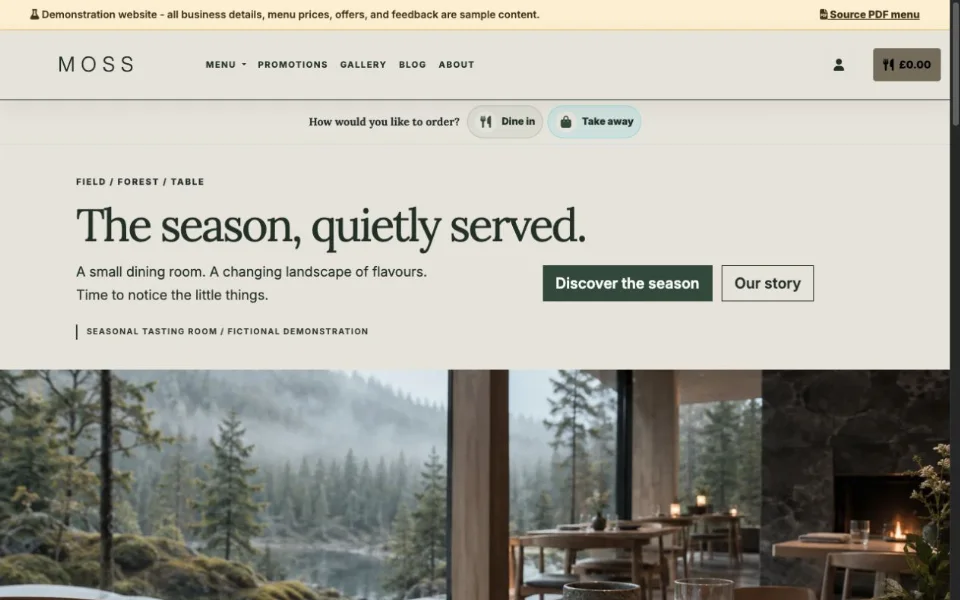
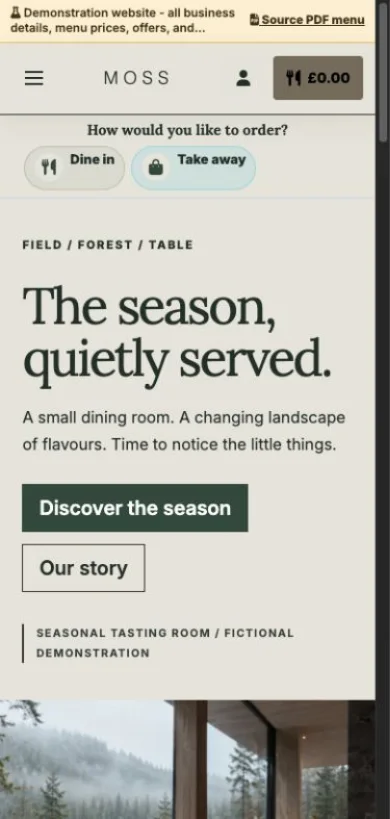
Quiet typography, natural textures and a seasonal tasting menu.
Explore demo — Nordic tasting room — Opens in a new tab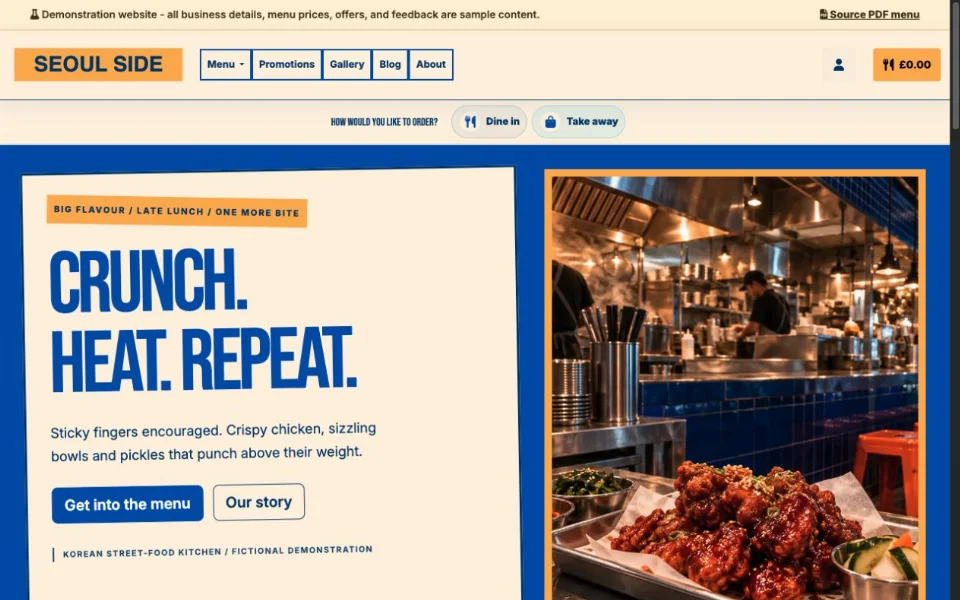
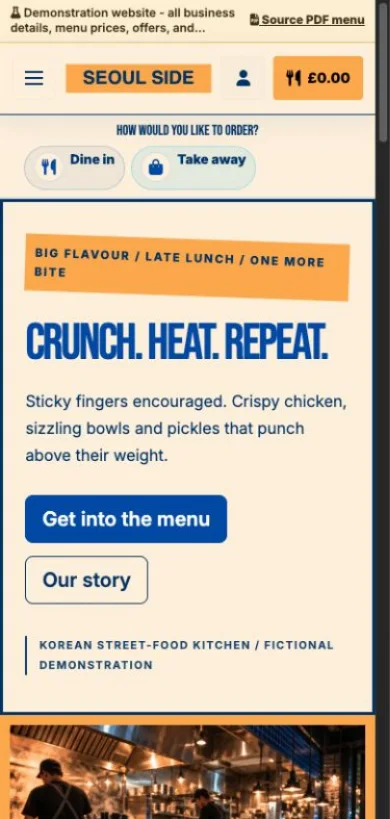
Cobalt blue, bold posters and a menu full of crunch and heat.
Explore demo — Korean street-food kitchen — Opens in a new tabThese are demonstration businesses with sample menus, photos and feedback.
AI can propose structure, descriptions, imagery, and design values, but catalogue creation and the private website draft follow your confirmed menu and language choices.
Yes. The intake supports multiple photos, a PDF, or a mixed set of useful menu sources.
No. The onboarding flow prepares private, reviewable work and keeps publication as an explicit owner action.
The workflow can use a conservative venue-based fallback so a provider error does not invalidate an otherwise usable menu preview.
Create a free account, add your restaurant menu, and use the 90-day Order Pro trial to test On Tab ordering without credit card details.