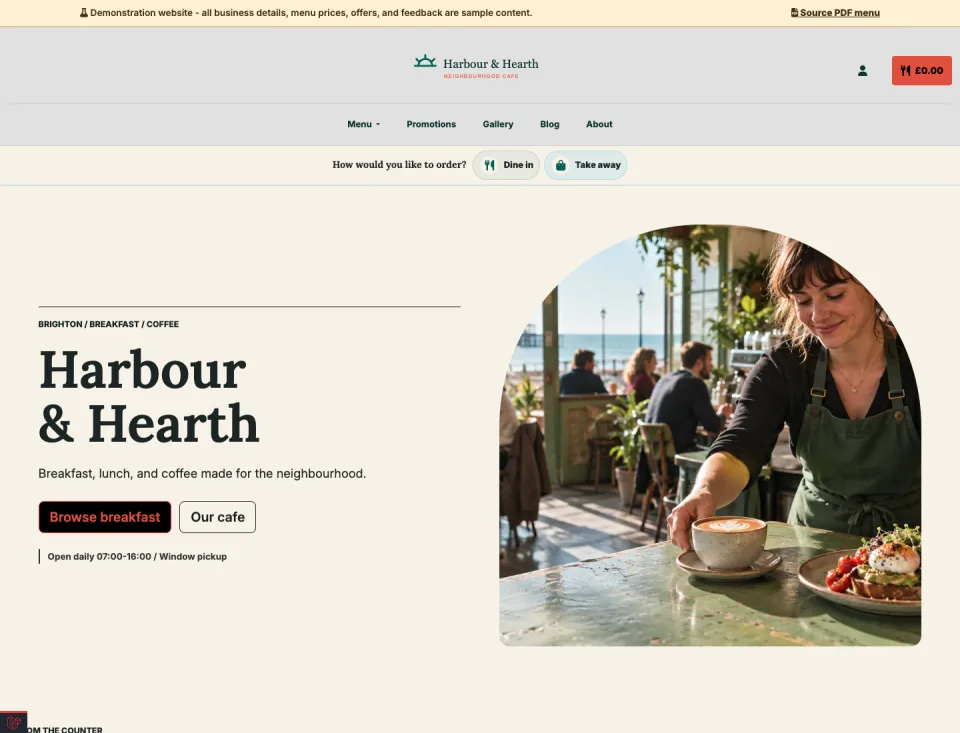
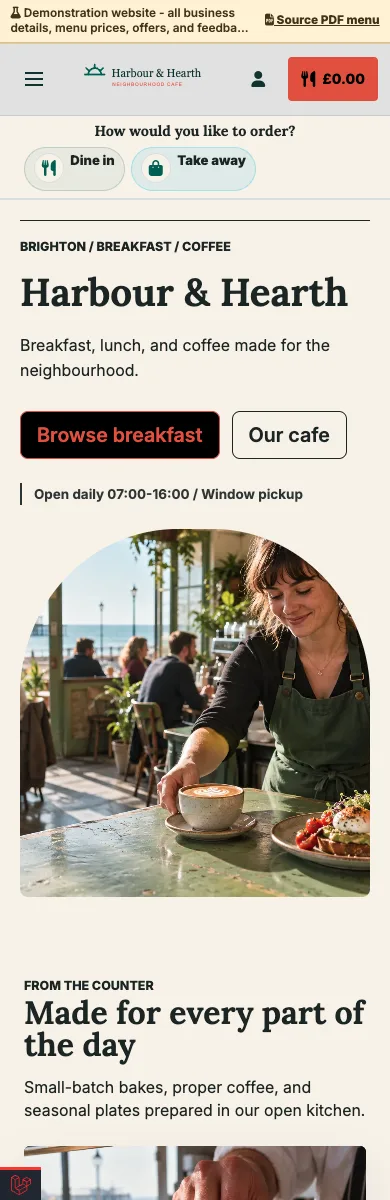
Neighbourhood cafe
A mobile breakfast and lunch menu with daily offers, gallery, guest feedback, pickup ordering, and local contact details.
Explore demo — Neighbourhood cafe — Opens in a new tabUpload a menu photo or PDF. Giveamenu helps create a restaurant website with digital menu, QR access, SEO-ready pages, promotions, galleries, reviews, and a 90-day Order Pro trial.
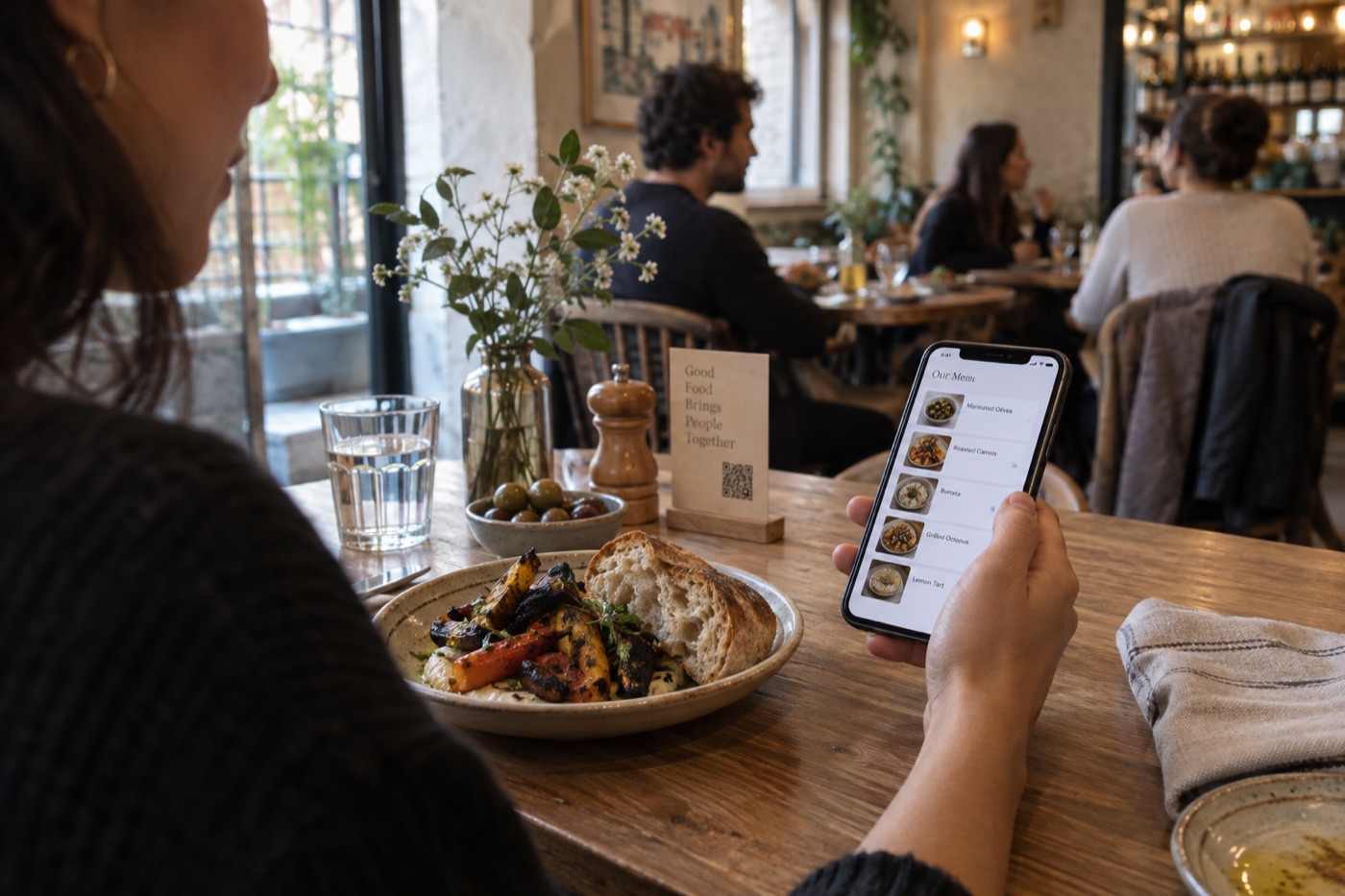
Seventeen venues, each with its own character. Explore the designs on desktop and mobile.
A mobile breakfast and lunch menu with daily offers, gallery, guest feedback, pickup ordering, and local contact details.
Explore demo — Neighbourhood cafe — Opens in a new tab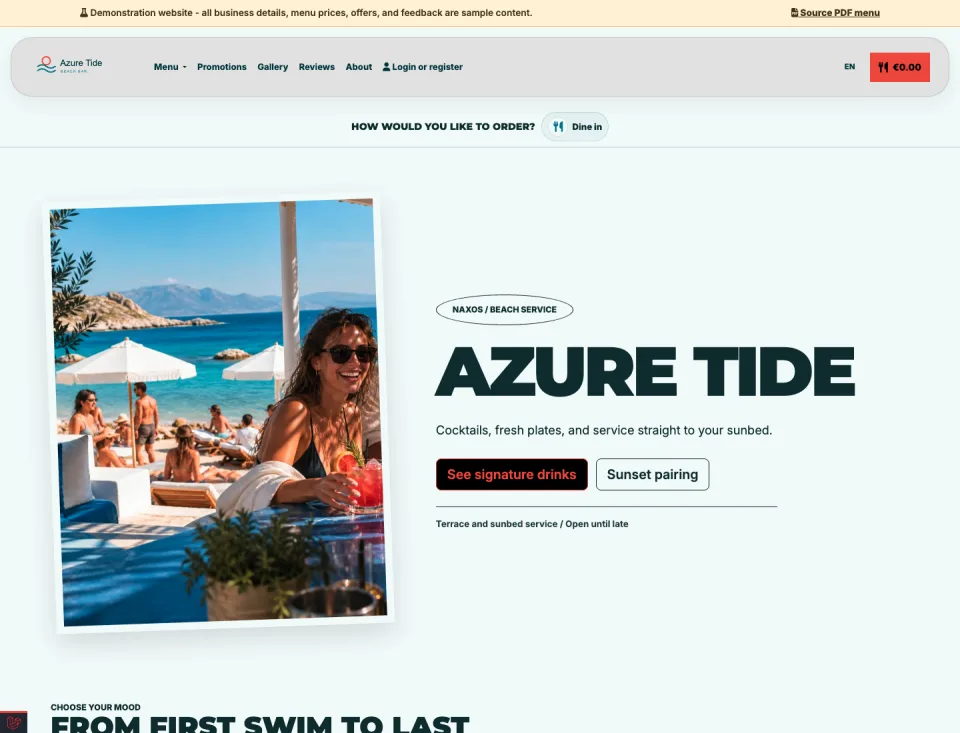
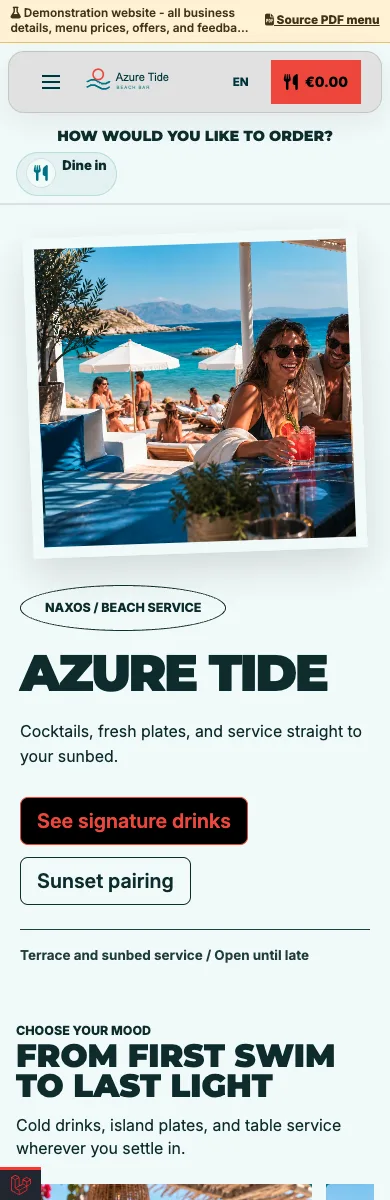
A visual drinks and food site with sunbed QR access, multilingual menus, seasonal promotions, and service-area ordering.
Explore demo — Beach bar — Opens in a new tab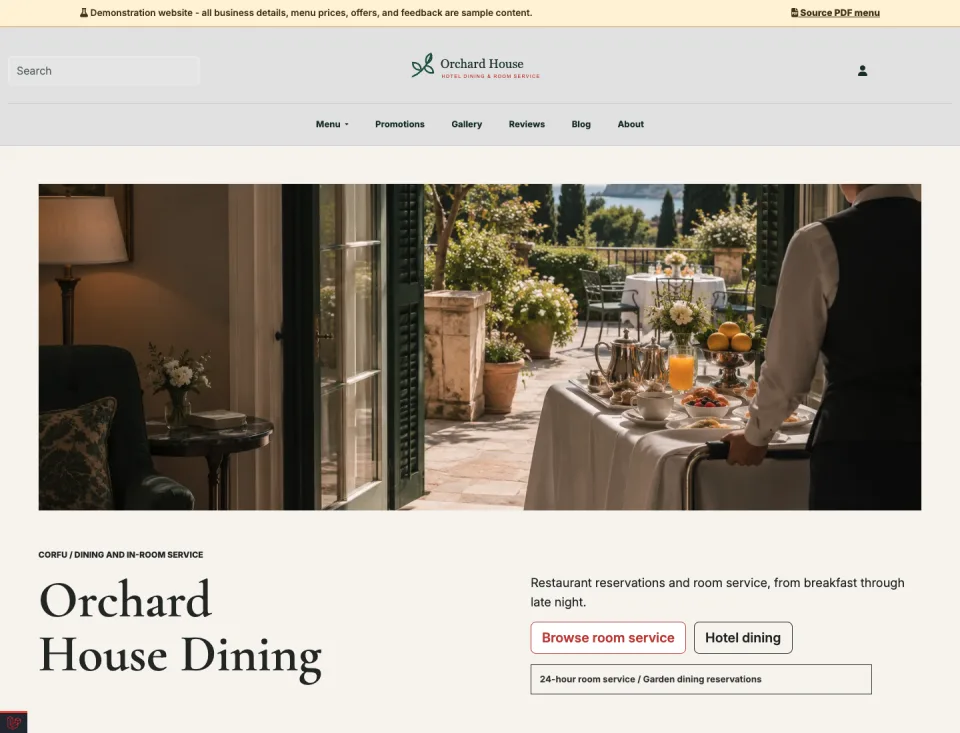
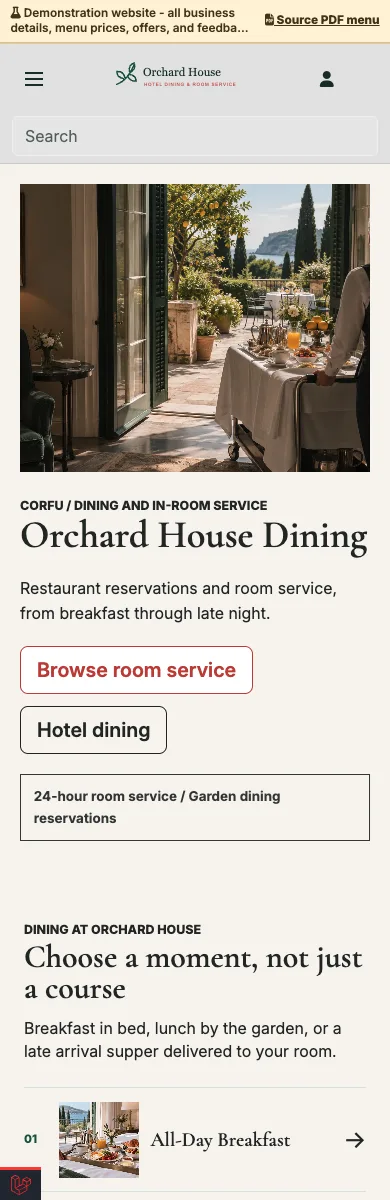
A guest-ready site for restaurant bookings, room-specific QR access, opening hours, galleries, and room-service ordering.
Explore demo — Hotel restaurant and room service — Opens in a new tab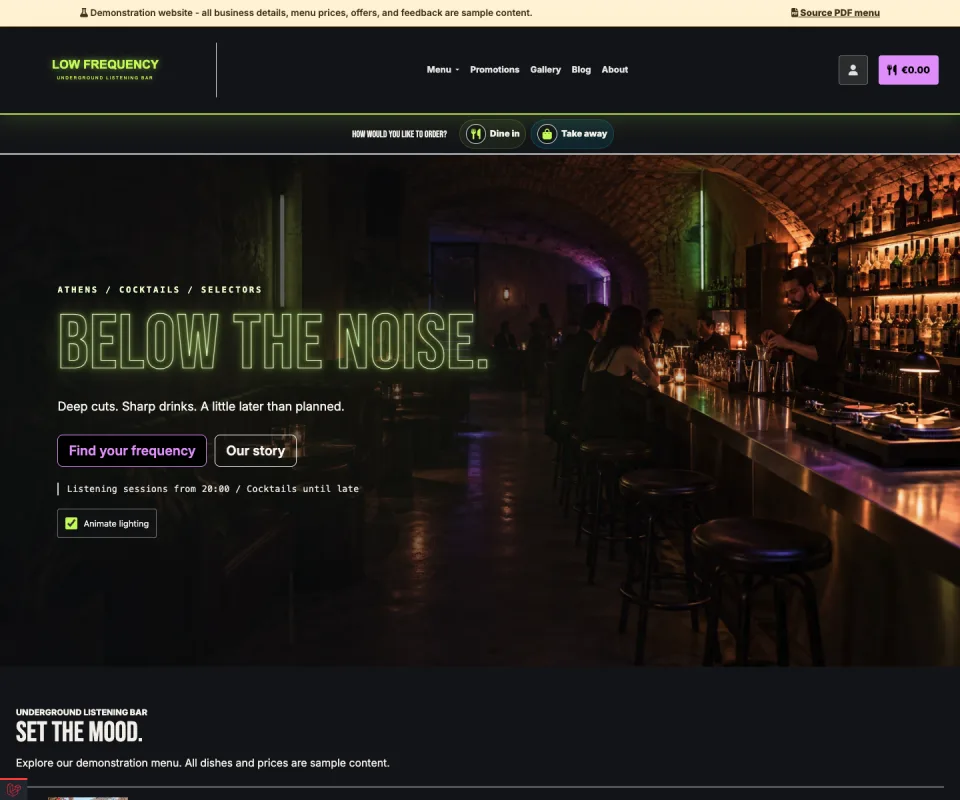
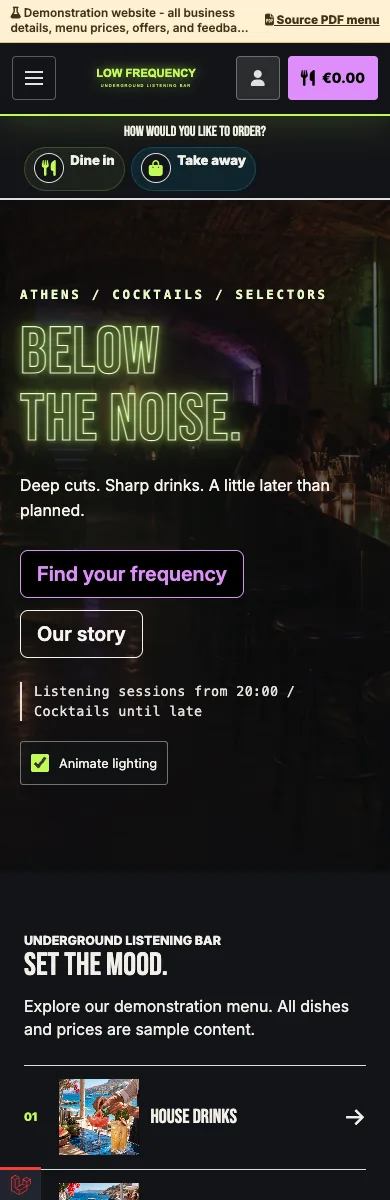
Neon lights, late-night energy and an immersive drinks menu.
Explore demo — Underground bar — Opens in a new tab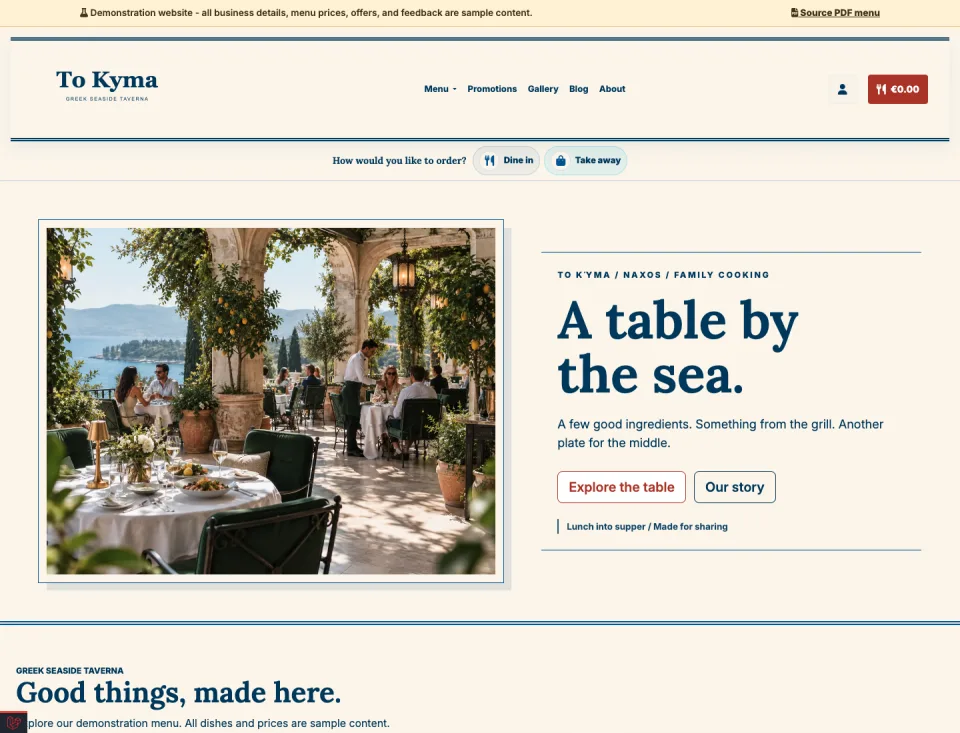
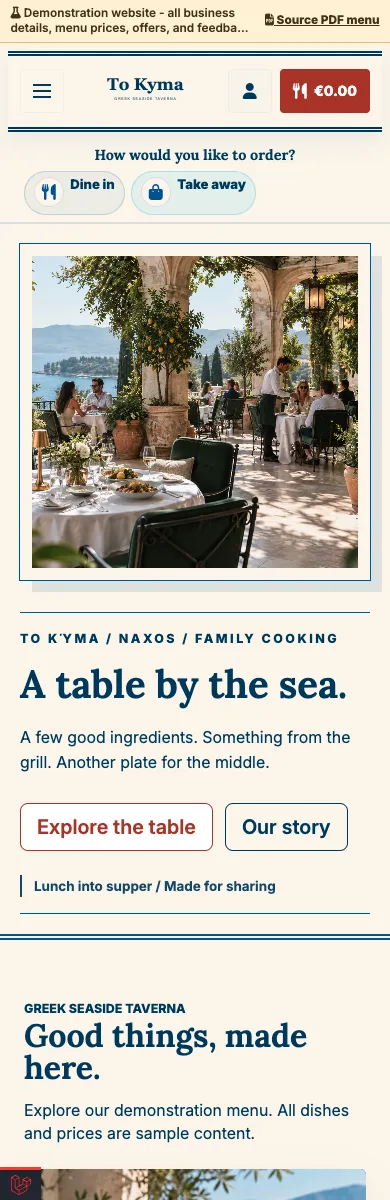
A sunlit blue-and-cream design for shared plates and warm hospitality.
Explore demo — Greek taverna — Opens in a new tab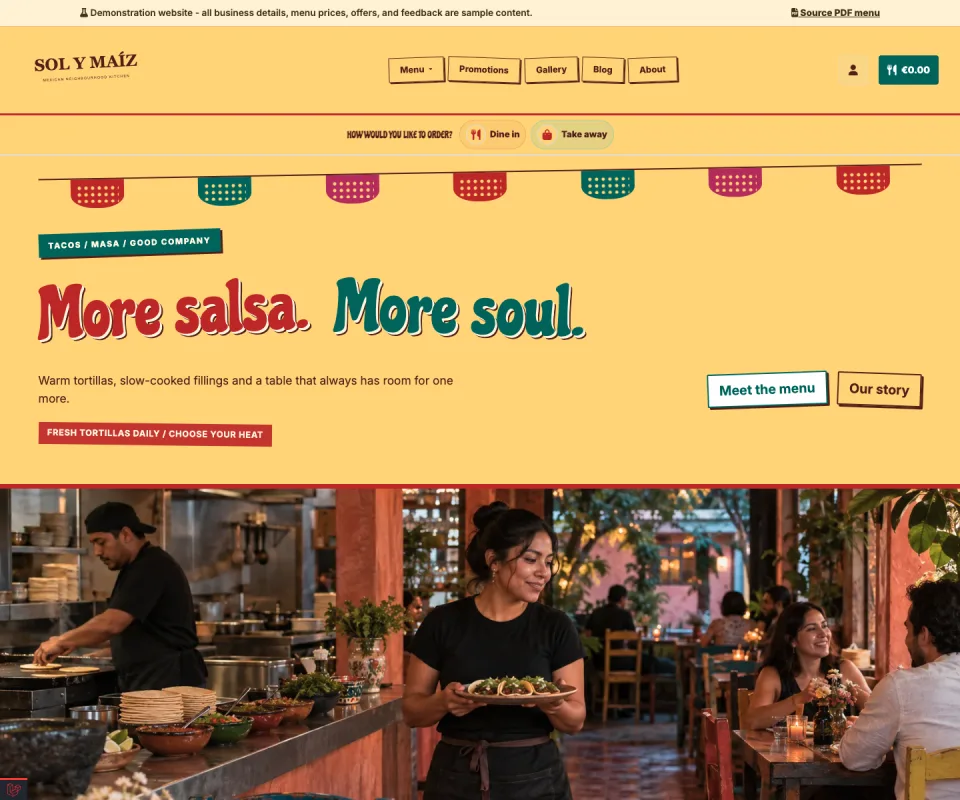
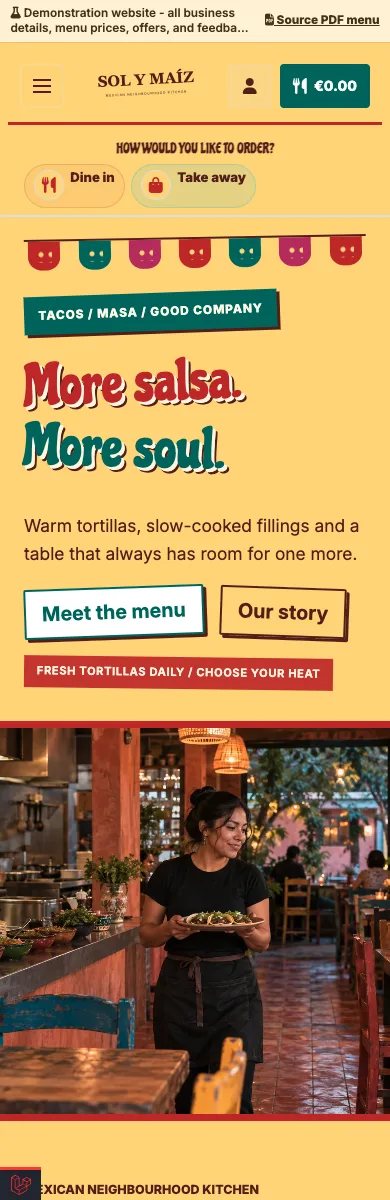
Painted lettering, vibrant colours and a menu full of character.
Explore demo — Mexican restaurant — Opens in a new tab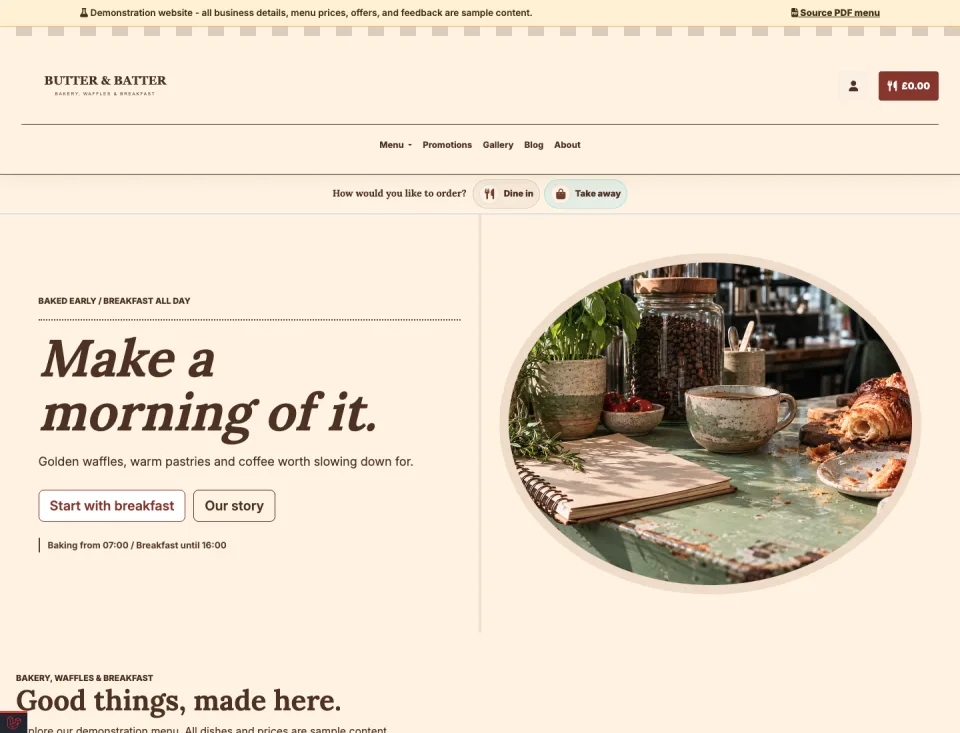
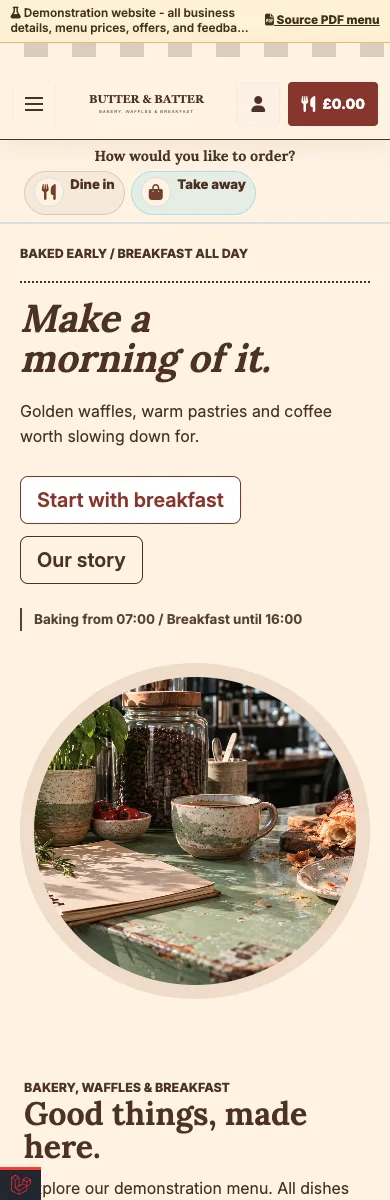
A striped awning, fresh bakes and a welcoming breakfast menu.
Explore demo — Bakery and breakfast bistro — Opens in a new tab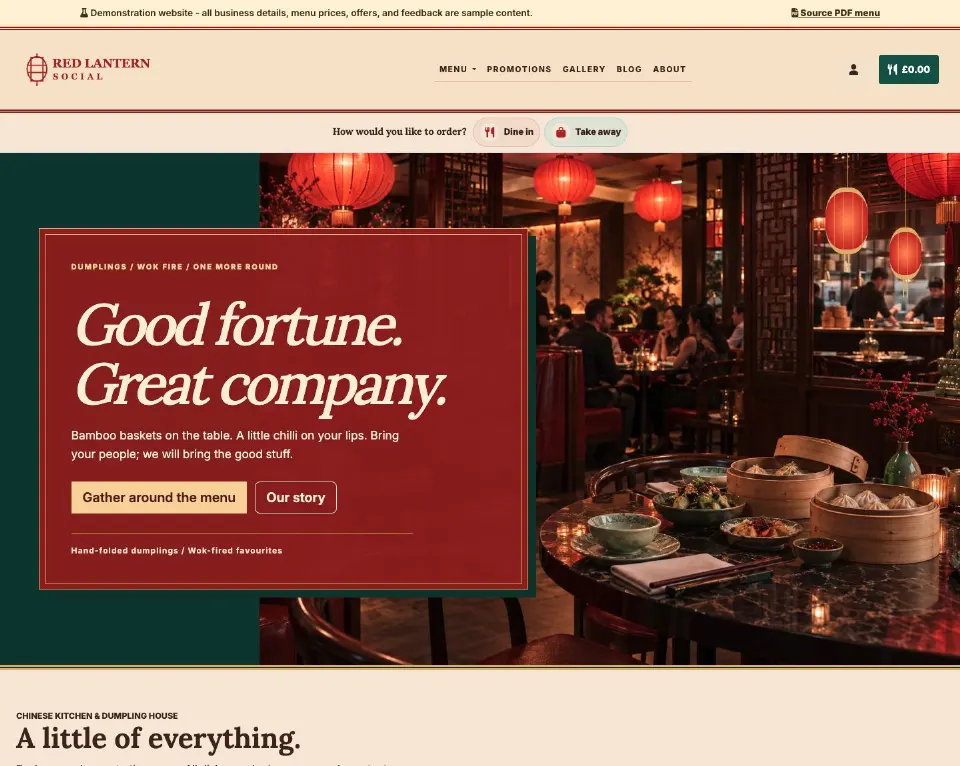
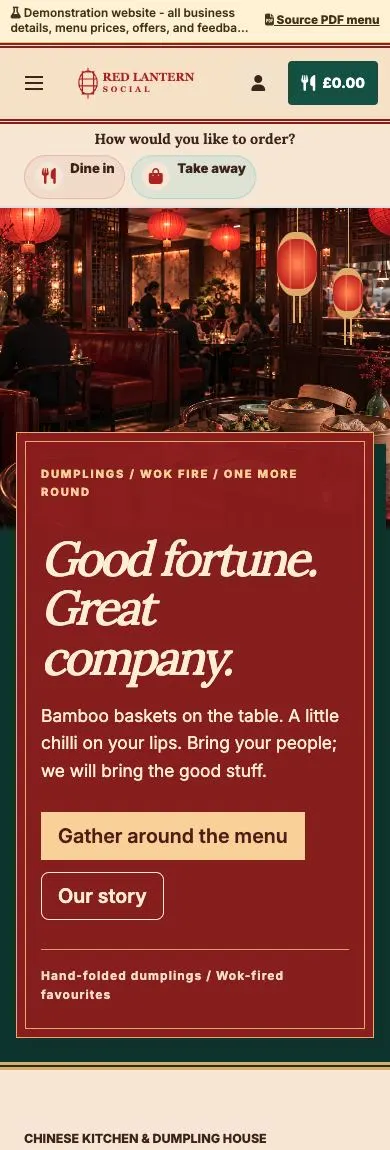
Lantern light, lacquer-red panels and a menu made for sharing.
Explore demo — Chinese supper club — Opens in a new tab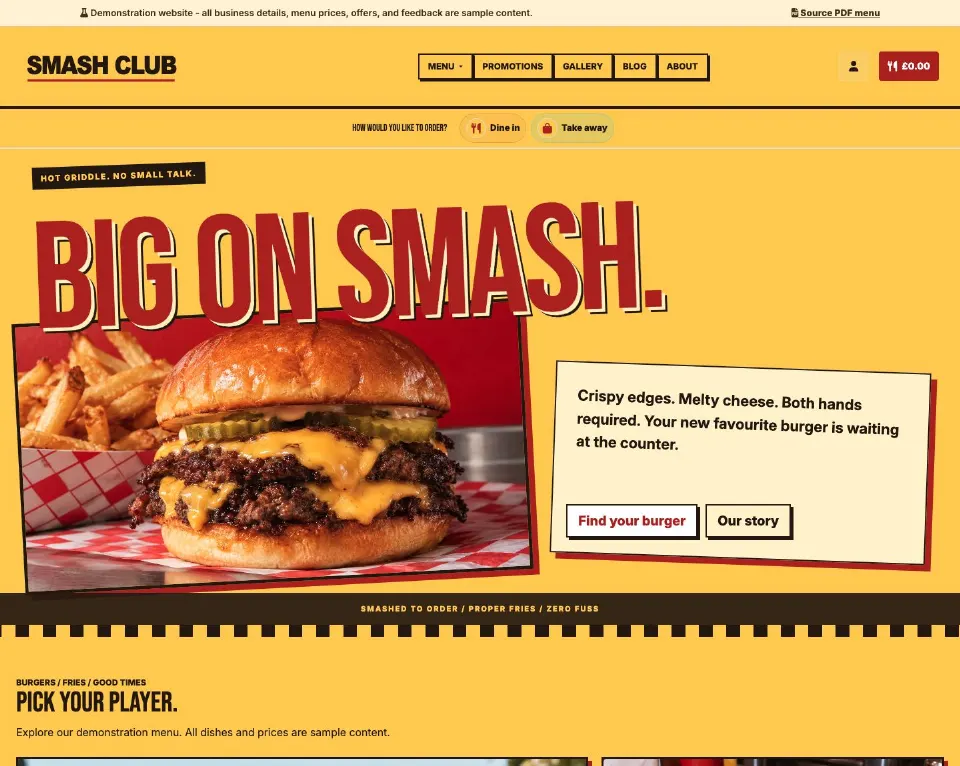
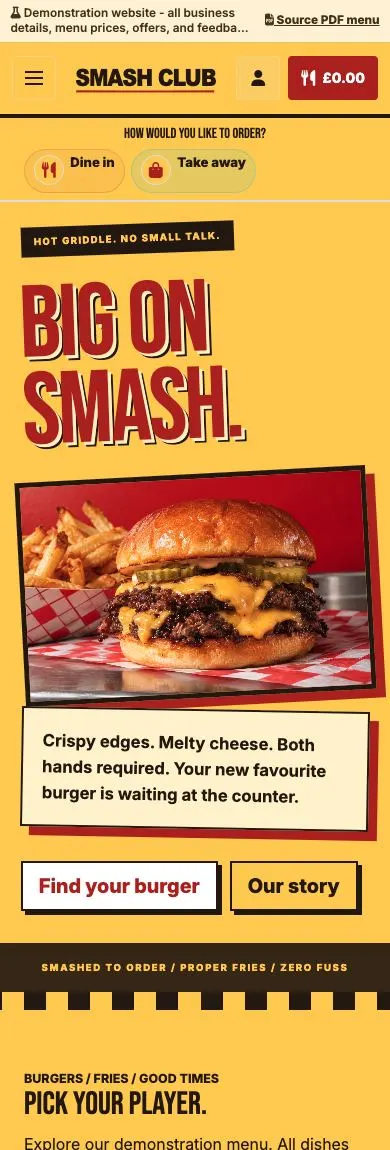
Oversized lettering, bold colour and burgers that take centre stage.
Explore demo — Burger joint — Opens in a new tab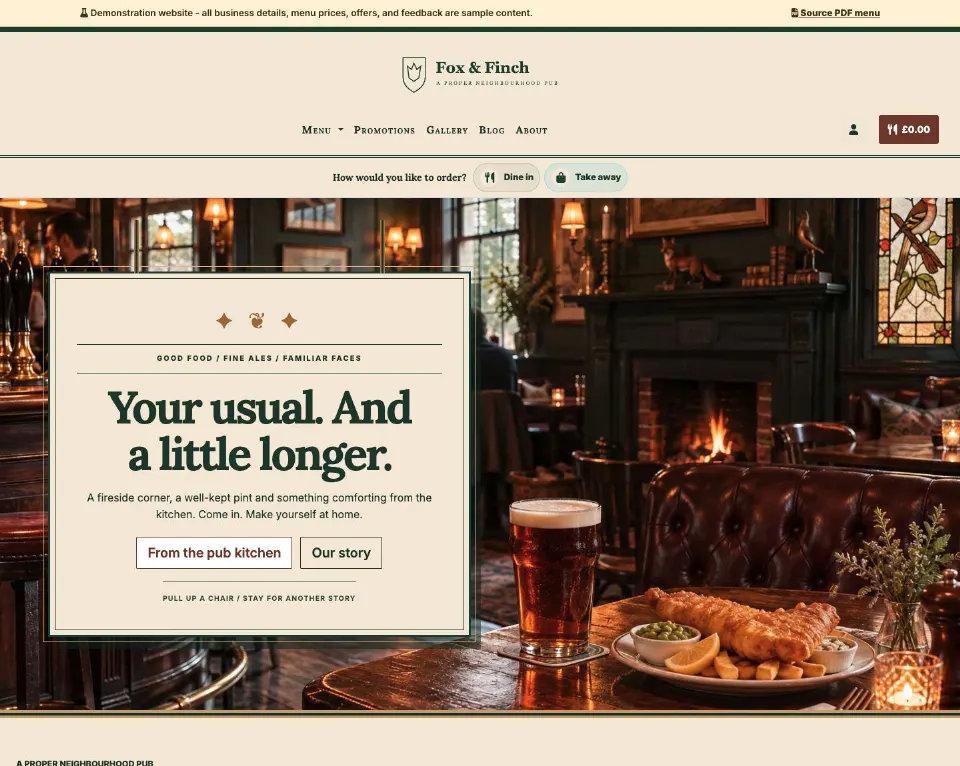
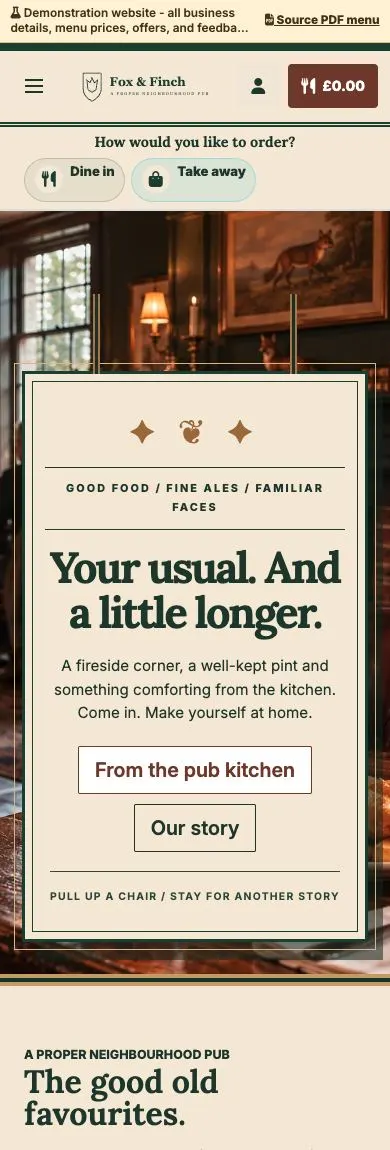
Traditional pub signage, fireside warmth and comforting classics.
Explore demo — British pub — Opens in a new tab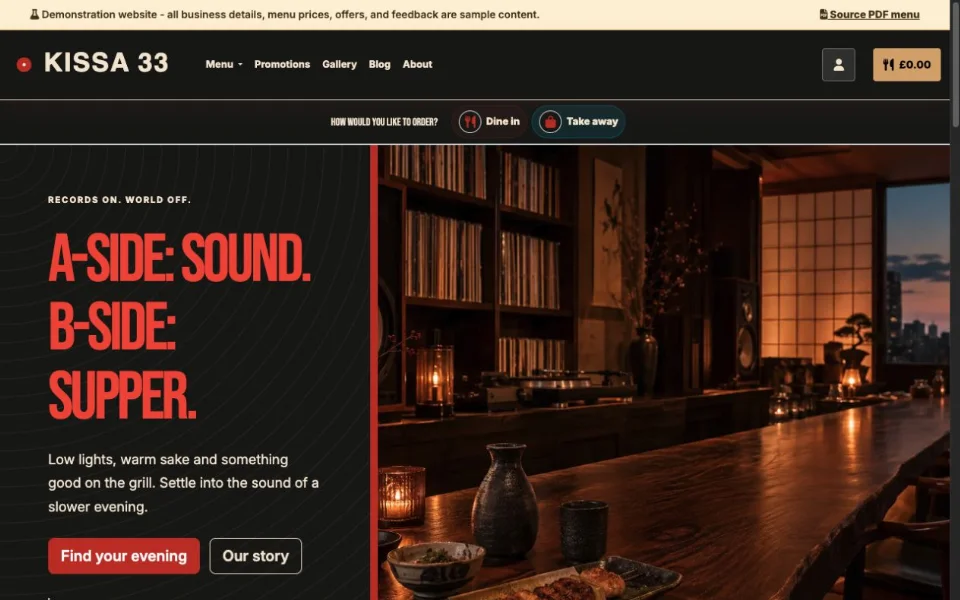
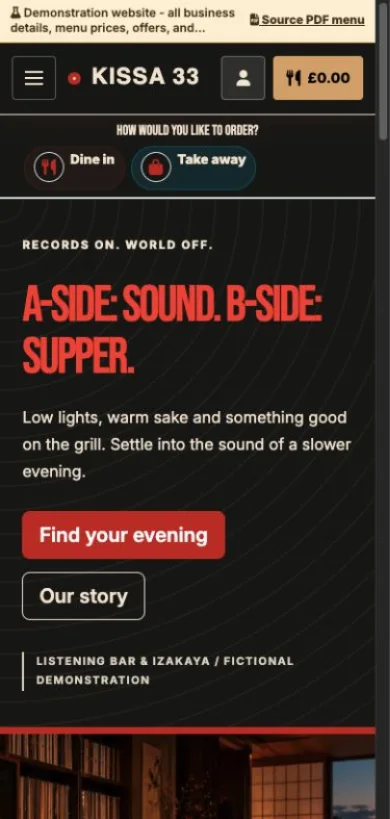
Warm wood, record-sleeve typography and small plates after dark.
Explore demo — Listening bar & izakaya — Opens in a new tab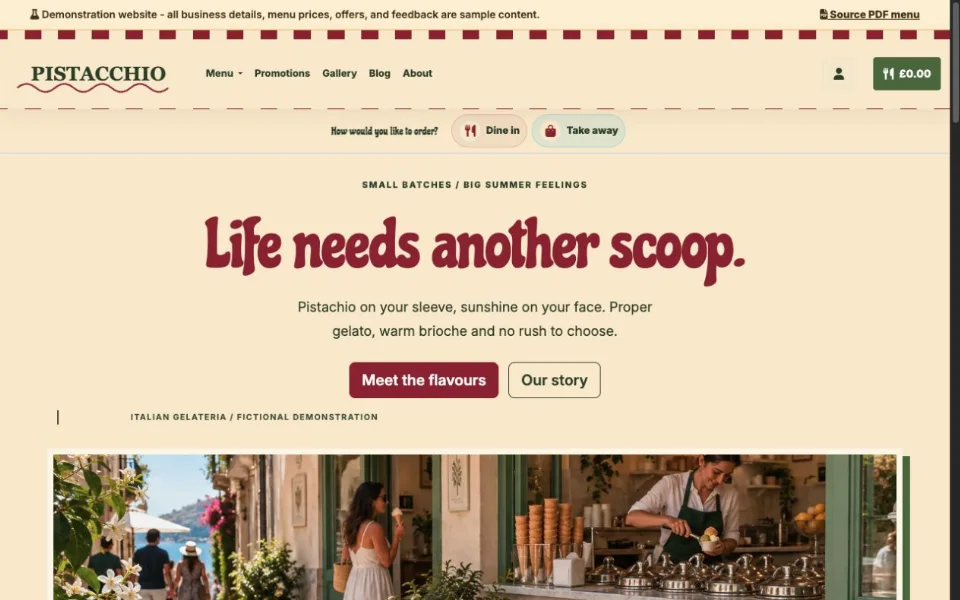
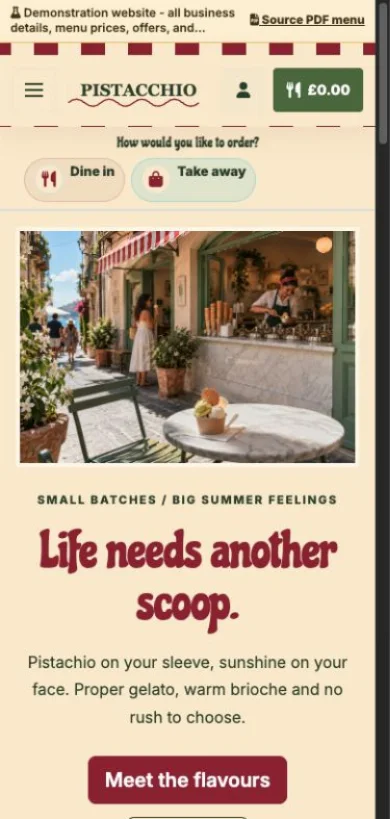
Pistachio green, cherry stripes and a scoop of Italian sunshine.
Explore demo — Italian gelateria — Opens in a new tab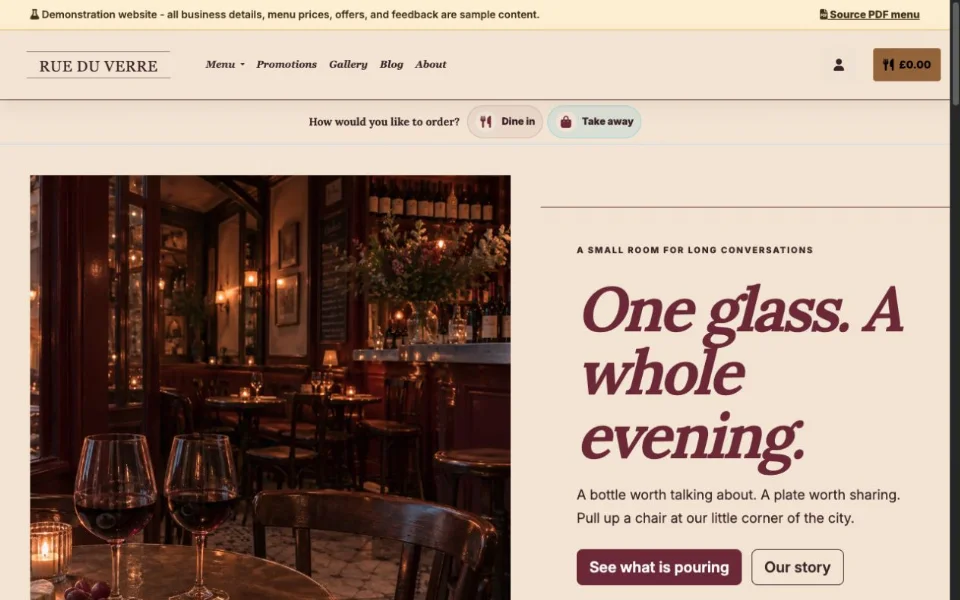
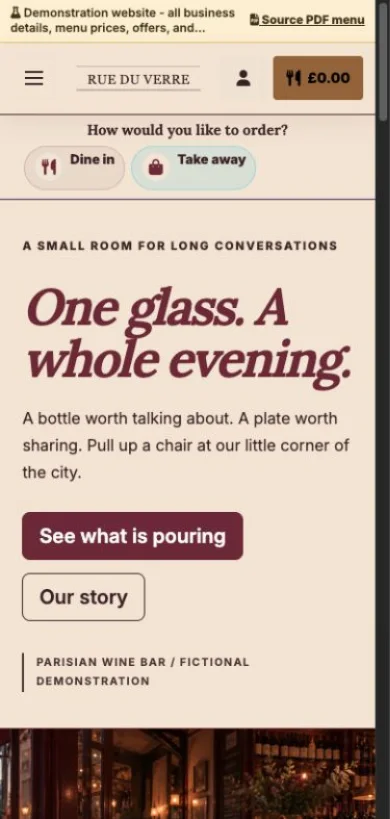
Burgundy, brass and an intimate editorial wine-bar design.
Explore demo — Parisian wine bar — Opens in a new tab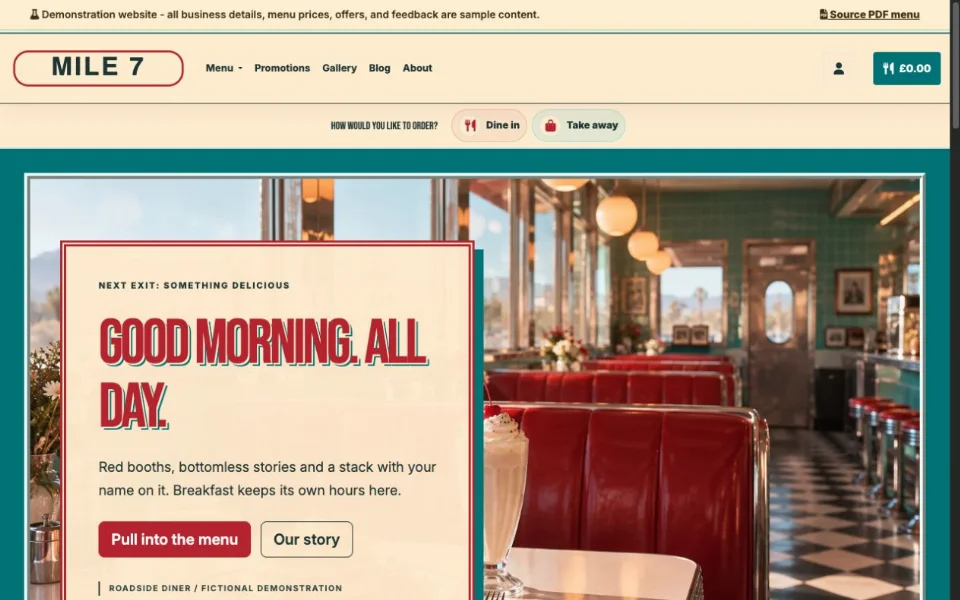
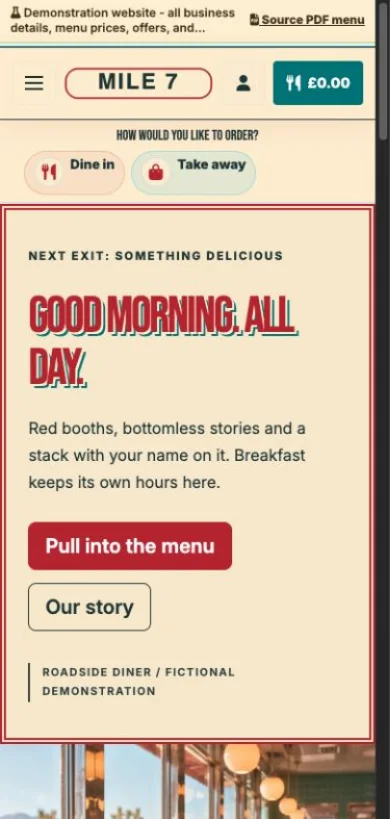
Chrome trim, red booths and a breakfast menu with big personality.
Explore demo — Roadside diner — Opens in a new tab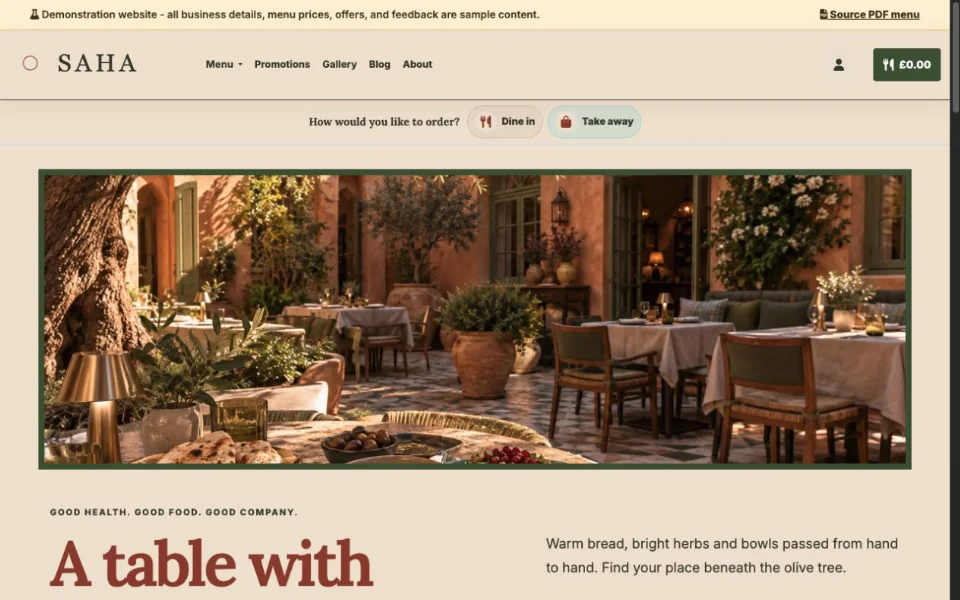
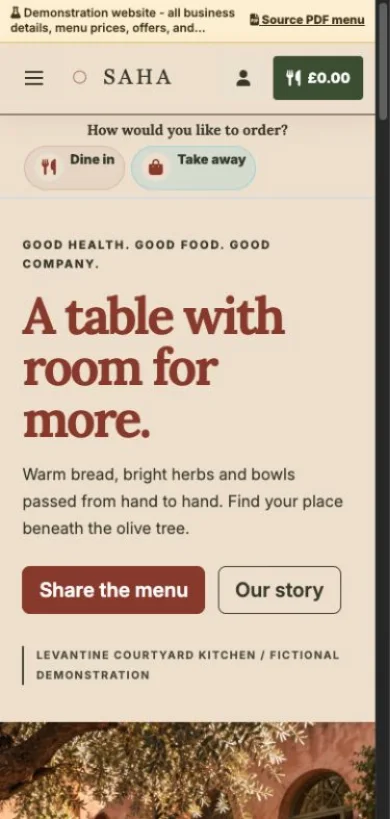
Terracotta, olive tones and a generous table made for sharing.
Explore demo — Levantine courtyard — Opens in a new tab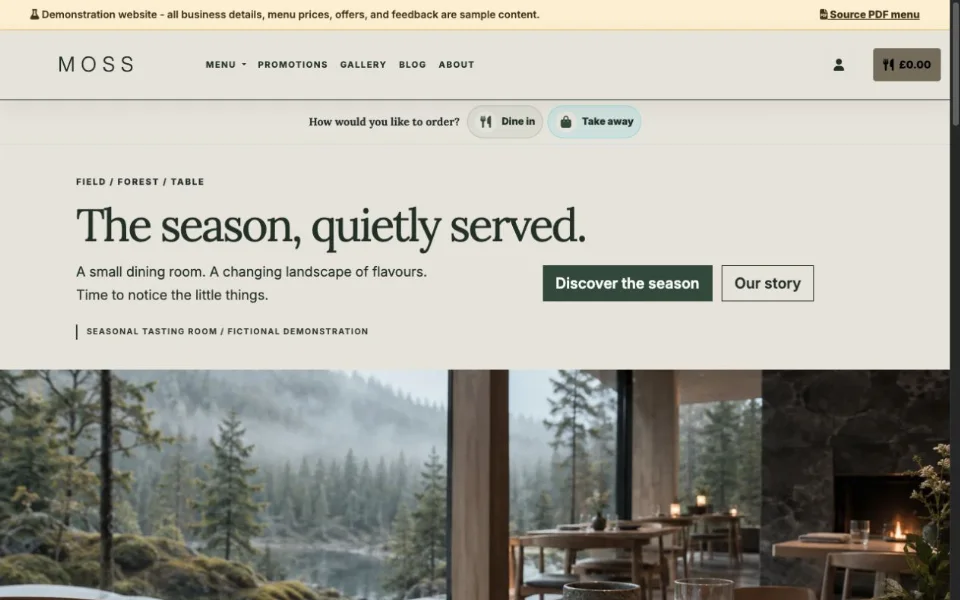
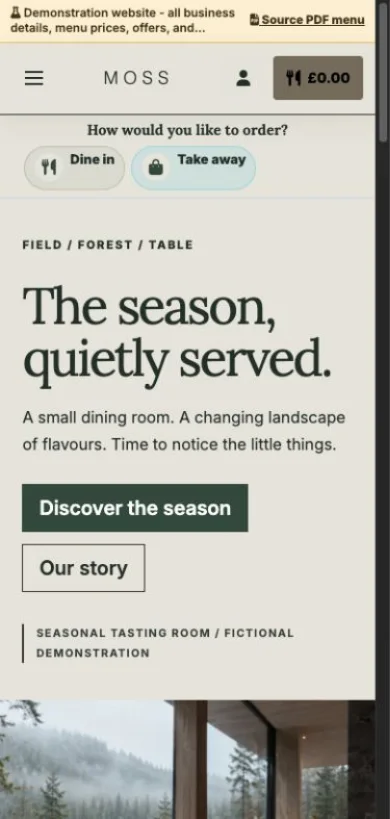
Quiet typography, natural textures and a seasonal tasting menu.
Explore demo — Nordic tasting room — Opens in a new tab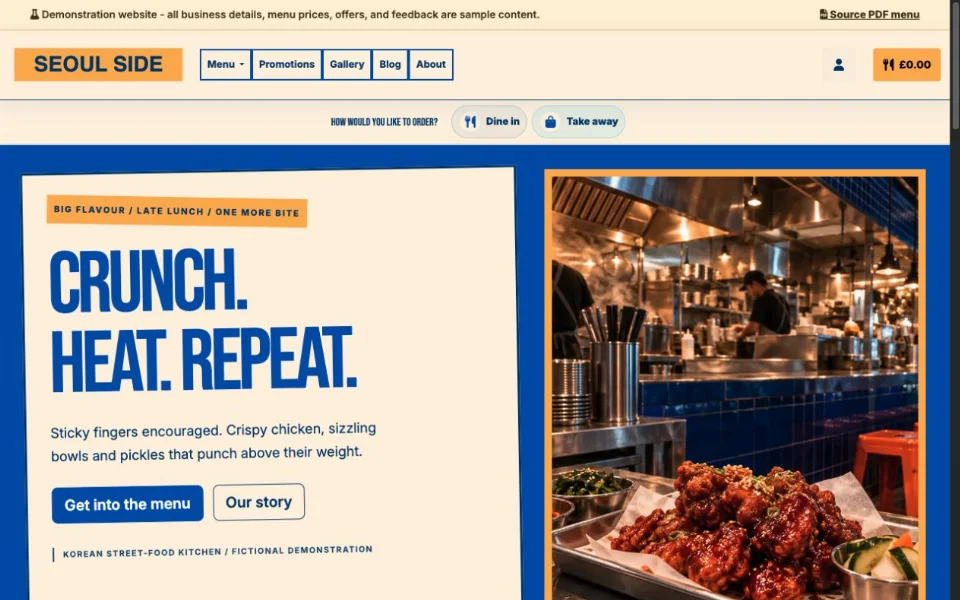
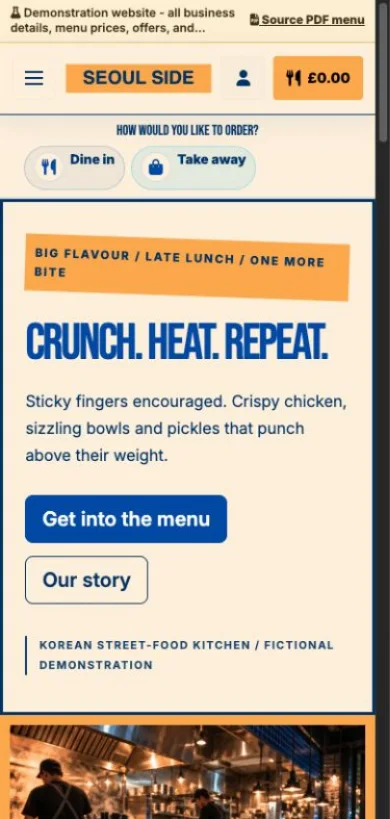
Cobalt blue, bold posters and a menu full of crunch and heat.
Explore demo — Korean street-food kitchen — Opens in a new tabThese are demonstration businesses with sample menus, photos and feedback.
Giveamenu ṣopọ mọ aaye titaja ti gbogbo eniyan, iwaju ile itaja onibara, ati agbegbe abojuto nitorinaa akojọ aṣayan ati awọn ayipada ero fihan nibiti awọn alabara ti ṣawari, ifipamọ, tabi paṣẹ.
Kọ igbẹkẹle, ṣe alaye ile ounjẹ rẹ, ṣafihan akojọ aṣayan rẹ, ati ṣe itọsọna awọn alejo sinu igbesẹ ti n tẹle ti o tọ.
Jẹ ki awọn alejo lọ kiri lori akojọ aṣayan, ṣe ifipamọ nibiti o ti ṣiṣẹ, ati gbe awọn aṣẹ Lori Taabu nigbati ile itaja ba wa lori Bere fun Pro.
Ṣakoso awọn akojọ aṣayan, awọn ifiṣura, Lori Awọn ibere Taabu, awọn tabili, awọn ede, oṣiṣẹ, ati awọn iṣẹ ṣiṣe laaye.
Lati awọn ifi eti okun ati iṣẹ yara hotẹẹli si awọn iṣowo ifijiṣẹ agbegbe, Giveamenu ṣe iranlọwọ fun awọn oniṣẹ lati gbe lati lilọ kiri ayelujara QR sinu ṣiṣiṣẹ ṣiṣe ṣiṣe ṣiṣe ni iyara tiwọn.
Awọn alabara paṣẹ awọn ohun mimu, awọn ipanu, ati iṣẹ igo lati awọn ibusun oorun, awọn cabanas, awọn tabili tabi awọn apakan eti okun.
Sin awọn alejo adagun-odo lati awọn yara yara, awọn cabanas, awọn agbegbe spa, ati awọn deki ita gbangba.
Jẹ ki awọn alejo paṣẹ ounjẹ, awọn ohun mimu, ounjẹ owurọ, awọn ohun elo, tabi iṣẹ alẹ lati yara wọn.
Pese tabili Ere, agọ, balikoni, rọgbọkú papa ọkọ ofurufu, tabi pipaṣẹ ẹgbẹ ẹgbẹ ẹgbẹ.
Yiyara pipaṣẹ nibiti awọn tabili ti kun, awọn opopona wa ni ṣinṣin, ati awọn oṣiṣẹ ti na.
Help international guests understand the menu, order accurately, and feel confident using your restaurant website.
Create the website first, publish your menu and QR access, then test Order Pro On Tab ordering for 90 days before moving into Order & Pay pilot features.
Create a free account, add your restaurant menu, and use the 90-day Order Pro trial to test On Tab ordering without credit card details.