
Manager and staff access
Give team members the tools they need without making every user responsible for every setting.
Manage restaurant workflows with role-aware access and clearer day-to-day screens.
Support managers and staff with admin access, order handling, settlement context, table workflows, and store operations.
Give team members the tools they need without making every user responsible for every setting.

Support order acceptance, preparation, service, collection, delivery, settlement context, and cancellation workflows.
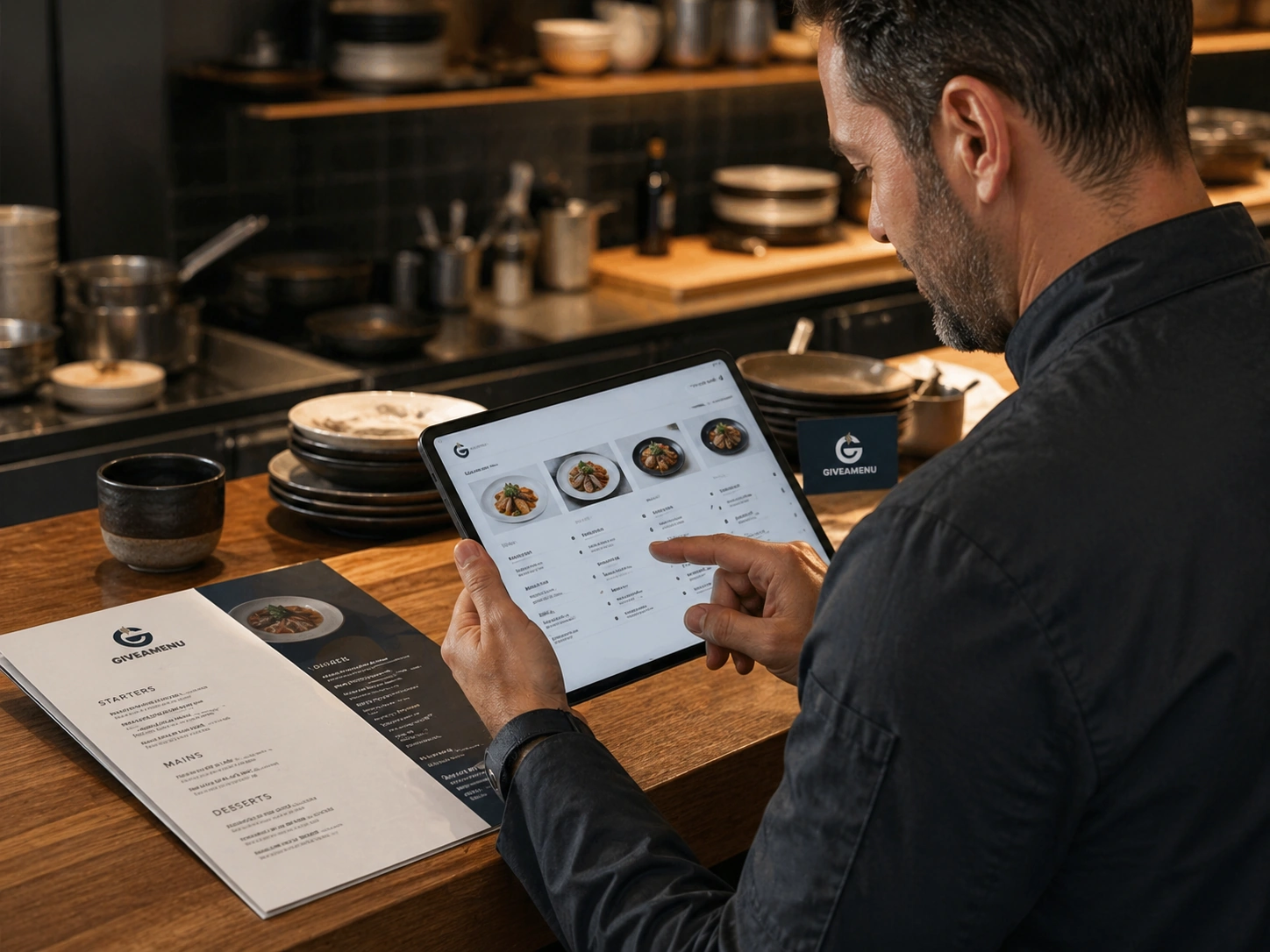
Update menus, promotions, translations, tables, and settings from a single admin environment.
Create a free account, add your restaurant menu, and use the 90-day Order Pro trial to test On Tab ordering without credit card details.
Yes. Plans can include staff member capacity, and access can be aligned to the work different team members need to do.
No. The admin is intended for restaurant operators who need to manage everyday workflows.

Give guests a fast QR flow for browsing menus, making reservations where enabled, and placing On Tab orders when the store uses Order Pro.
Create a structured digital menu with categories, product details, image galleries, options, availability controls, and translations.
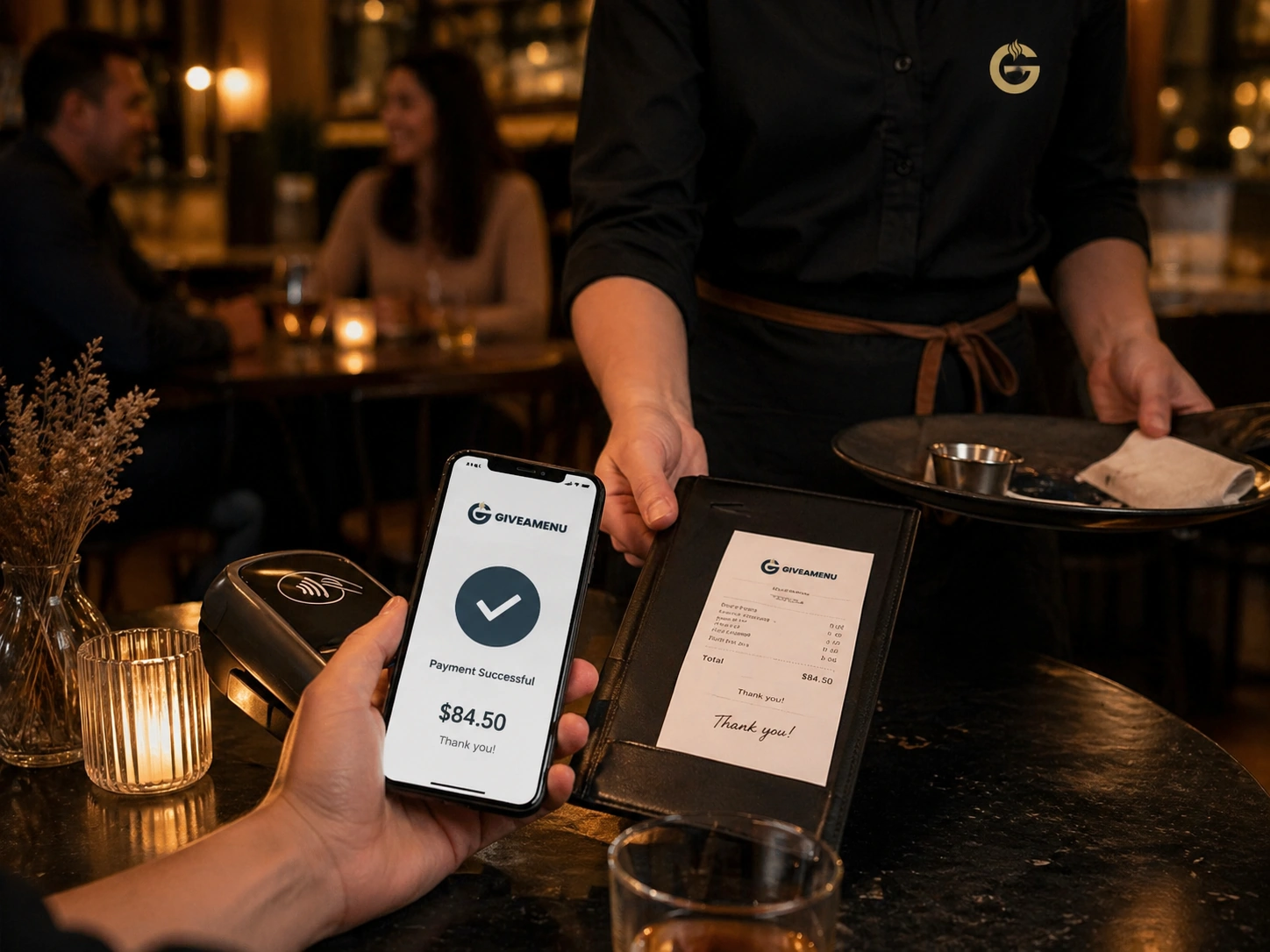
Order & Pay is the future payment and fiscal lane for stores that need online payment collection and receipt workflows after the core ordering setup is stable.