20 ways to use Giveamenu
Use cases for restaurants, hotels, bars, resorts, stores, and delivery operators
Use these examples to see how the platform fits real service models, from QR table ordering and hotel room service to direct delivery, partner-store marketplaces, multilingual menus, reputation building, and higher basket value.
01
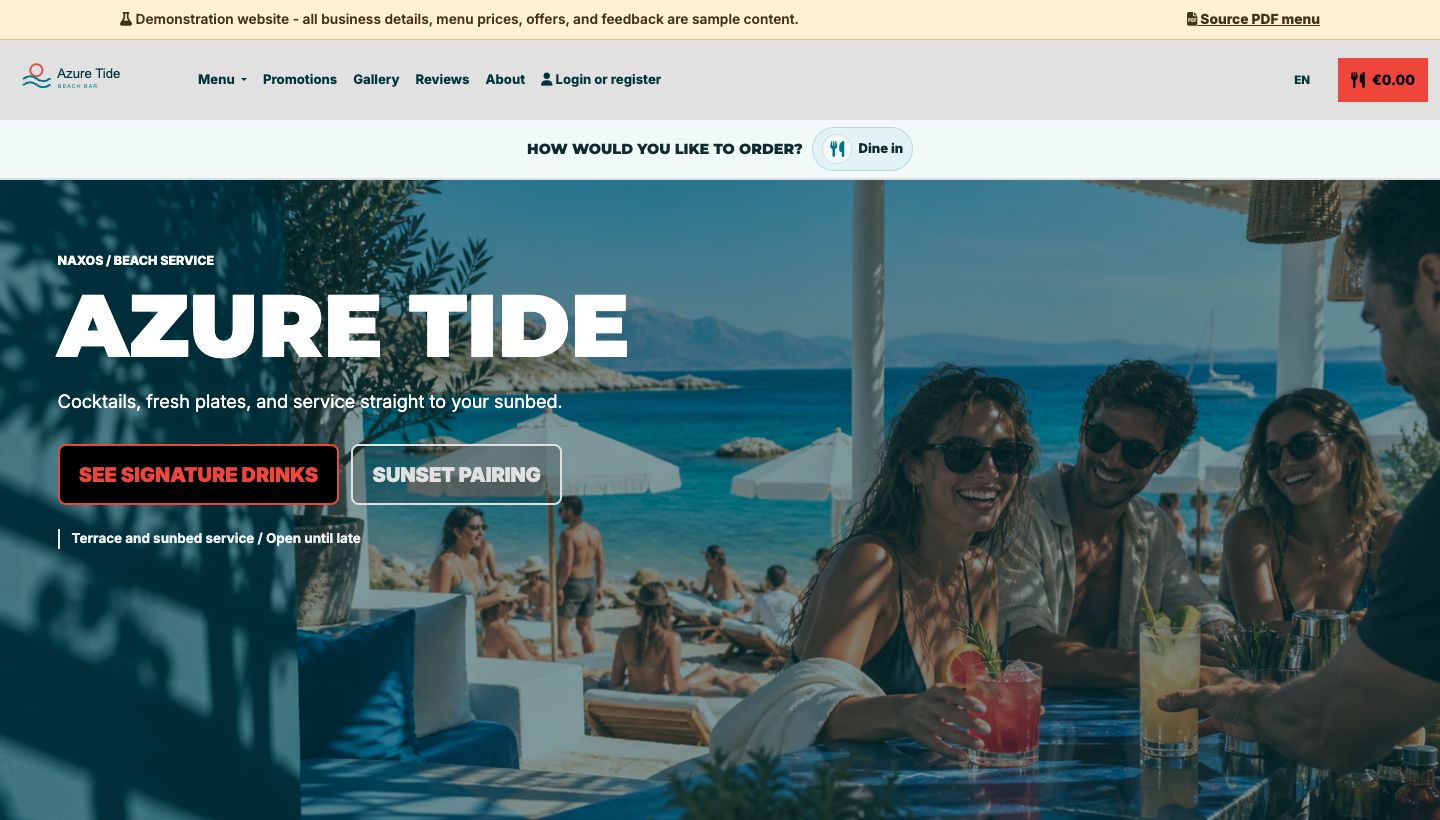
Beach bars and sunbed ordering
Customers order drinks, snacks, and bottle service from sunbeds, cabanas, tables, or beach sections.
More details
Guests choose their drinks and extras without leaving their sunbed. Staff see the service point with each order.
- Place QR codes on sunbeds, table tents, umbrellas, or wristbands.
- Let customers reorder another round without joining a queue.
- Route orders to bar, kitchen, or runner workflows.
Outcome: More drink rounds, fewer missed orders, smoother beach service.
02
Pool bars and resort service
Serve poolside guests from loungers, cabanas, spa areas, and outdoor decks.
More details
Resorts and pool bars often serve spread-out customers who do not want to leave their seat. Giveamenu turns each area into an ordering point, helping teams capture food, cocktails, towels, packages, and service requests while keeping staff focused on fulfilment.
- Separate pool, cabana, terrace, and restaurant ordering zones.
- Promote bundles such as cocktails, snacks, and sharing plates.
- Online tips require an enabled Order & Pay pilot or Enterprise setup.
Outcome: Higher poolside order value with less friction for guests.
03
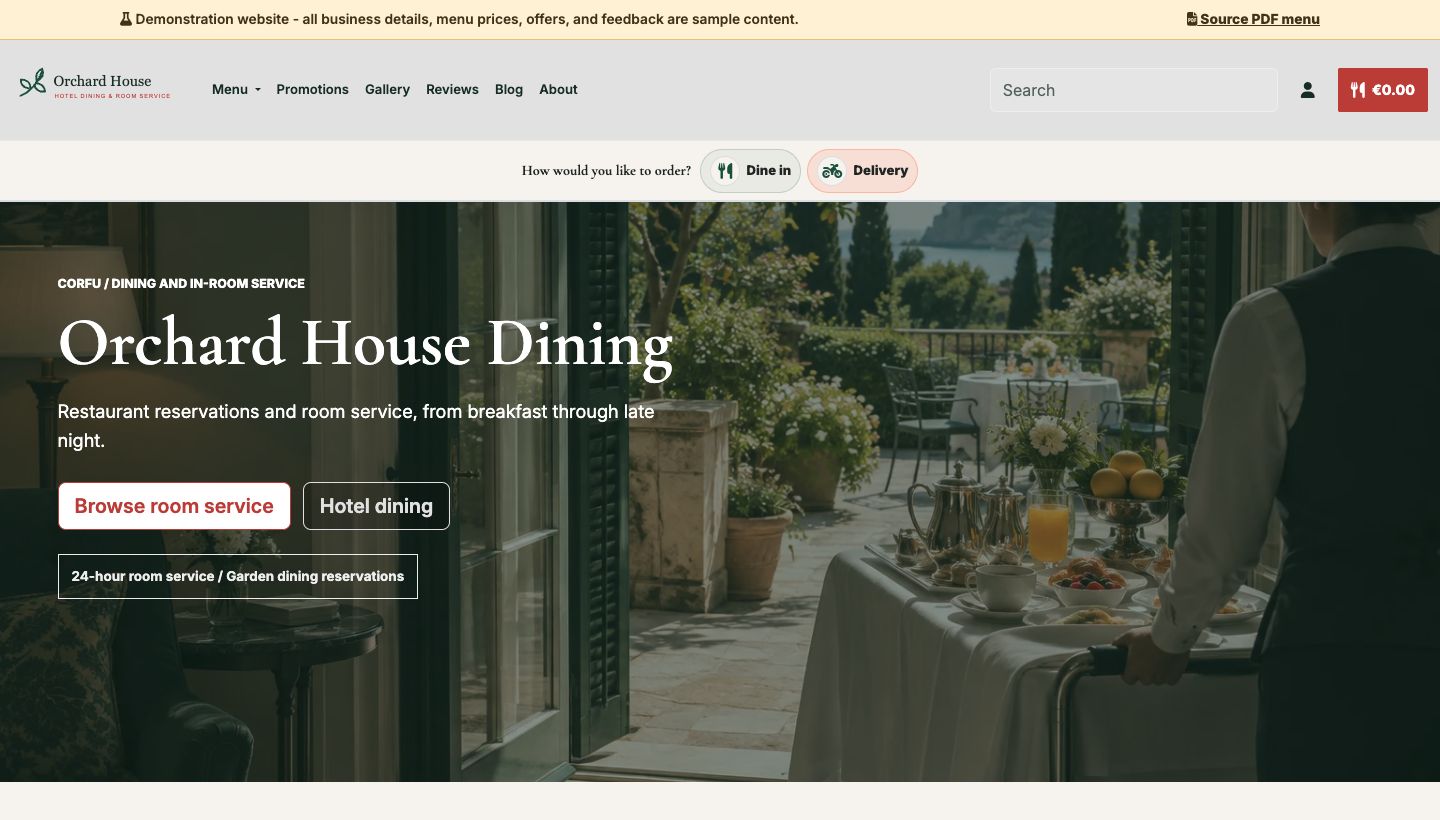
Hotel room service
Let guests order meals, drinks, breakfast, amenities, or late-night service from their room.
More details
A room QR code opens a searchable, multilingual menu. Staff receive orders with room numbers and guest notes.
- Use room-specific QR cards or links in digital guest guides.
- Offer breakfast windows, minibar restocks, or late-night menus.
- Reduce phone misunderstandings and repeated order clarification.
Outcome: Cleaner room service operations and a better guest ordering experience.
04
VIP lounges and members areas
Offer premium table, booth, balcony, airport lounge, or members-club ordering.
More details
Guests browse, add notes and order discreetly from their seat. Staff see requests for each area.
- Create separate menus for lounge, VIP, terrace, or private areas.
- Show premium add-ons, bottle service, desserts, and upgrades.
- Support multilingual ordering for international guests.
Outcome: More discreet service and better upsell opportunities in premium spaces.
05
Rooftop bars and busy terraces
Speed up ordering where tables are full, walkways are tight, and staff are stretched.
More details
Terraces and rooftop bars often have high demand in short windows. Customers can order the next round as soon as they are ready, while staff avoid repeated trips just to take orders. Promotions can highlight signature cocktails, sharing boards, and time-limited specials.
- Reduce queue pressure at the bar during peak hours.
- Feature specials and high-margin drinks in the ordering flow.
- Keep order status visible to the team in real time.
Outcome: Faster table turns and stronger sales during weather-driven peaks.
06
Language barriers and tourist venues
Help visiting guests understand your menu and order with confidence.
More details
Tourist-heavy restaurants, hotels, bars, and attractions can lose orders when guests are unsure what they are buying. Giveamenu supports multilingual menu content so customers can browse familiar descriptions, dietary information, and checkout steps with fewer misunderstandings.
- Publish menu content for the languages your guests actually use.
- Reduce staff time spent translating every item at the table.
- Make allergen and dietary notes easier to understand.
Outcome: More confident ordering for visitors and fewer service mistakes.
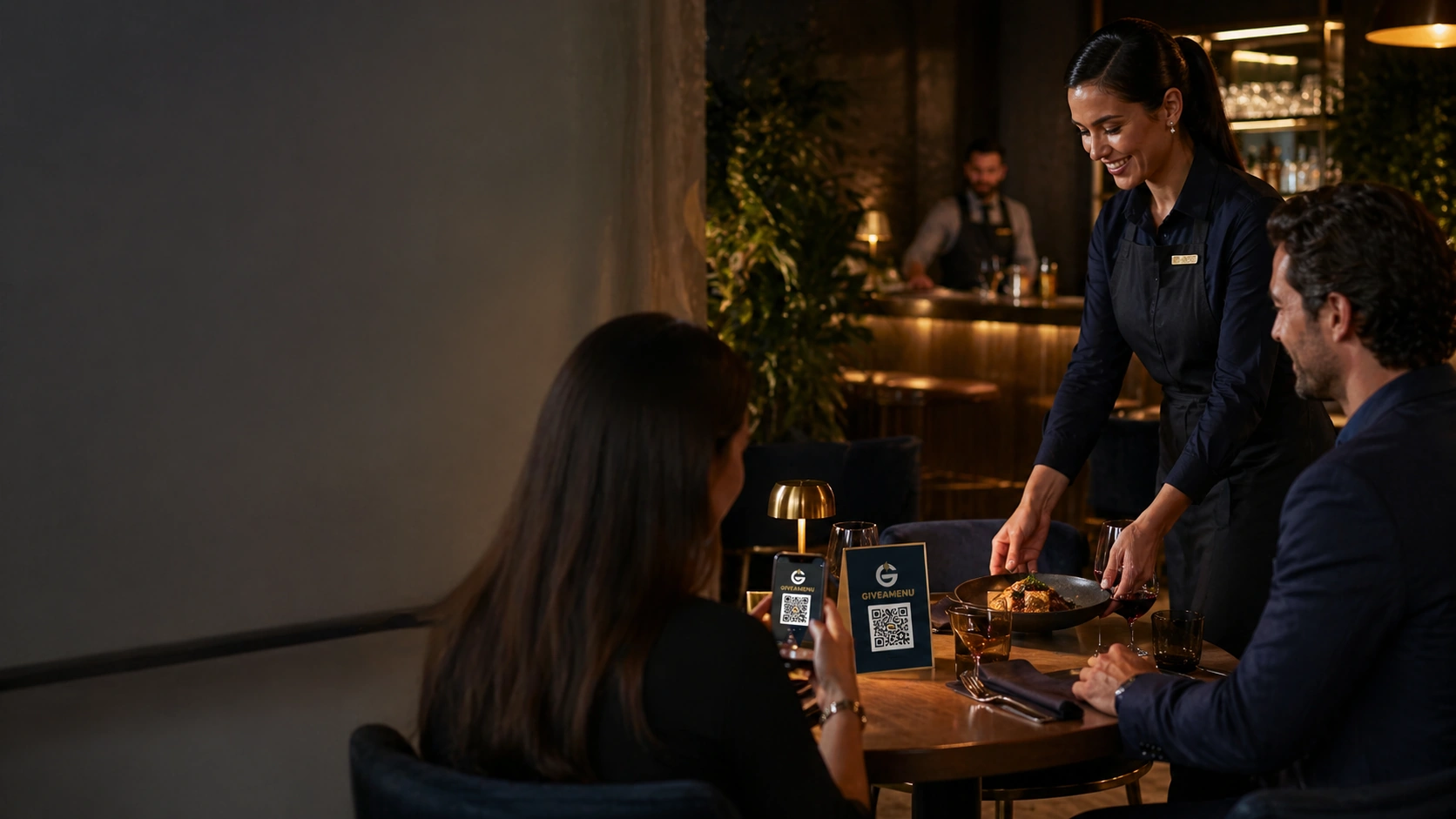
07
Table service restaurants
Guests browse the menu, order another round and request service from the table.
More details
Use a QR code for each table. Guests order from your website while your team manages preparation, service and payment collection.
- Use QR table ordering alongside normal waiter service.
- Let guests add desserts, sides, drinks, and extras when appetite is highest.
- Online payments and tips require an enabled Order & Pay pilot or Enterprise setup.
Outcome: Less waiting, more add-on sales, and smoother table operations.
08
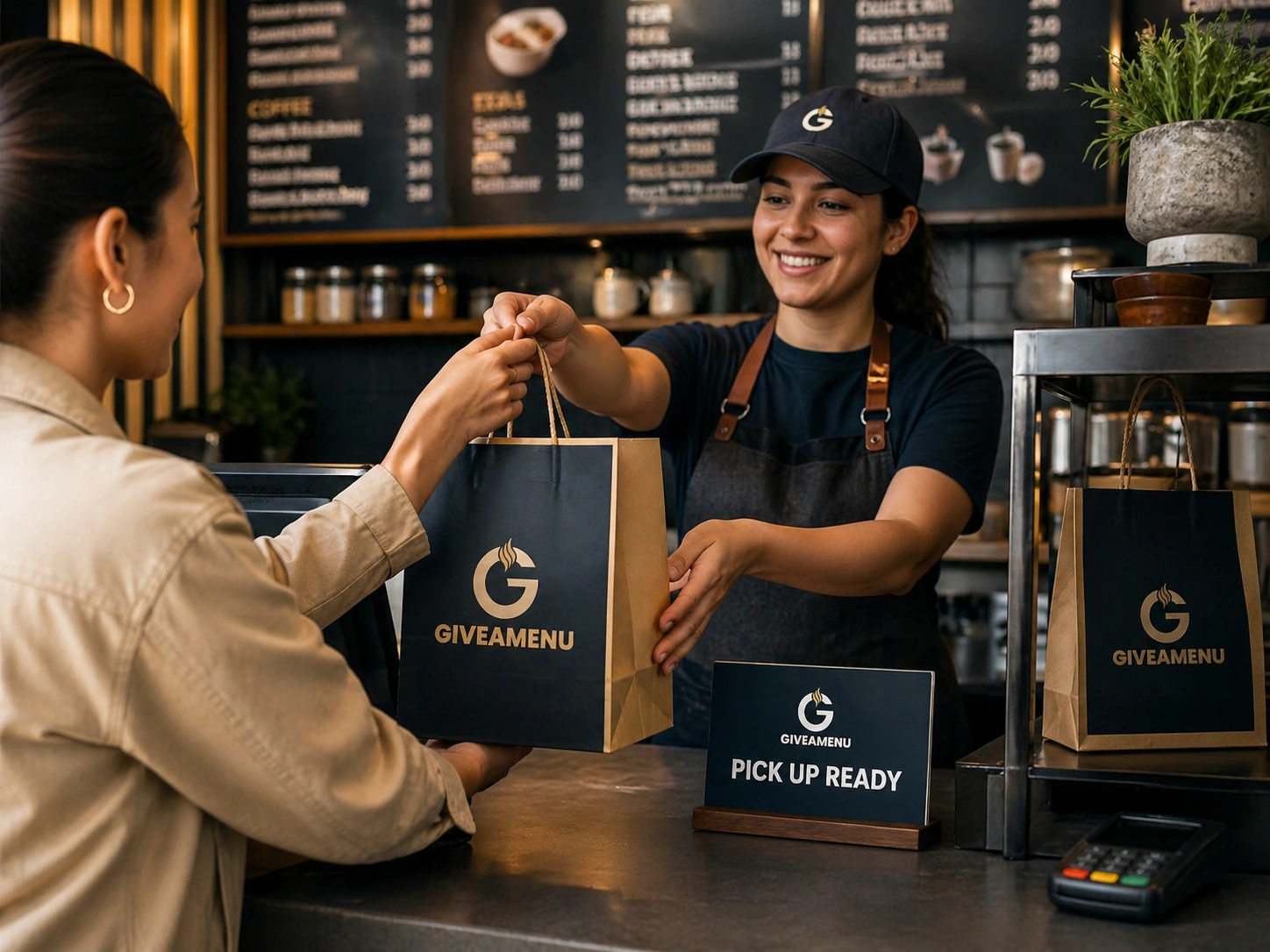
Quick-service takeaway
Take direct pickup orders from your website without sending customers to a third-party marketplace.
More details
Takeaway kitchens, cafes, bakeries, and fast casual stores can accept direct orders, show pickup status, and prepare food before customers arrive. The business keeps the customer relationship and avoids making a marketplace app the only destination.
- Publish pickup menus with availability and prep notes.
- Guests track pickup progress. Online payment is available only with Order & Pay pilot or Enterprise.
- Use promotions to bring repeat customers back directly.
Outcome: More direct takeaway orders and less dependence on marketplace discovery.
09
Direct delivery from your own site
Offer delivery under your own brand instead of pushing every customer to another app.
More details
Restaurants and stores can take delivery orders from their own storefront, control their menu, collect customer details, and communicate order status. This gives operators a stronger direct channel for repeat orders, promotions, and local reputation.
- Keep your own ordering link on Google, social, flyers, and QR printables.
- Control delivery zones, minimum order value, and fees.
- Use customer notifications for ready, out-for-delivery, or review requests.
Outcome: A stronger direct-ordering channel with better customer ownership.
10
Start your own local delivery business
Create a local delivery storefront and serve customers as the visible operator.
More details
A local entrepreneur can list items from nearby restaurants, groceries, bakeries, florists, or convenience stores, then coordinate orders and delivery under their own brand. The storefront becomes a local commerce hub instead of the operator only working as a driver for someone else.
- Curate trusted local stores and product categories.
- Use your own domain, branding, customer list, and service area.
- Coordinate preparation, pickup, delivery and customer communication.
Outcome: A route from delivery work into owning the customer relationship.
11
Curated partner-store marketplaces
List products from local partner stores and present them as a convenient local ordering experience.
More details
Instead of trying to stock everything, an operator can work with nearby shops and restaurants, publish selected products, and serve a neighbourhood audience. This is useful for resort areas, campuses, villages, business parks, and tourist districts that need practical local delivery.
- Group partner products into simple categories customers understand.
- Highlight daily specials, grocery essentials, meals, drinks, and gifts.
- Build loyalty around service quality and local availability.
Outcome: A lean local marketplace model without building custom software first.
12
Office, campus, and building delivery
Serve offices, coworking spaces, student housing, apartment blocks, and business parks.
More details
Giveamenu can support order-ahead and delivery flows for dense local communities. Operators can organise delivery windows, pickup points, building notes, and repeat customer offers so people nearby can order lunch, coffee, snacks, groceries, or essentials more easily.
- Create delivery zones around specific buildings or campuses.
- Use minimum order values and scheduled delivery windows.
- Promote lunch bundles, team orders, and recurring specials.
Outcome: More predictable local delivery demand in concentrated areas.
13
Events, festivals, and pop-ups
Take orders at temporary venues without printing new menus or installing heavy systems.
More details
Food trucks, bars, pop-up kitchens, beach events, and festivals can publish a temporary menu, share QR codes, and update availability during the day. Customers can order from tables, queues, zones, or pickup points while the team sees clear fulfilment status.
- Switch menus and availability quickly as stock changes.
- Use QR posters, table cards, wristbands, or counter signs.
- Guests track pickup progress. Online payment is available only with Order & Pay pilot or Enterprise.
Outcome: Faster temporary-service setup and fewer manual order mistakes.
14
Optional tips with Order & Pay
Let guests leave a tip without pressure when supported payments are enabled.
More details
Tipping is part of supported Order & Pay or Enterprise payment flows. Order Pro takes orders with payment collected by your business.
- Show tips only with supported online payments.
- Offer tips for table or room service with Order & Pay.
- Order Pro does not collect tips online.
Outcome: A clear tipping choice where online payments are enabled.
15
Increase average order value
Use menu structure, add-ons, modifiers, and promotions to encourage larger baskets.
More details
Digital ordering gives customers time to browse. Restaurants can feature extras, sides, desserts, sauces, drinks, upgrades, bundles, and promotions where customers are already deciding what to buy. This is especially useful for pool bars, hotel menus, takeaway, and delivery.
- Promote add-ons near relevant menu items.
- Use limited-time offers and bundles to guide decisions.
- Let customers reorder quickly when they want another round.
Outcome: Higher basket value without training every staff member to upsell manually.
16
Online visibility and local SEO
Give customers a clearer website, ordering link, menu content, and local destination to find.
More details
A direct online presence helps restaurants and stores look more credible when customers search nearby options. Giveamenu supports useful public pages, menu content, promotions, reviews, and direct ordering paths that can be shared from Google profiles, social posts, QR materials, and local campaigns.
- Publish richer menu and business content than a static PDF.
- Point local search traffic to your own ordering experience.
- Keep promotions and availability current for returning customers.
Outcome: Better owned visibility and a more useful path from discovery to order.
17
Reviews and reputation building
Use better service flow and customer follow-up to support stronger reputation online.
More details
Clear menus, timely updates and easy ordering help guests enjoy their visit. Invite them to share feedback afterwards.
- Reduce waiting and uncertainty about orders.
- Ask satisfied customers for feedback after successful orders.
- Use direct customer channels to encourage repeat visits.
Outcome: A smoother service experience that supports better reputation signals.
18
Seasonal peaks and lean staffing
Keep service moving during holidays, tourist seasons, weekends, and staff shortages.
More details
When demand spikes, staff should spend more time preparing and delivering orders, not walking back and forth to capture them manually. QR ordering, live status, printer workflows, and clear admin screens help teams handle busy periods with fewer avoidable interruptions.
- Capture orders even when every server is busy.
- Reduce handwriting, re-keying, and forgotten modifiers.
- Keep staff focused on fulfilment and guest care.
Outcome: More capacity during peak periods without making service feel chaotic.
19
Allergy and dietary confidence
Make dietary notes, item descriptions, and customer instructions easier to capture.
More details
Guests often need more detail before ordering. Digital menu content can give them clearer descriptions, and checkout notes help staff receive dietary instructions in a structured way. This supports better customer confidence, especially in hotels, tourist venues, cafes, and family restaurants.
- Add clearer item descriptions and dietary notes to menu content.
- Let guests add notes before sending their order.
- Reduce repeated questions during busy service.
Outcome: More confident customers and clearer information for the team.
20
Multi-area and multi-location operations
Manage different service areas, menus, tables, teams, and store locations from one platform.
More details
Operators with restaurants, bars, terraces, hotel spaces, pool areas, kiosks, or multiple branches need consistent workflows without making every area identical. Giveamenu supports flexible storefront and admin patterns so each service area can present the right menu and fulfilment flow.
- Use different QR codes or links for areas and service types.
- Keep menus, tables, staff, promotions, and orders organised.
- Scale from one venue to more complex operations over time.
Outcome: A practical foundation for growing beyond one simple menu page.