
Order updates
Let guests know how their order is progressing.
Send useful updates about orders, reservations and account activity, and invite feedback after service.
Send useful updates about orders, reservations and account activity, and invite feedback after service.
Let guests know how their order is progressing.

Ask customers for feedback after service so operators can understand what is working and what needs attention.

Messages relate to actual orders, reservations and account activity.
Create your account, upload your menu and review your website before publishing. Try Order Pro for 90 days, with no card required.
Yes, when the relevant Order & Pay pilot or Enterprise payment flow is enabled.
Yes. Review request notifications are part of the customer communication surface.
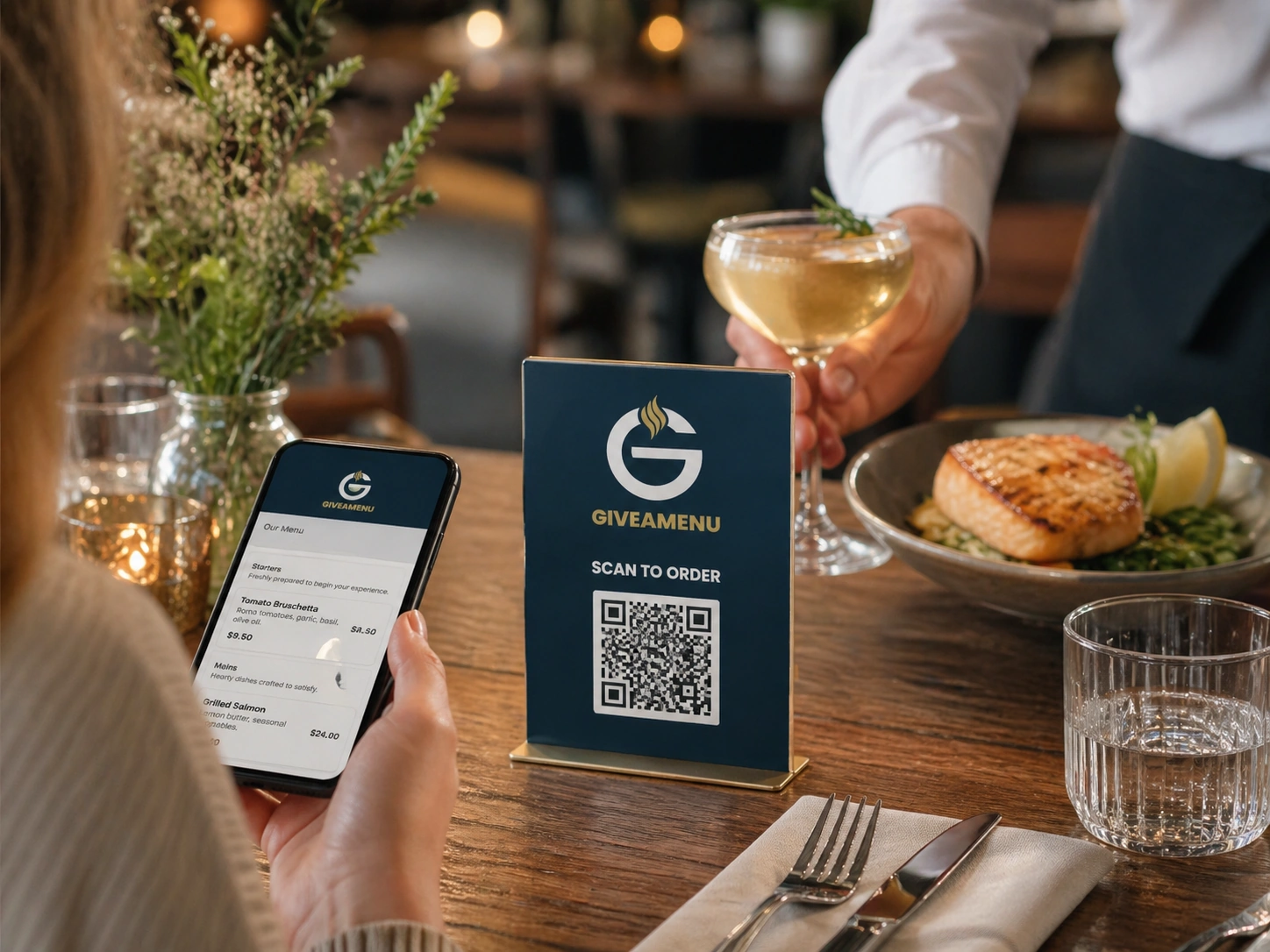
Give guests a fast QR flow for browsing menus, making reservations where enabled, and placing On Tab orders when the store uses Order Pro.
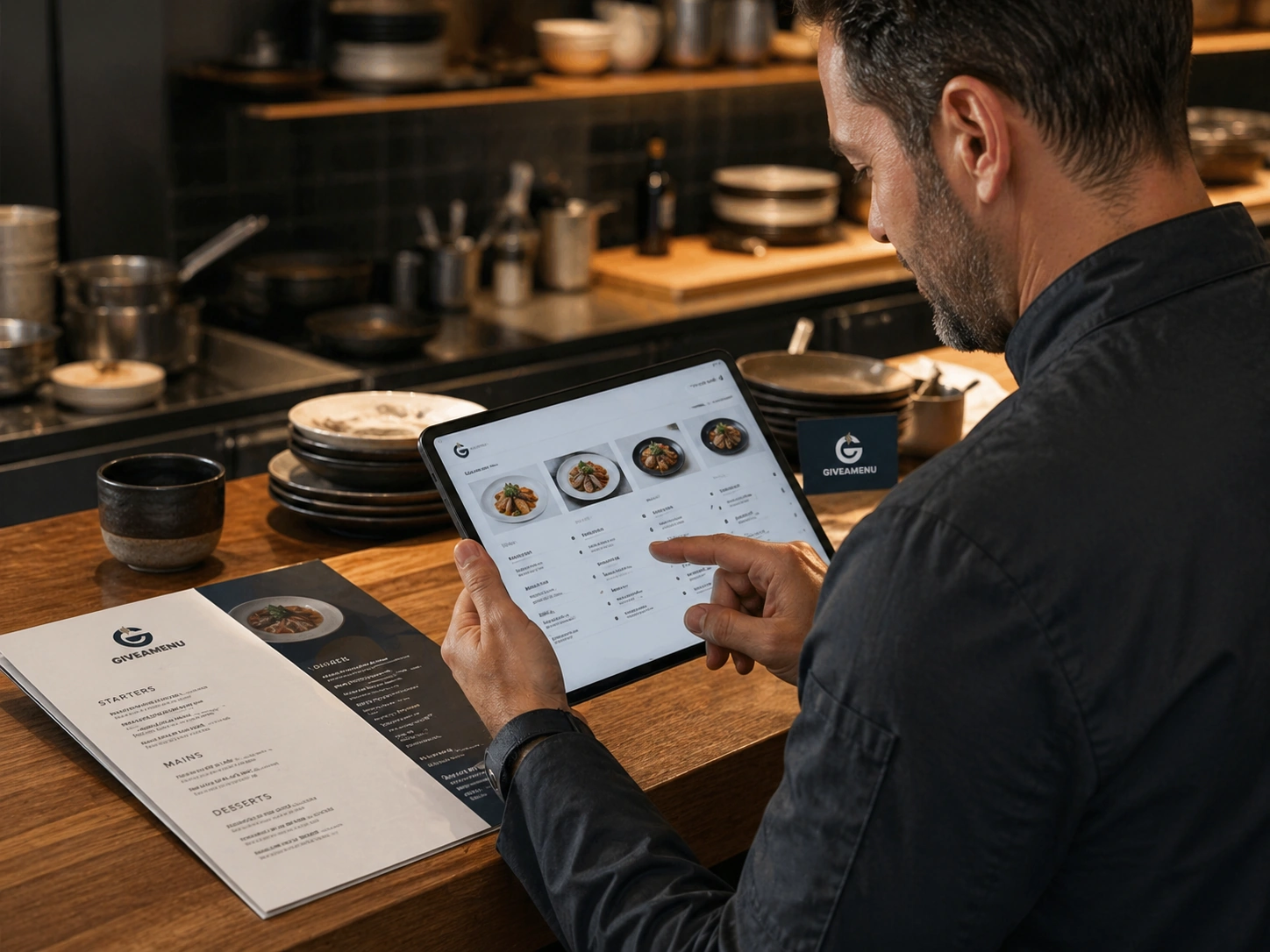
Create a structured digital menu with categories, product details, image galleries, options, availability controls, and translations.
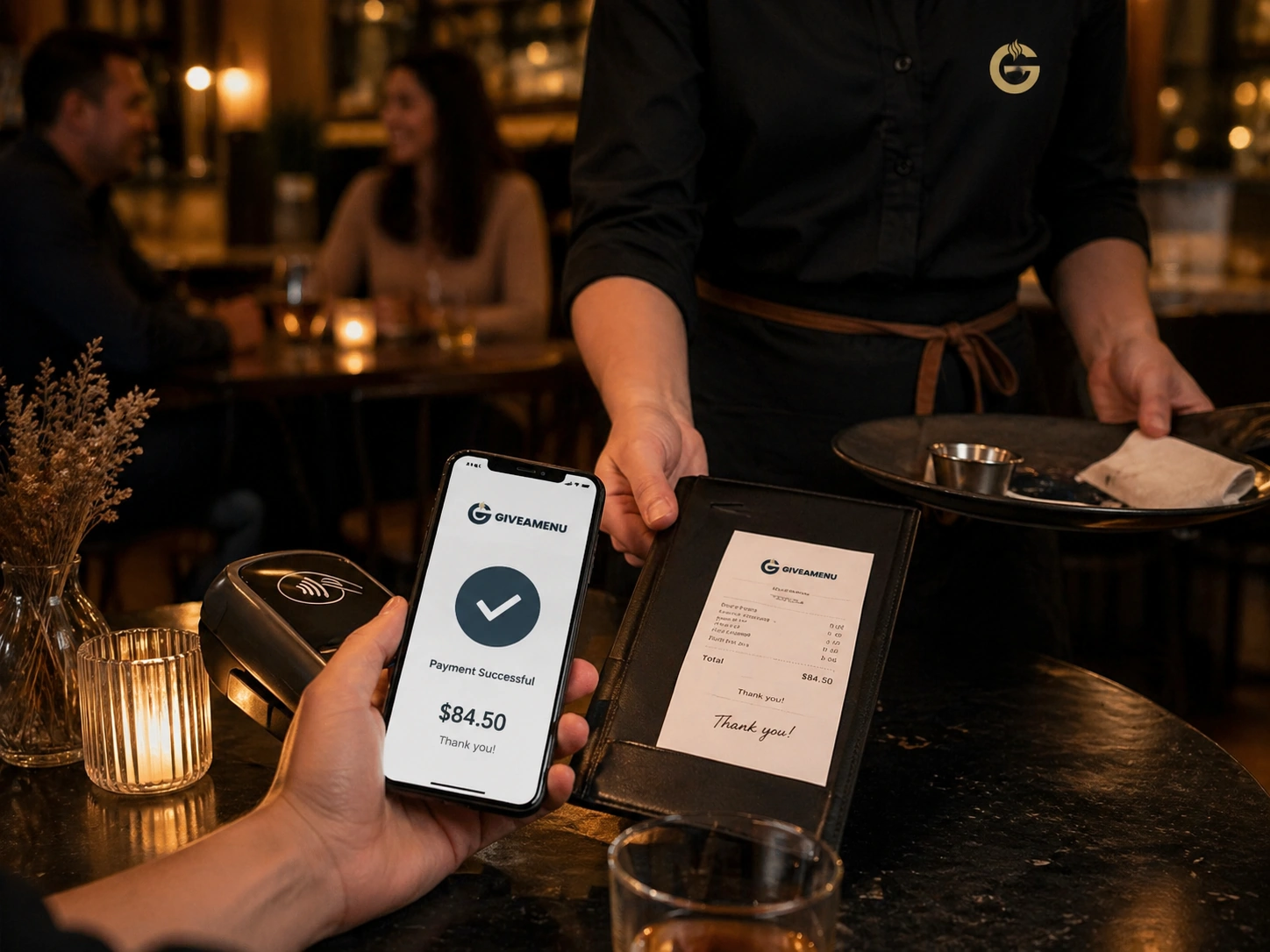
Order & Pay is the future payment and fiscal lane for stores that need online payment collection and receipt workflows after the core ordering setup is stable.