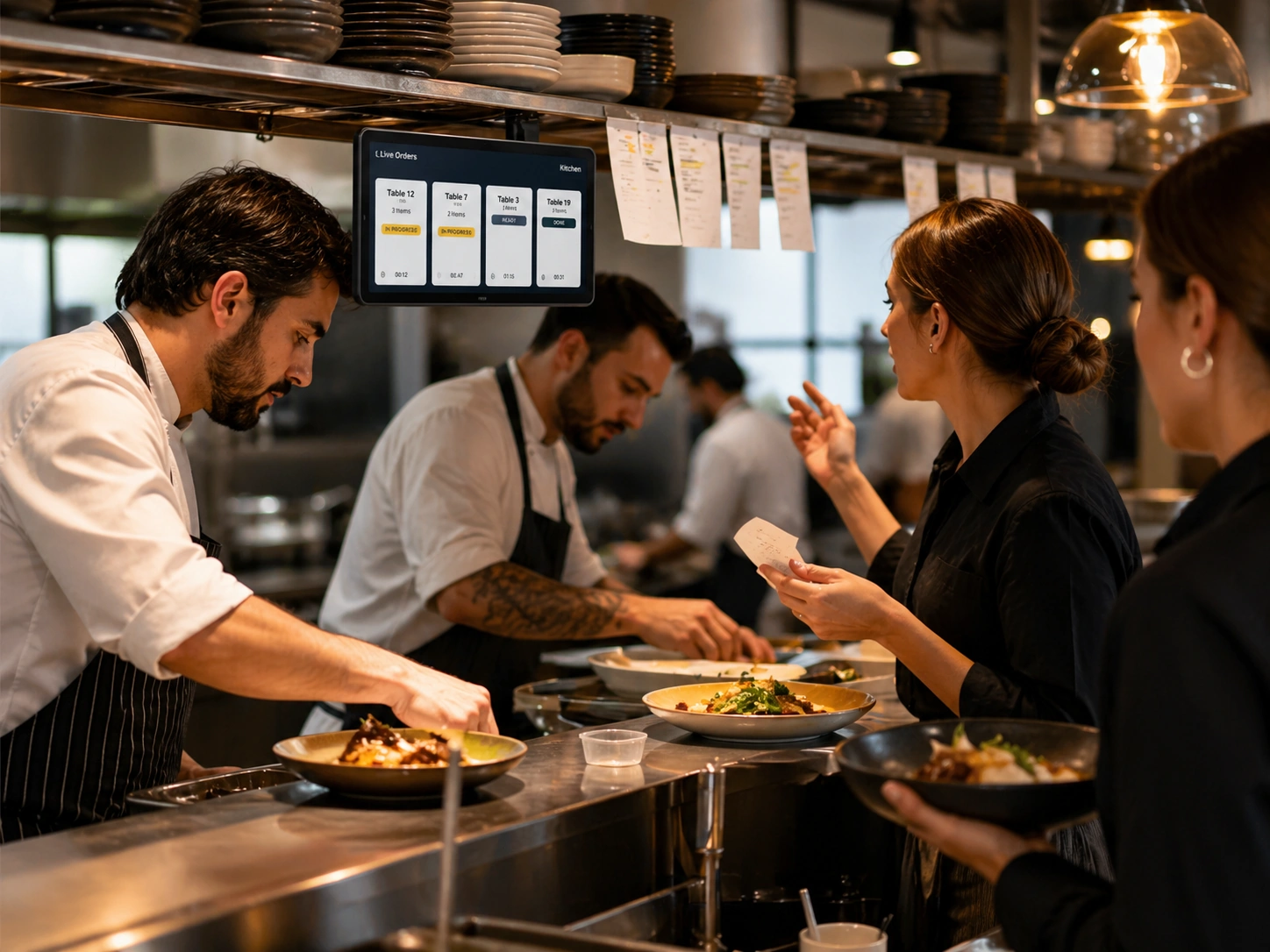
Clear order queues
Separate new, accepted, preparing, ready, served, collected, and delivered work so staff know the next action.
Give staff a clear operational view of orders, preparation, service, takeaway, delivery, and settlement context.
Live order status helps teams see what needs attention, what is being prepared, and what is ready for service or collection.
Separate new, accepted, preparing, ready, served, collected, and delivered work so staff know the next action.

When teams keep statuses accurate, customers get a clearer sense of order progress.
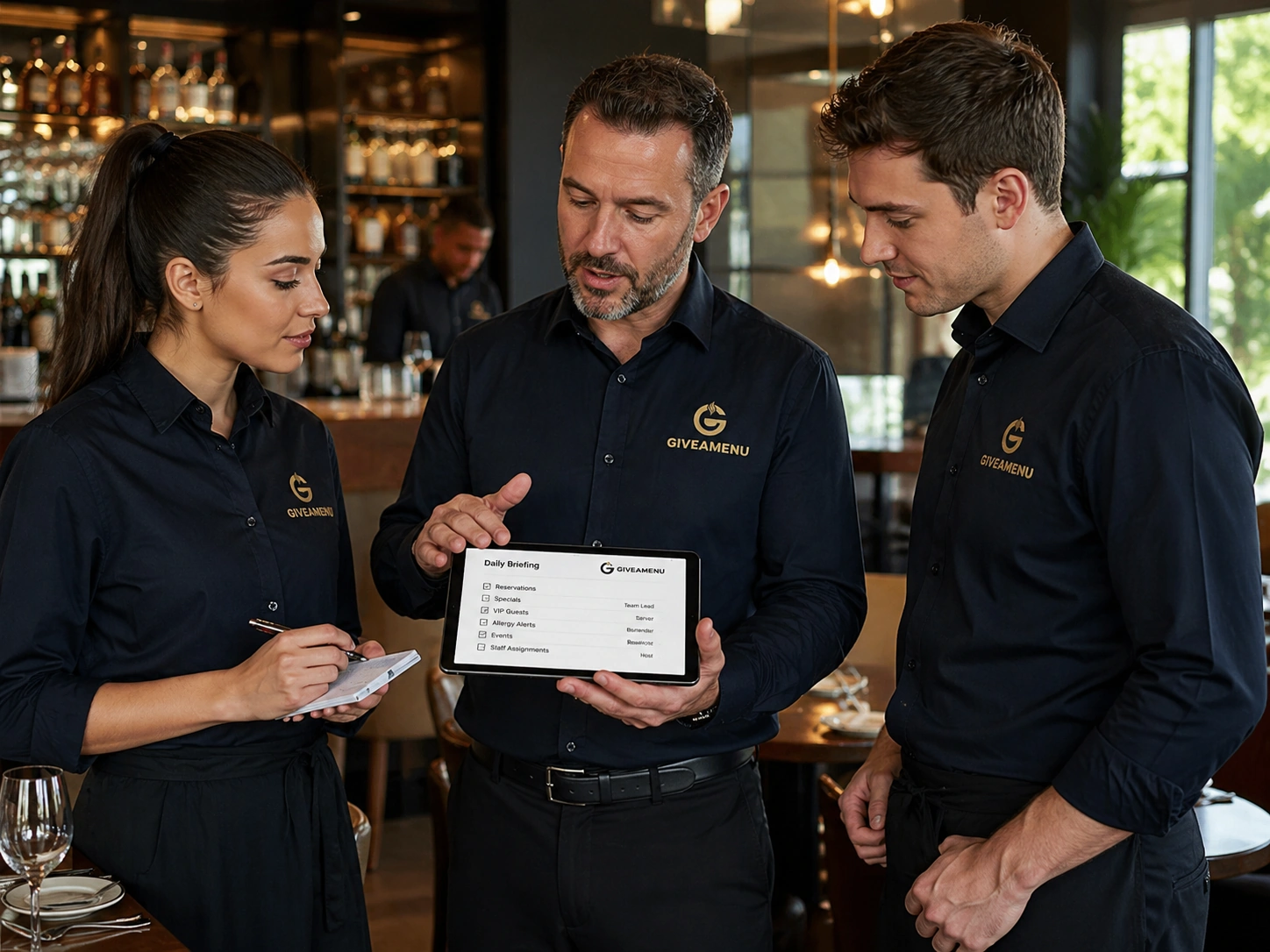
Shared status visibility reduces repeated checks between kitchen, counter, delivery, and table service teams.
Create your account, upload your menu and review your website before publishing. Try Order Pro for 90 days, with no card required.
It gives teams a shared operational layer. Restaurants can still use their existing kitchen communication habits alongside it.
Yes. Staff with the right access can move orders through the relevant operational states.

Give guests a fast QR flow for browsing menus, making reservations where enabled, and placing On Tab orders when the store uses Order Pro.
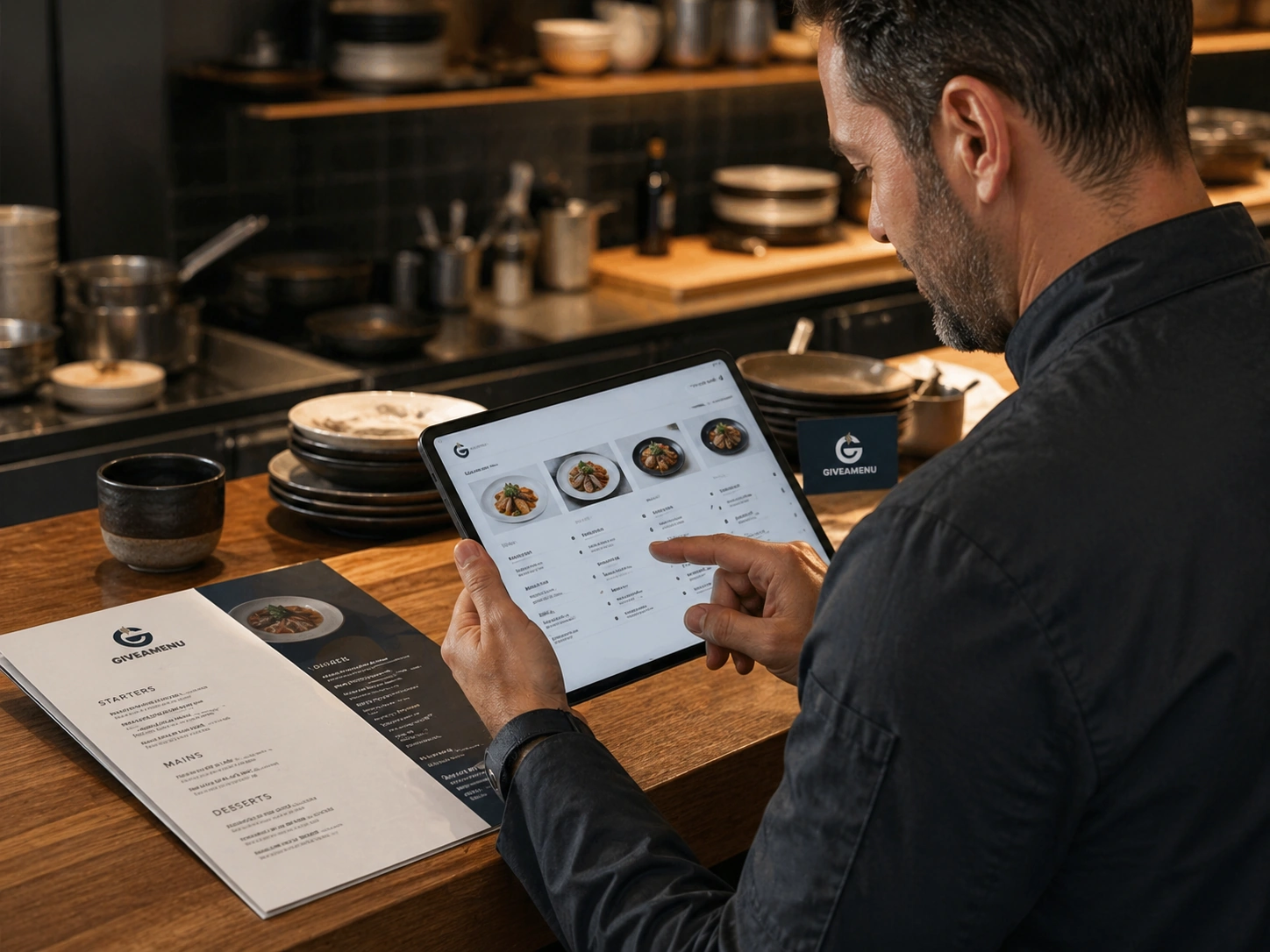
Create a structured digital menu with categories, product details, image galleries, options, availability controls, and translations.
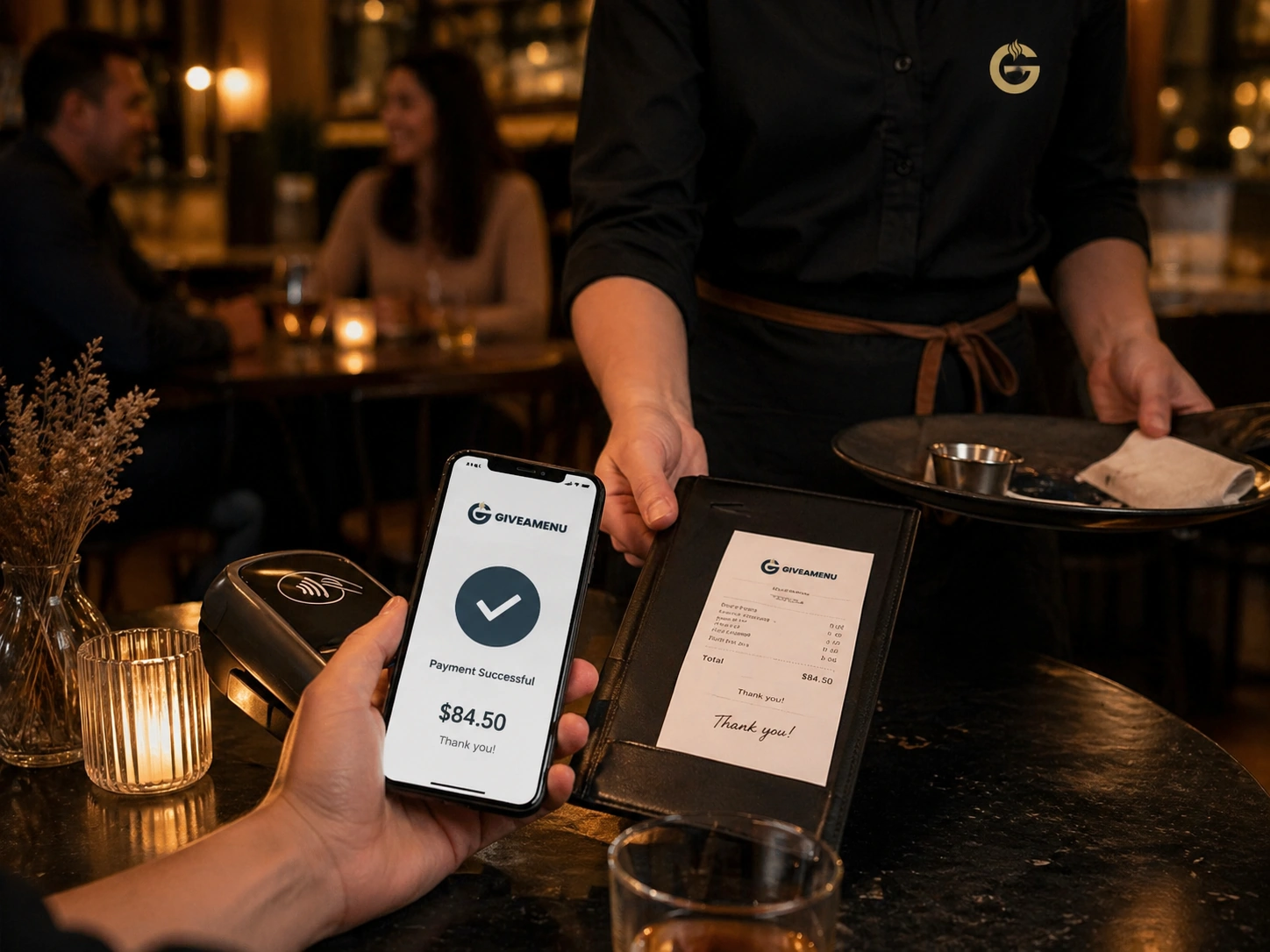
Order & Pay is the future payment and fiscal lane for stores that need online payment collection and receipt workflows after the core ordering setup is stable.