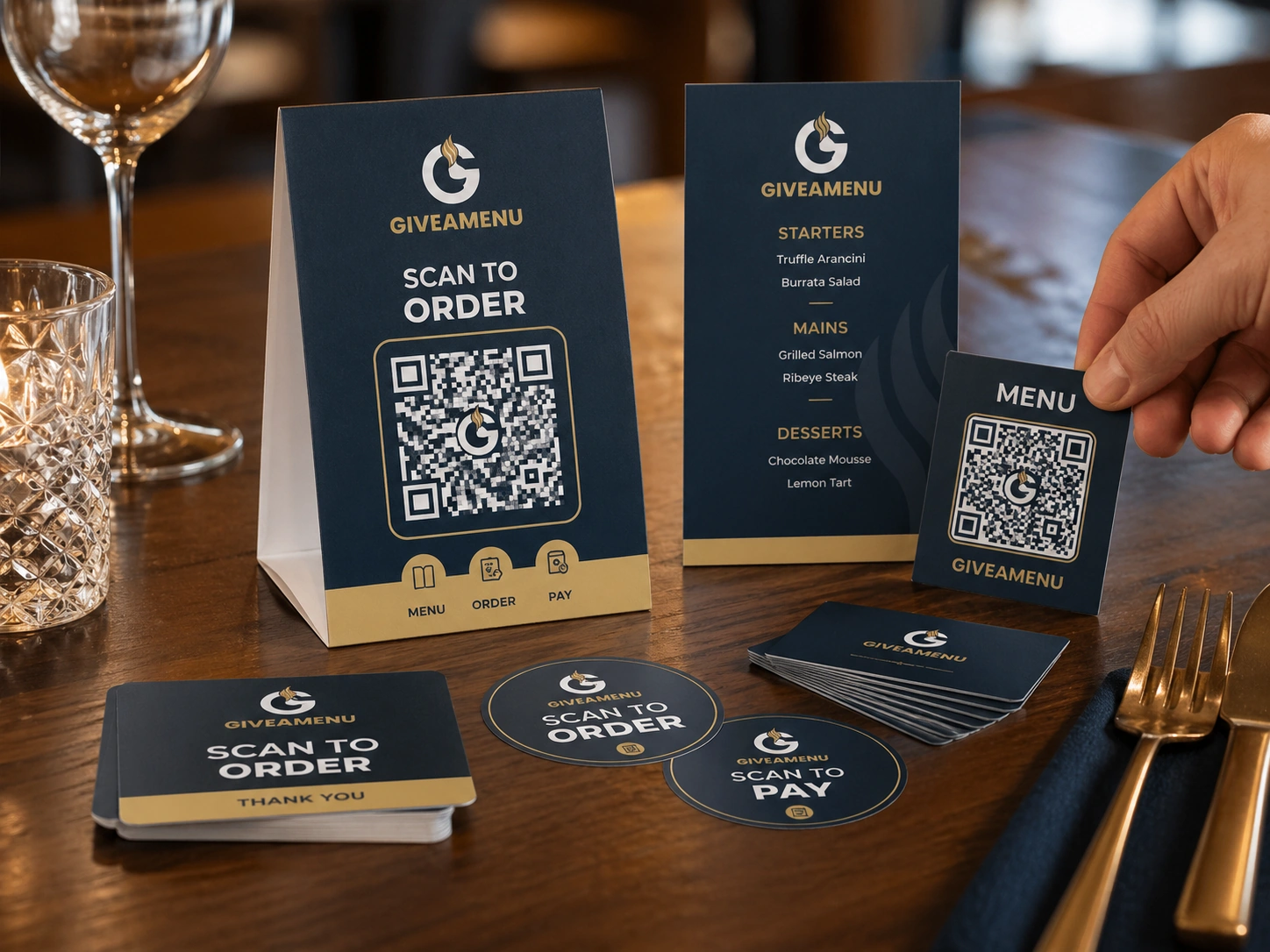
Table cards and stickers
Place simple QR prompts wherever customers naturally pause, sit, queue, or collect.
Turn digital ordering into clear physical touchpoints guests understand.
Use QR printables for table cards, stickers, tents, counters, hotel rooms, service points, and takeaway pickup areas.
Place simple QR prompts wherever customers naturally pause, sit, queue, or collect.
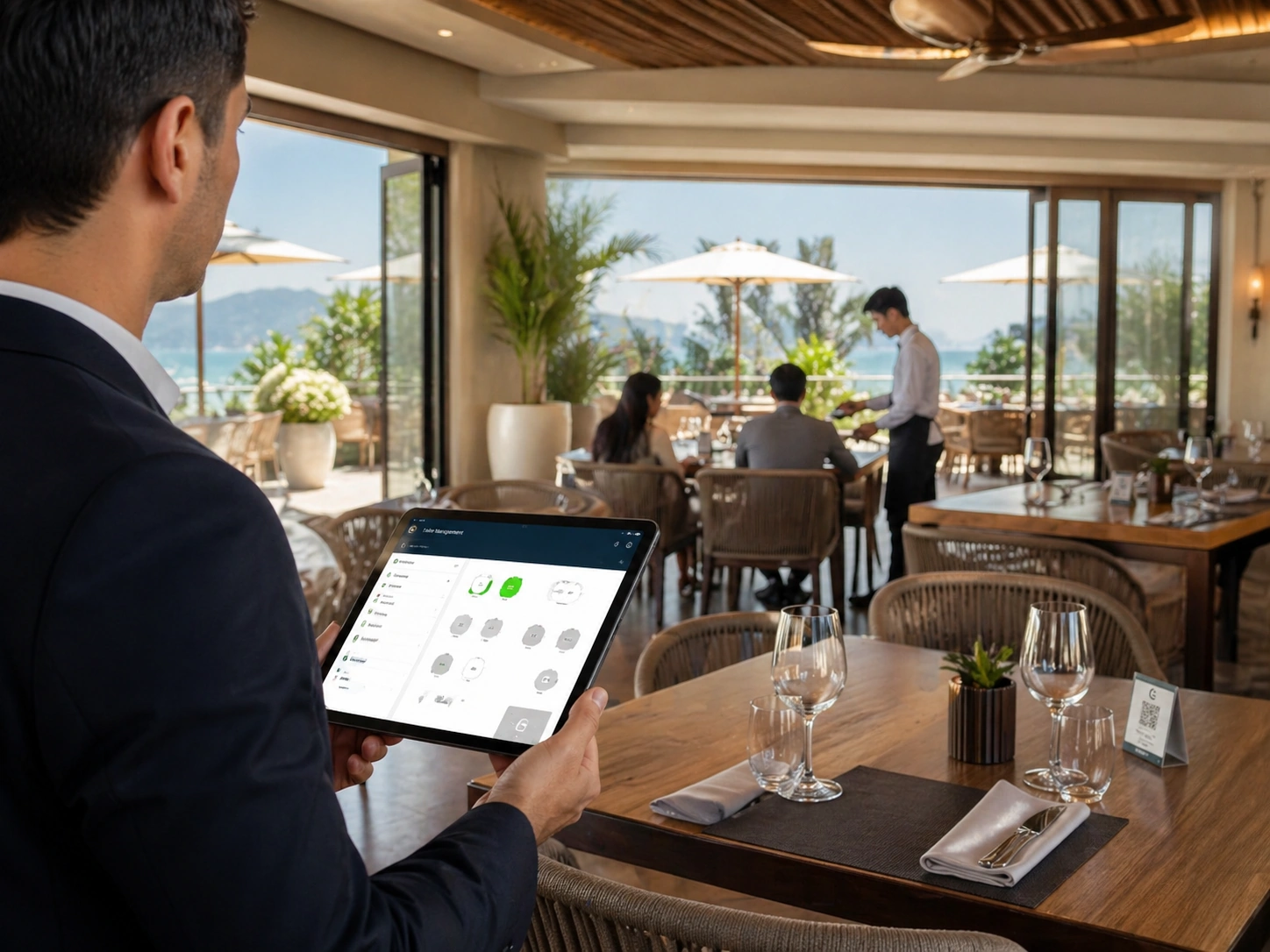
Use QR materials for tables, terraces, counters, beachside service, rooms, events, and collection shelves.
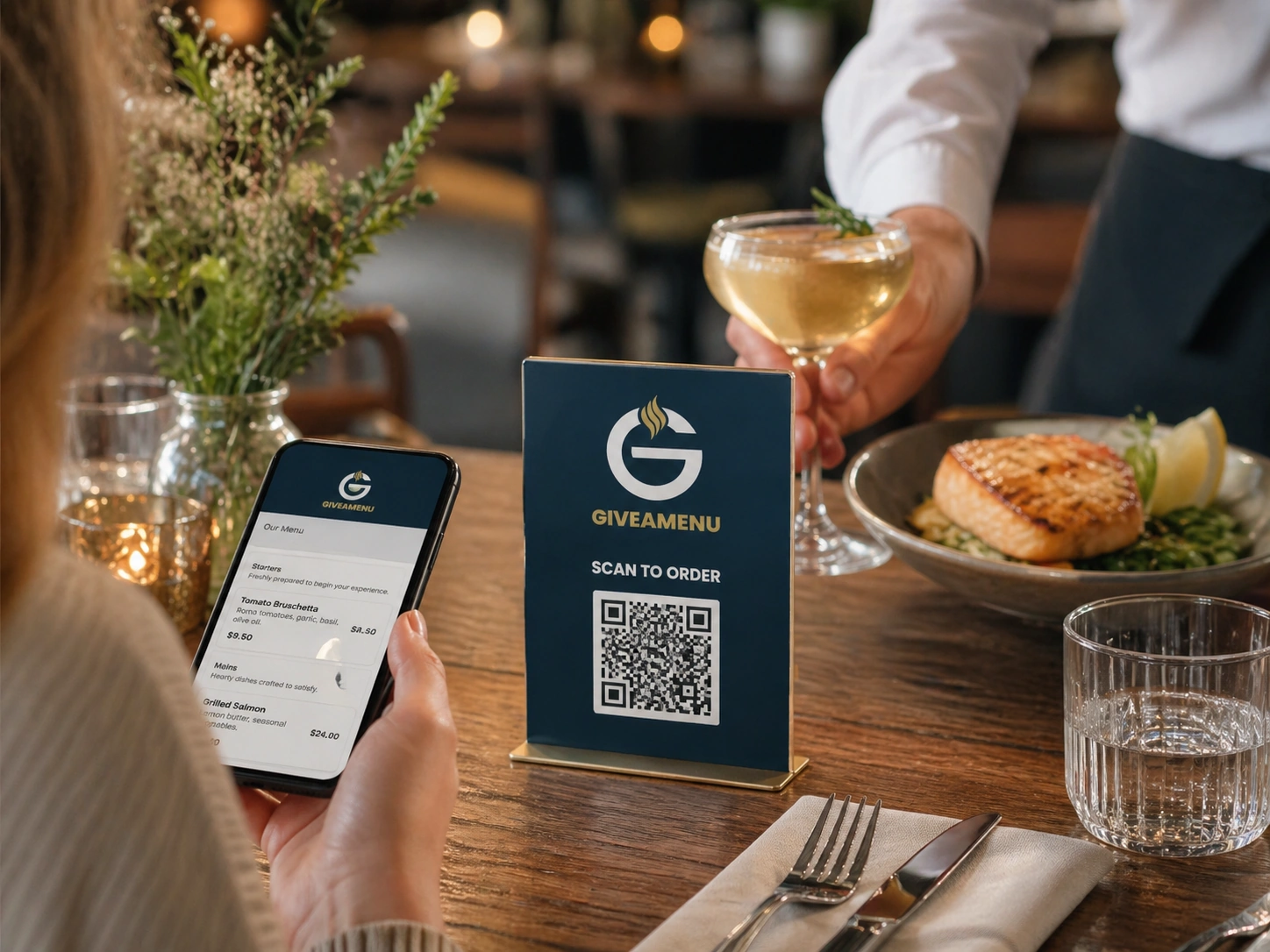
Give clear instructions for viewing the menu or placing an order by QR.
Create your account, upload your menu and review your website before publishing. Try Order Pro for 90 days, with no card required.
Place them at tables, counters, pickup areas, rooms, or any service point where customers are ready to browse or order.
Yes. QR materials should be designed to fit the restaurant brand while keeping the scan action clear.
Give guests a fast QR flow for browsing menus, making reservations where enabled, and placing On Tab orders when the store uses Order Pro.
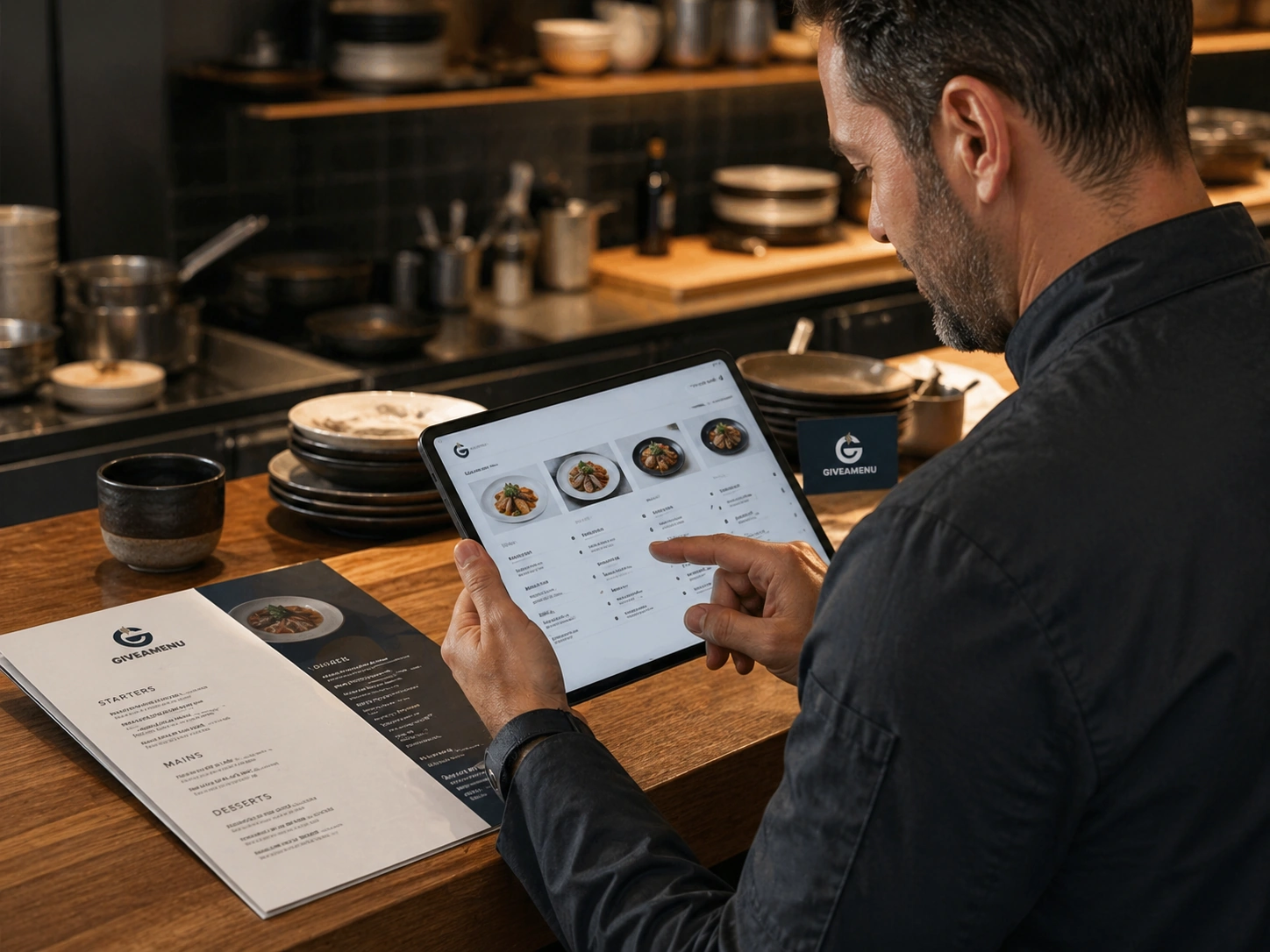
Create a structured digital menu with categories, product details, image galleries, options, availability controls, and translations.
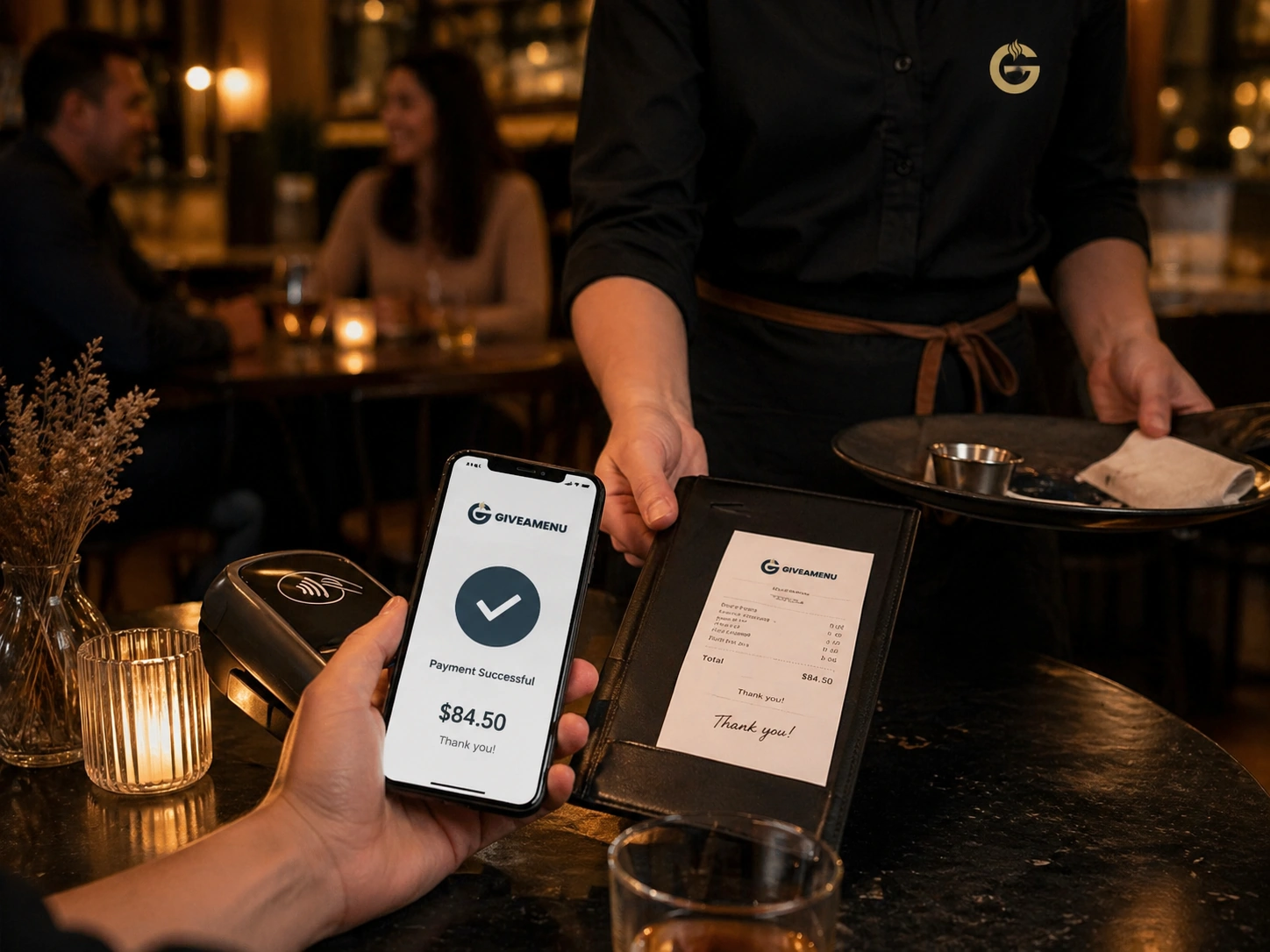
Order & Pay is the future payment and fiscal lane for stores that need online payment collection and receipt workflows after the core ordering setup is stable.