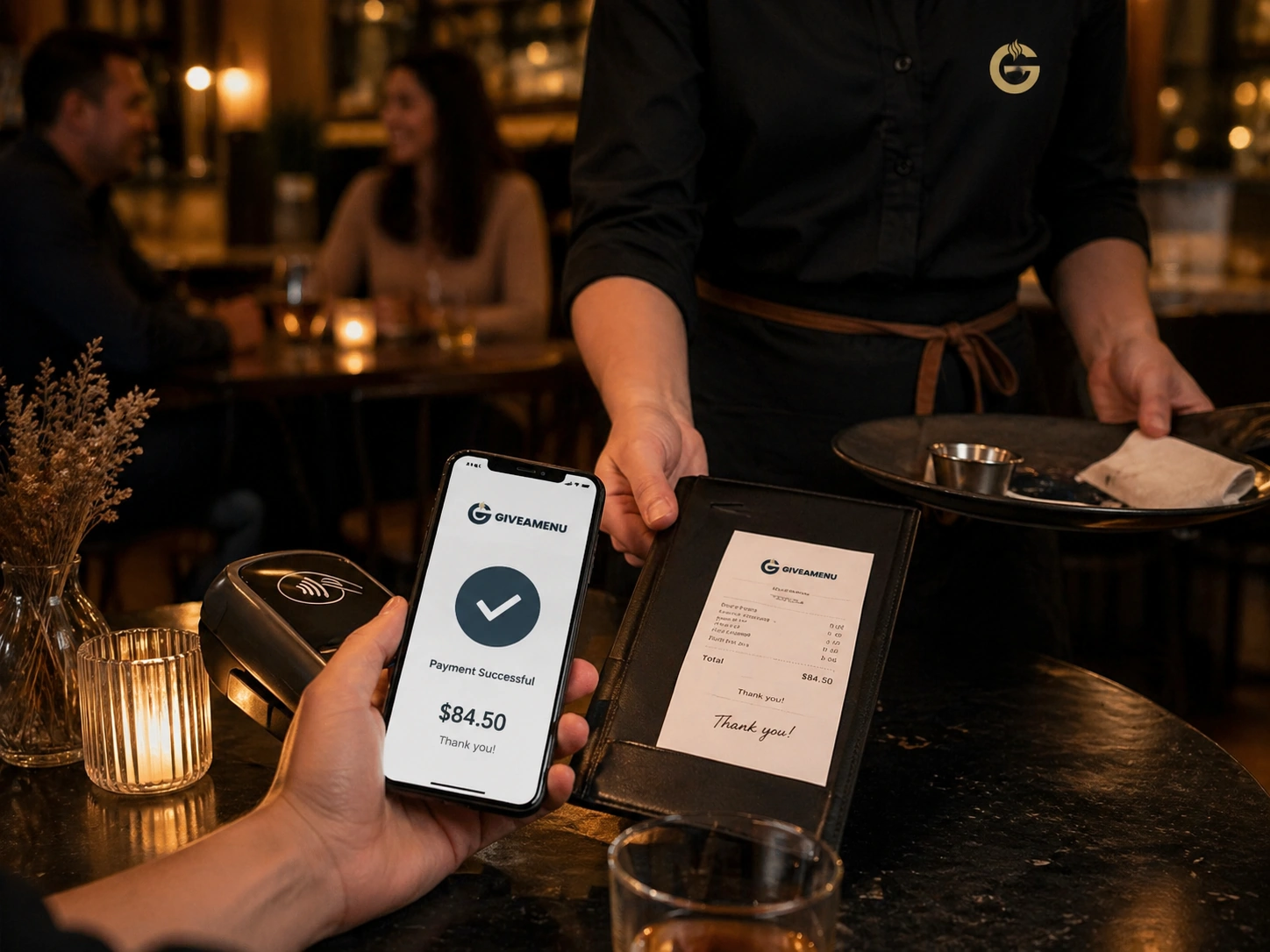
Viva payment pilot
Order & Pay is the controlled rollout lane for Viva payment collection once a store is ready for online money movement.
Viva payments, fiscal receipts, refunds, receipt history, and multiple printer flows are controlled pilot features.
Order & Pay is the future payment and fiscal lane for stores that need online payment collection and receipt workflows after the core ordering setup is stable.
Order & Pay is the controlled rollout lane for Viva payment collection once a store is ready for online money movement.
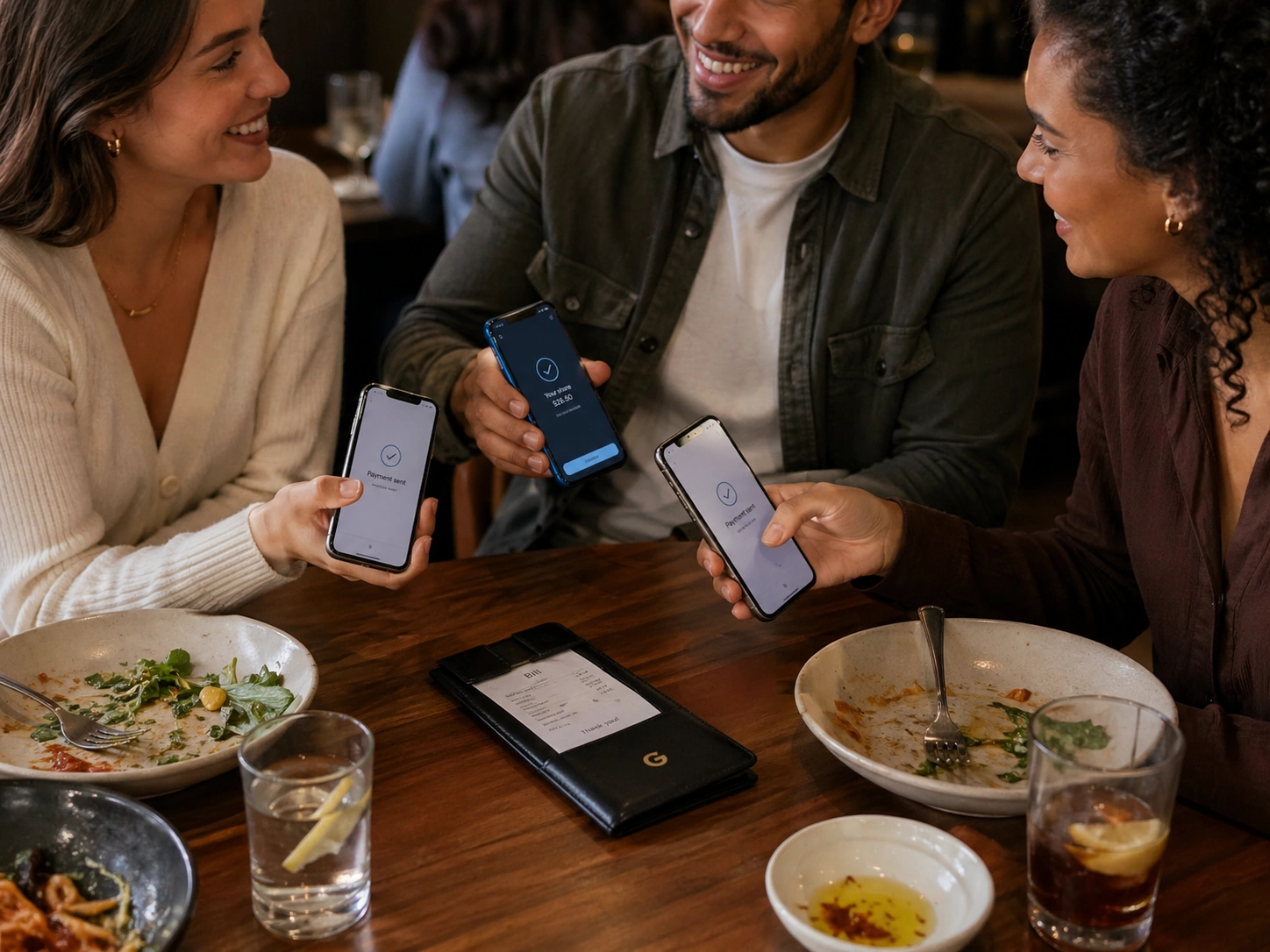
Fiscalisation, receipts, refunds, and receipt history are treated as production-sensitive features, not general Order Pro capabilities.

Stores can validate menus, ordering, printers, and staff workflows before joining payment and fiscal pilot access.
Create your account, upload your menu and review your website before publishing. Try Order Pro for 90 days, with no card required.
Only stores in Order & Pay pilot or Enterprise setups should expose online payment and fiscal receipt flows. Order Pro does not include online payment collection.
Yes. Order Pro uses On Tab settlement language so the order can be tracked while settlement happens outside Giveamenu.
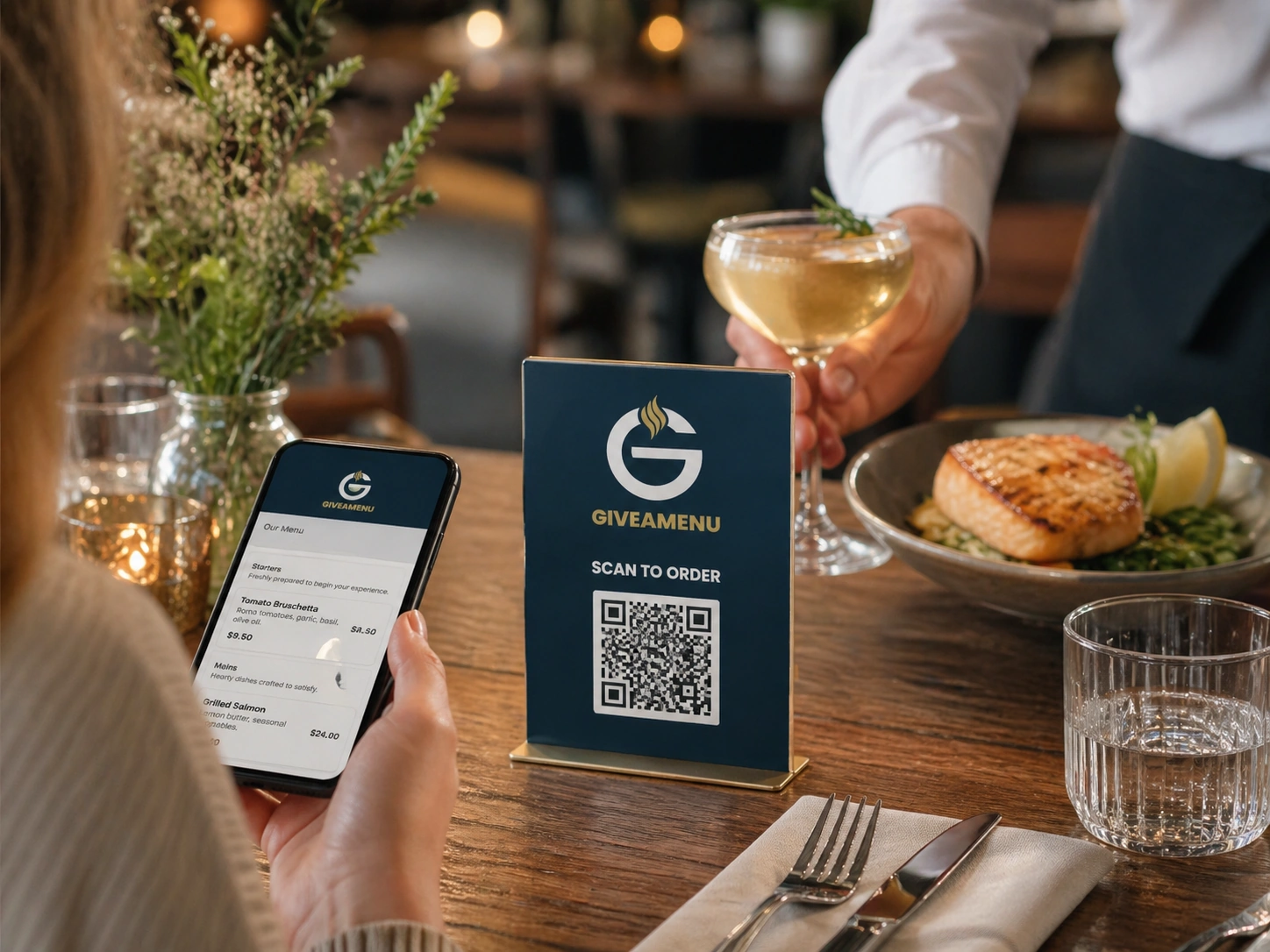
Give guests a fast QR flow for browsing menus, making reservations where enabled, and placing On Tab orders when the store uses Order Pro.
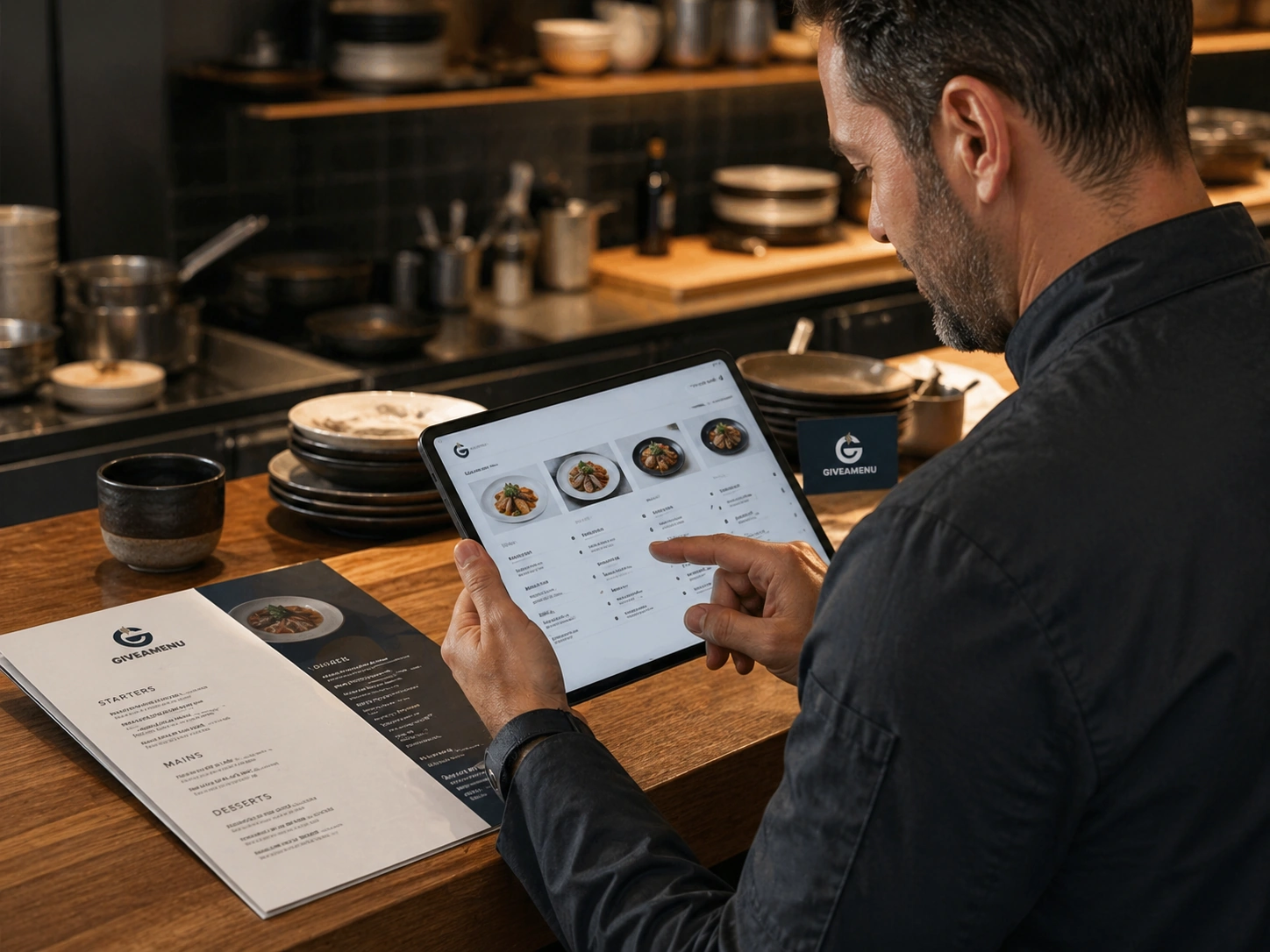
Create a structured digital menu with categories, product details, image galleries, options, availability controls, and translations.
Live order status helps teams see what needs attention, what is being prepared, and what is ready for service or collection.