A menu made for the web
Dishes, prices, options, dietary notes and availability, easy to browse on any screen.
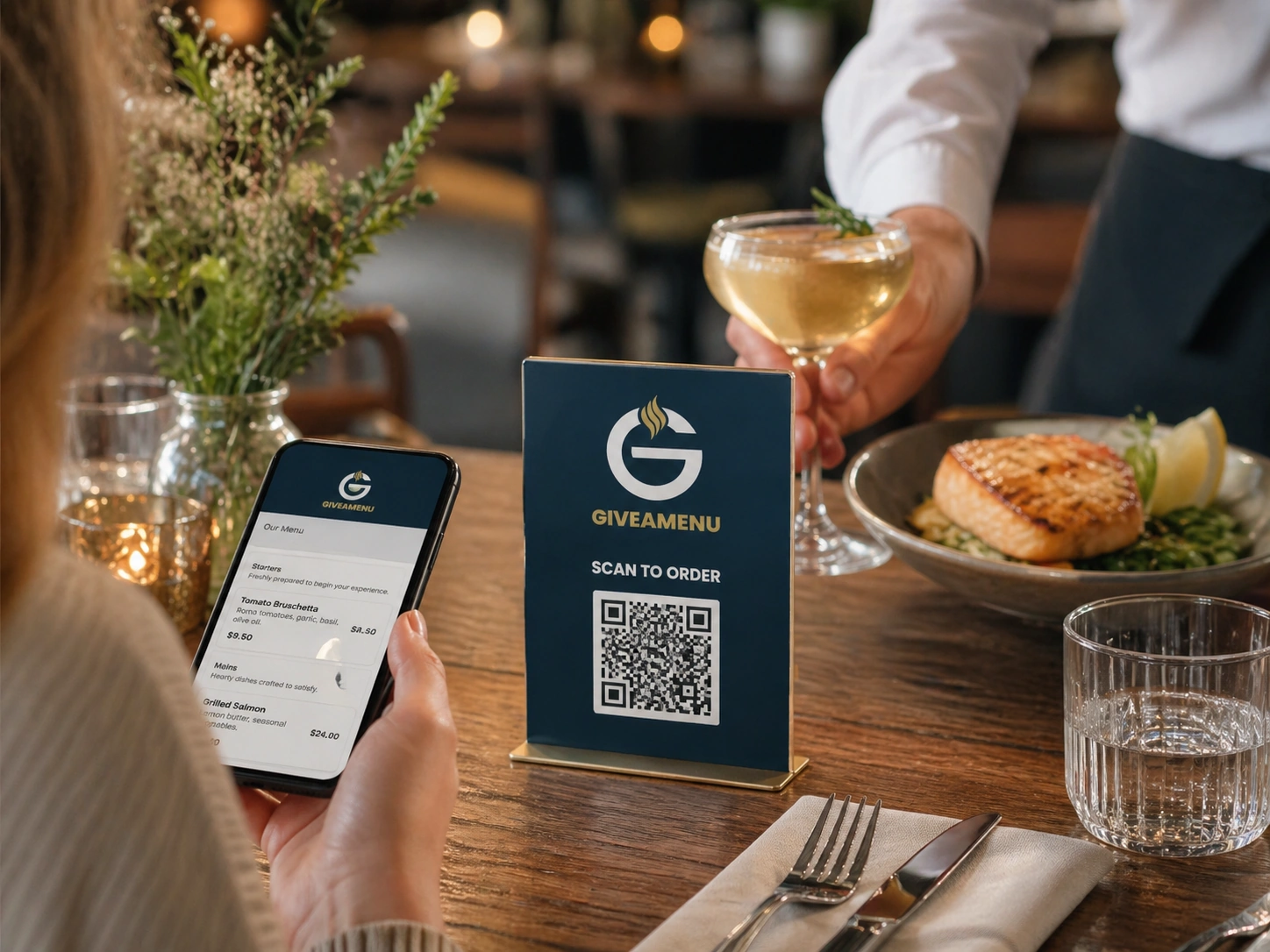
Give guests a website worth exploring: your current menu, photos, offers, reviews and business details, with ordering when you choose to enable it.
Share the same website through QR codes, search, social profiles, messages and direct links.
Confirm your business details, location, languages and logo.
Upload clear photos, a PDF or both. AI organises the dishes and categories for you to check.
Check the menu, choose your style and edit the text and images.
Publish your site, share the QR codes and try direct ordering for 90 days.
Replace hard-to-read menu images with clear pages that work on a phone.
Dishes, prices, options, dietary notes and availability, easy to browse on any screen.
Choose colours, fonts, photos and layouts that reflect your venue.
Share seasonal offers and news without rebuilding your site or reprinting QR codes.
Show your food and atmosphere, alongside feedback guests leave on your website.
Share QR codes on tables, windows, room cards, sunbeds or takeaway bags.
Choose your languages, review translations and fill any missing content.
Seventeen venues, each with its own character. Explore the designs on desktop and mobile.
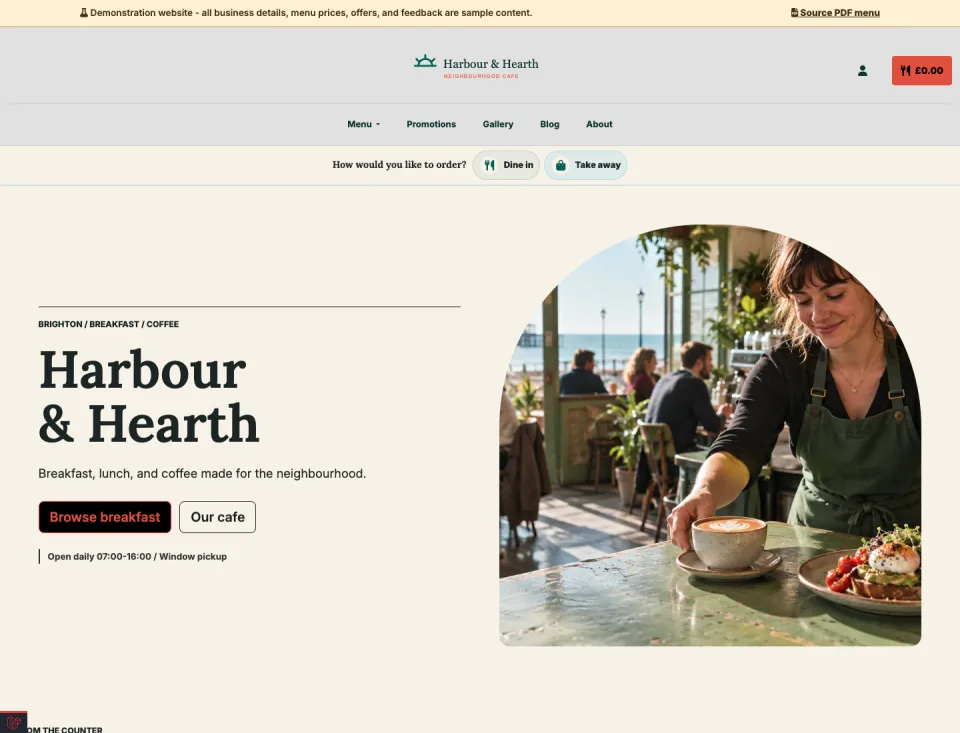
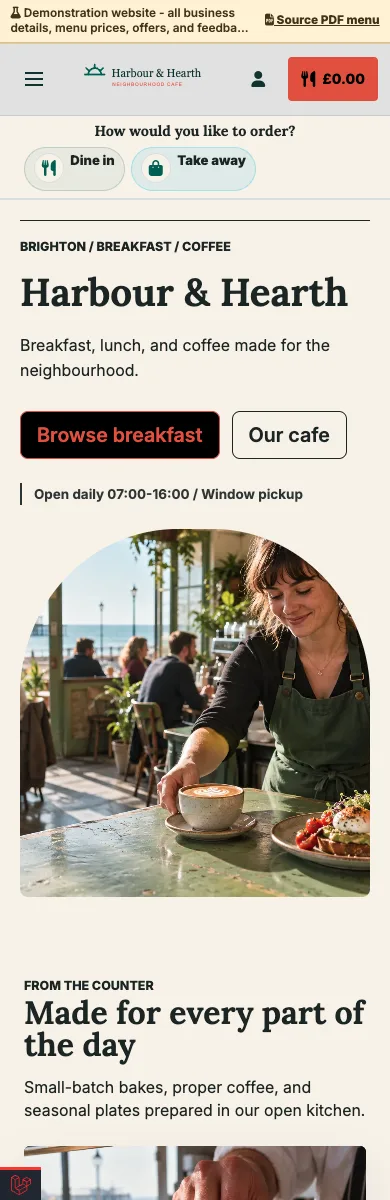
Breakfast, lunch and coffee, with daily offers and pickup ordering.
Explore demo — Neighbourhood cafe — Opens in a new tab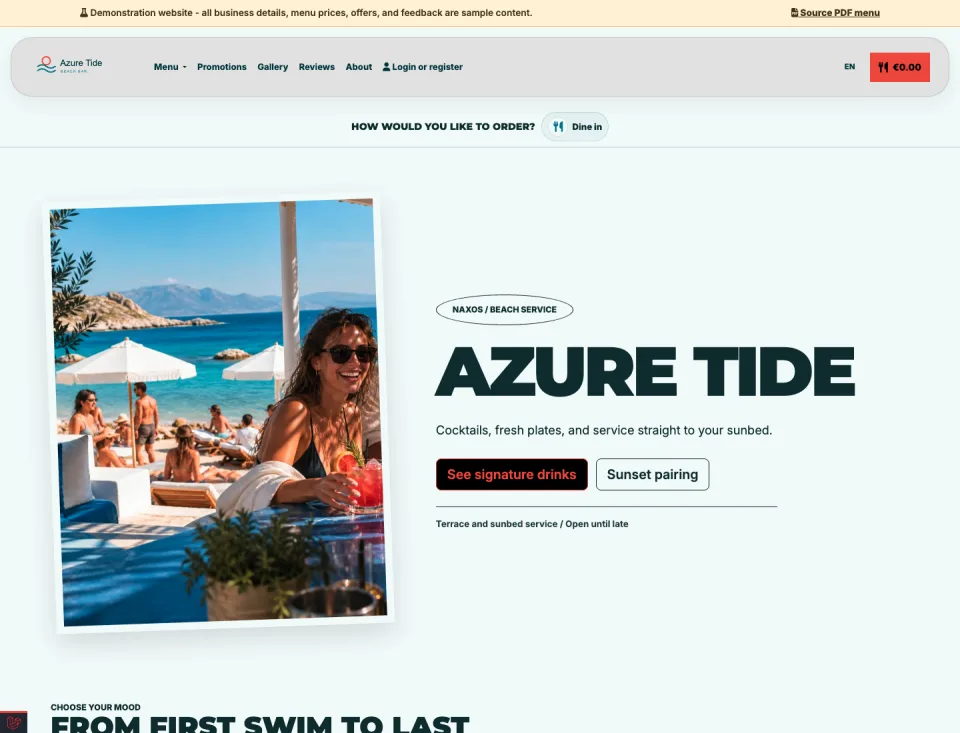
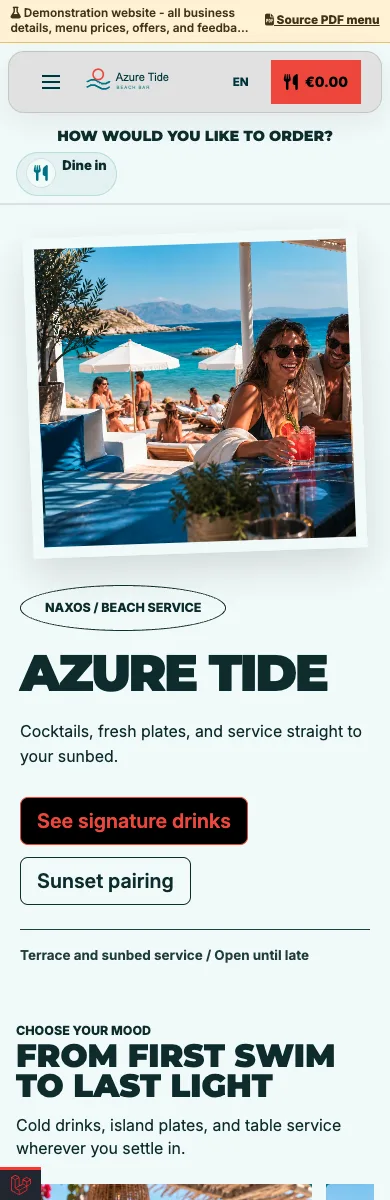
Drinks, food and seaside atmosphere, with QR ordering from your sunbed.
Explore demo — Beach bar — Opens in a new tab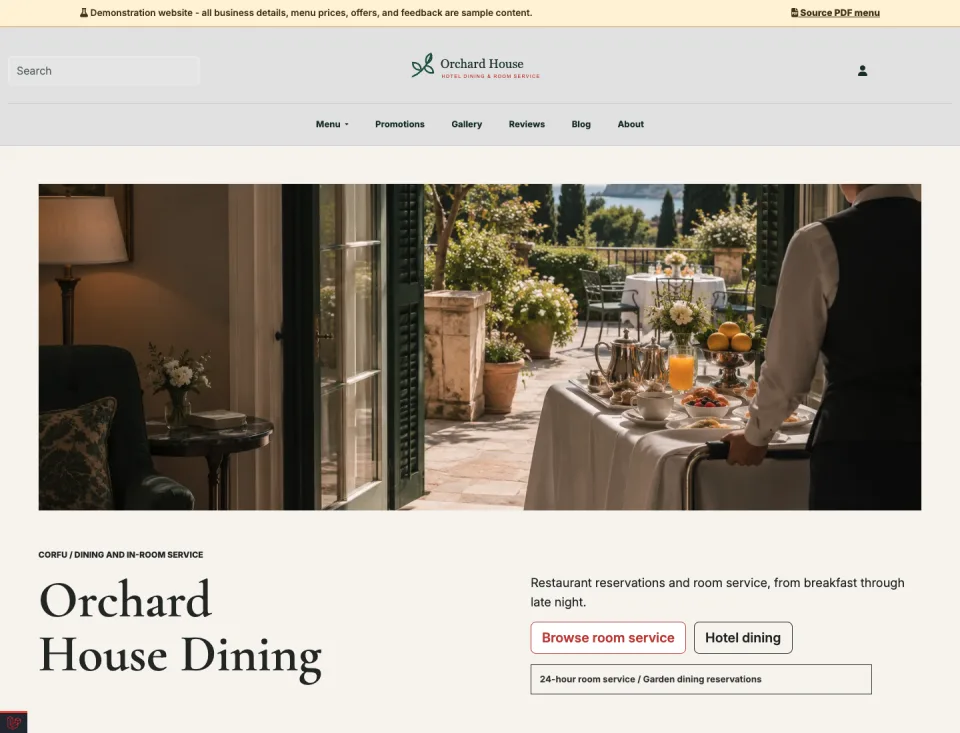
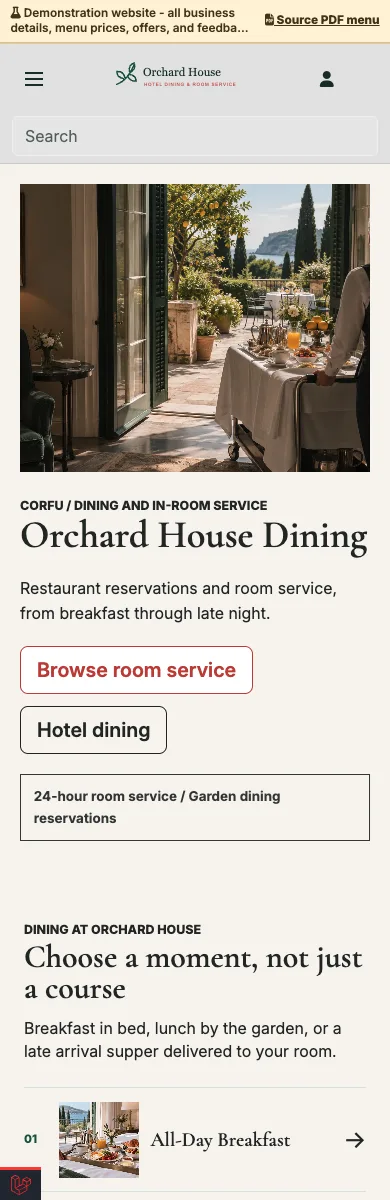
Restaurant menus, guest information and room-service ordering in one site.
Explore demo — Hotel dining and room service — Opens in a new tab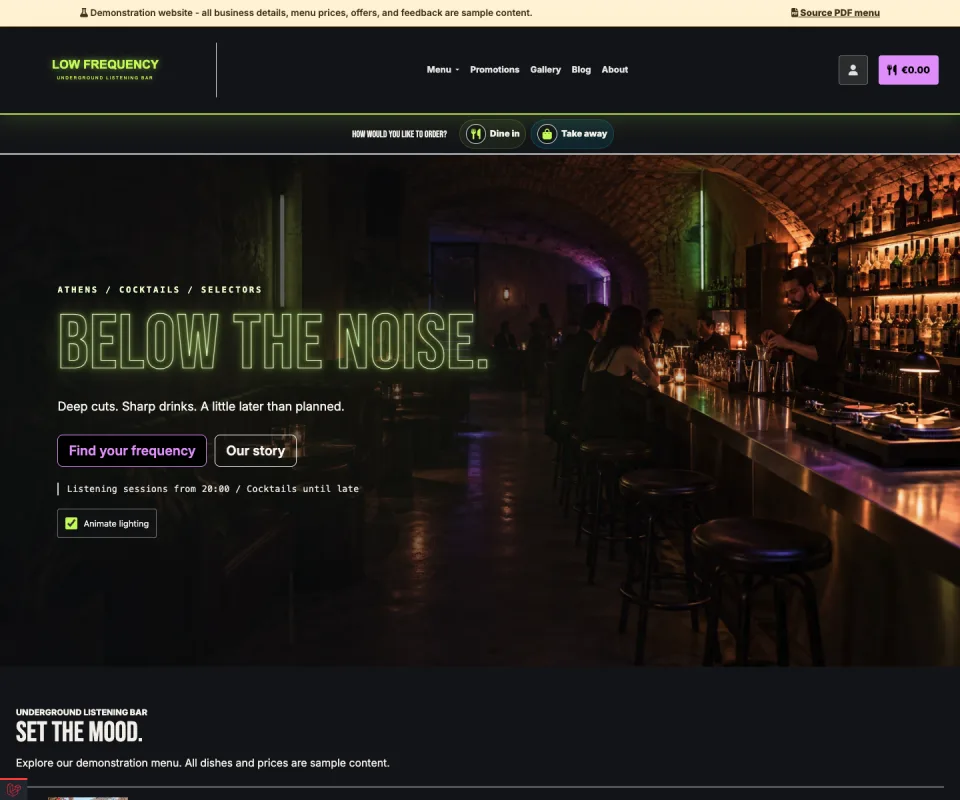
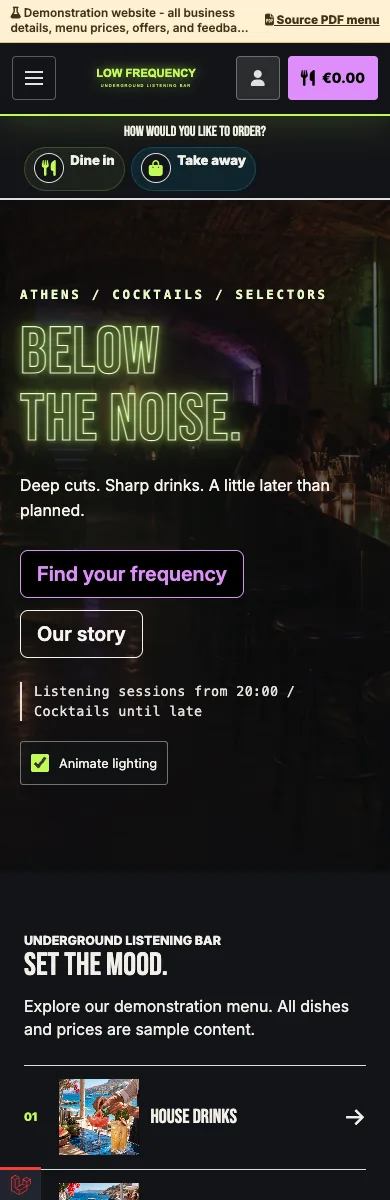
Neon lights, late-night energy and an immersive drinks menu.
Explore demo — Underground bar — Opens in a new tab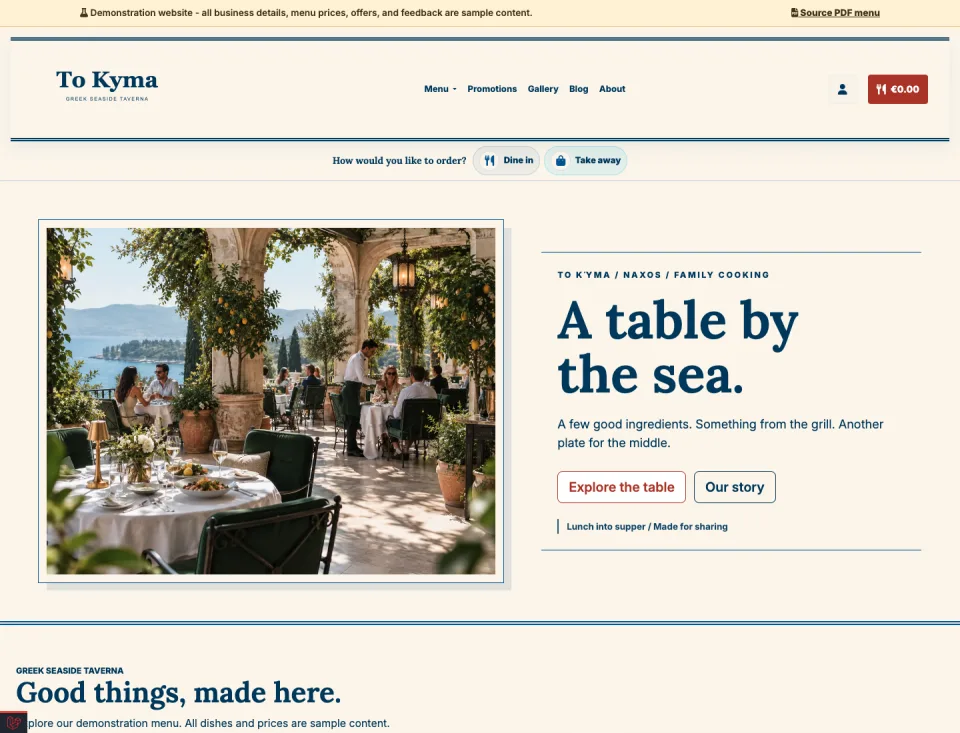
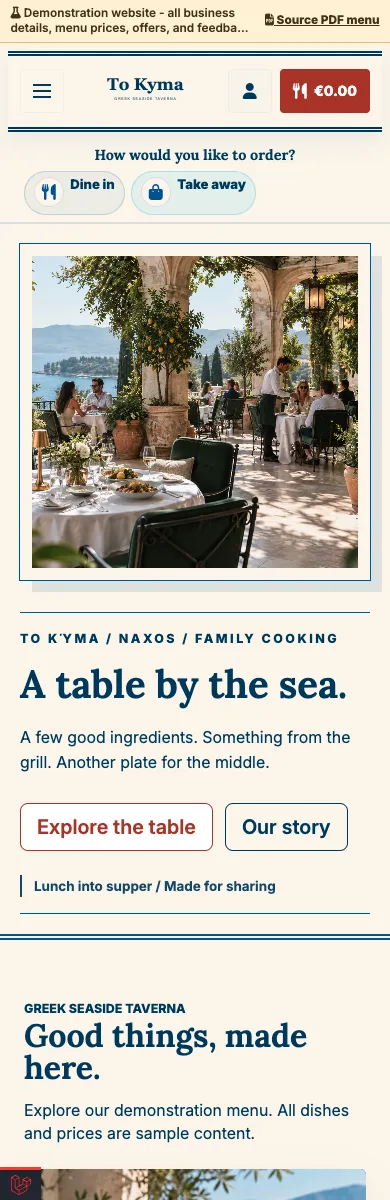
A sunlit blue-and-cream design for shared plates and warm hospitality.
Explore demo — Greek taverna — Opens in a new tab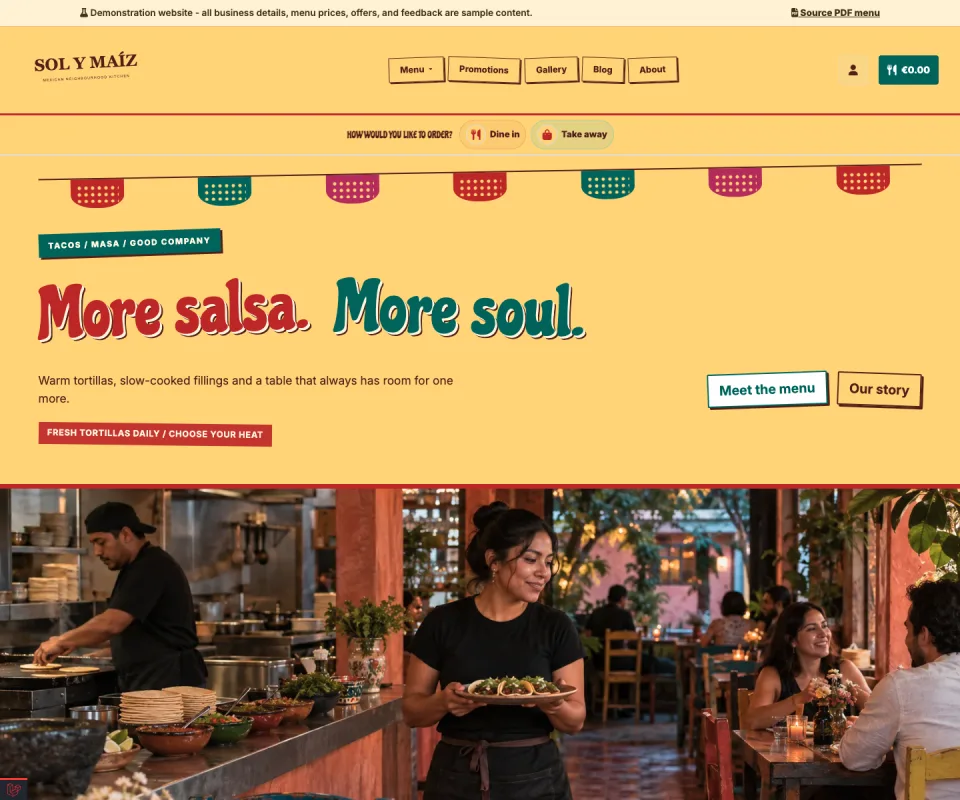
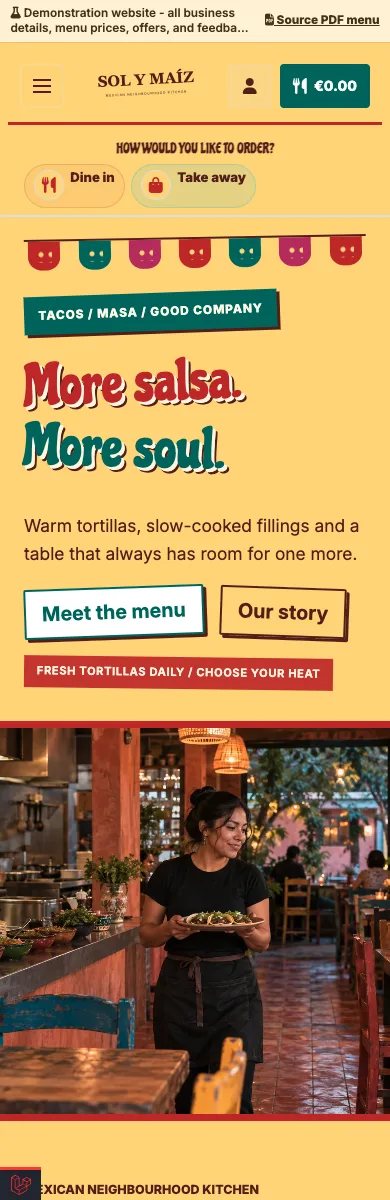
Painted lettering, vibrant colours and a menu full of character.
Explore demo — Mexican restaurant — Opens in a new tab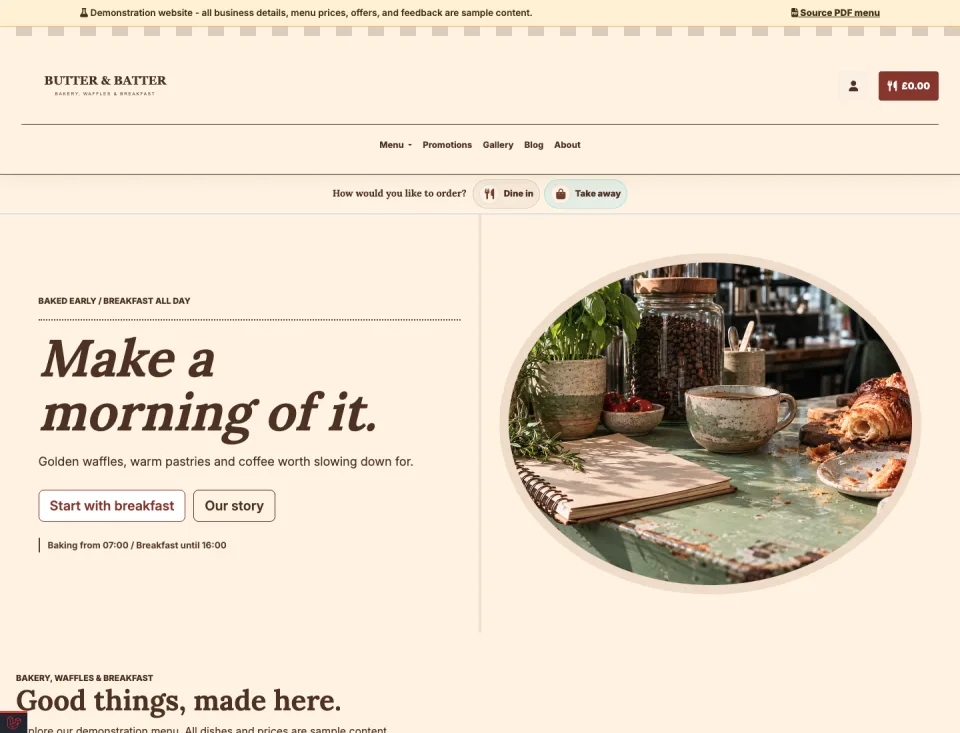
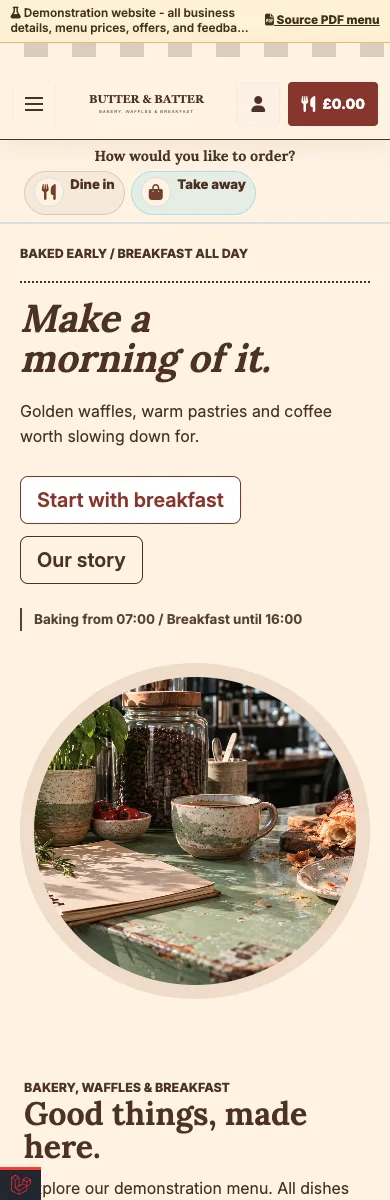
A striped awning, fresh bakes and a welcoming breakfast menu.
Explore demo — Bakery and breakfast bistro — Opens in a new tab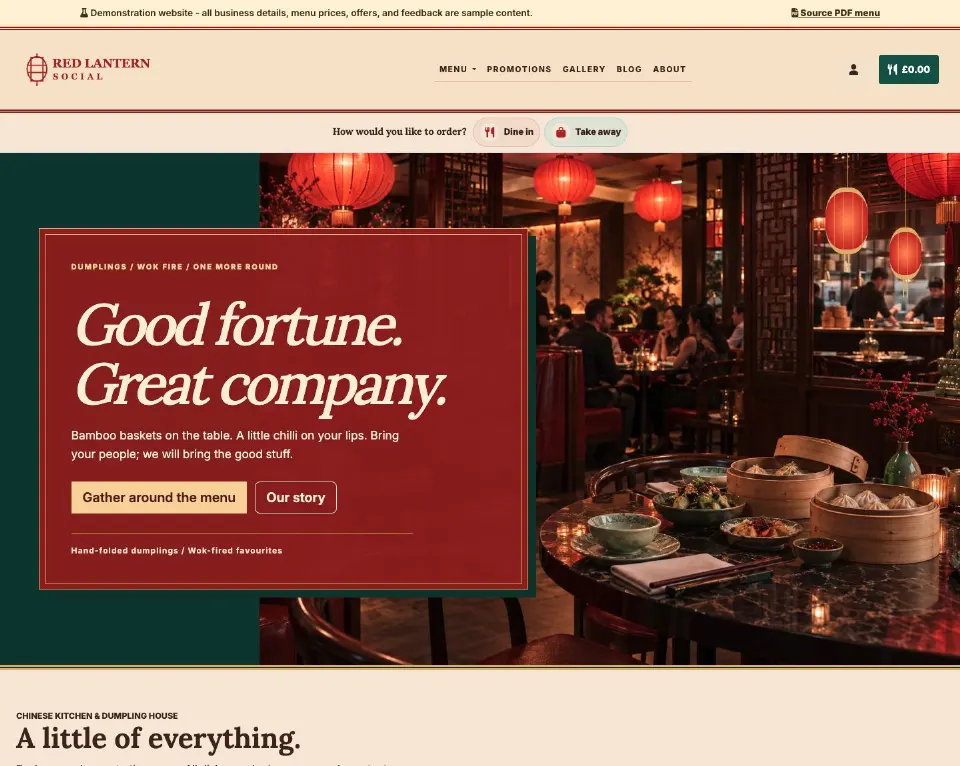
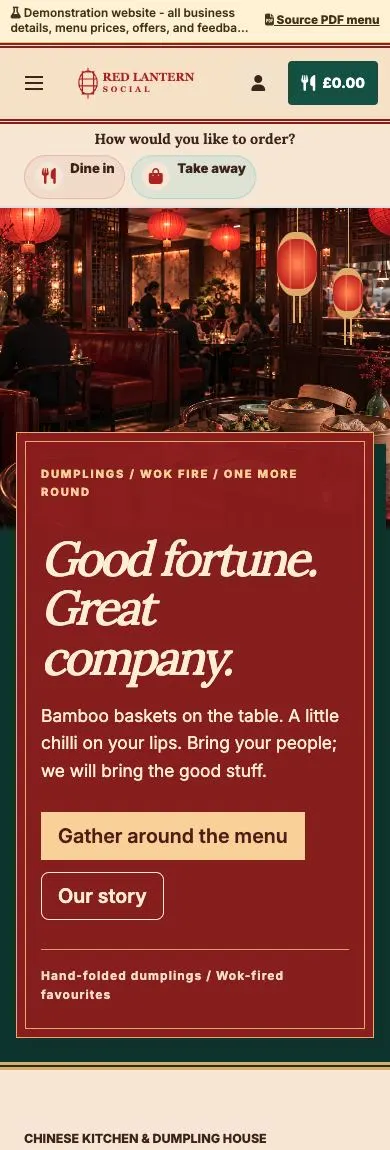
Lantern light, lacquer-red panels and a menu made for sharing.
Explore demo — Chinese supper club — Opens in a new tab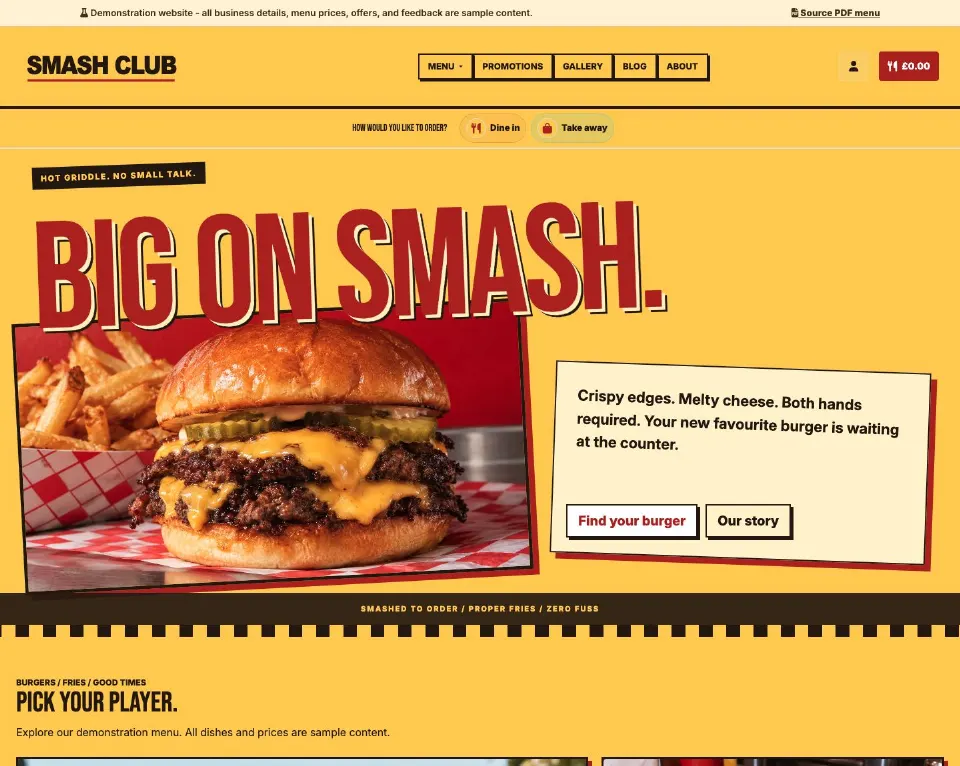
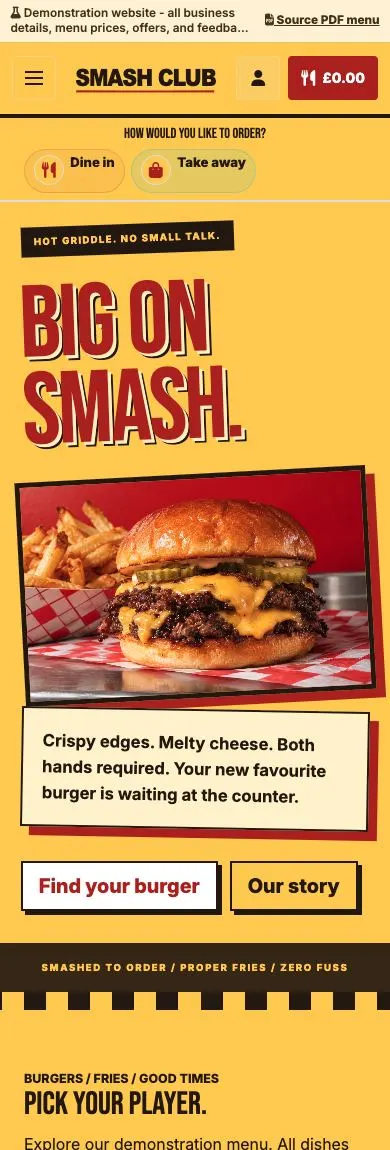
Oversized lettering, bold colour and burgers that take centre stage.
Explore demo — Burger joint — Opens in a new tab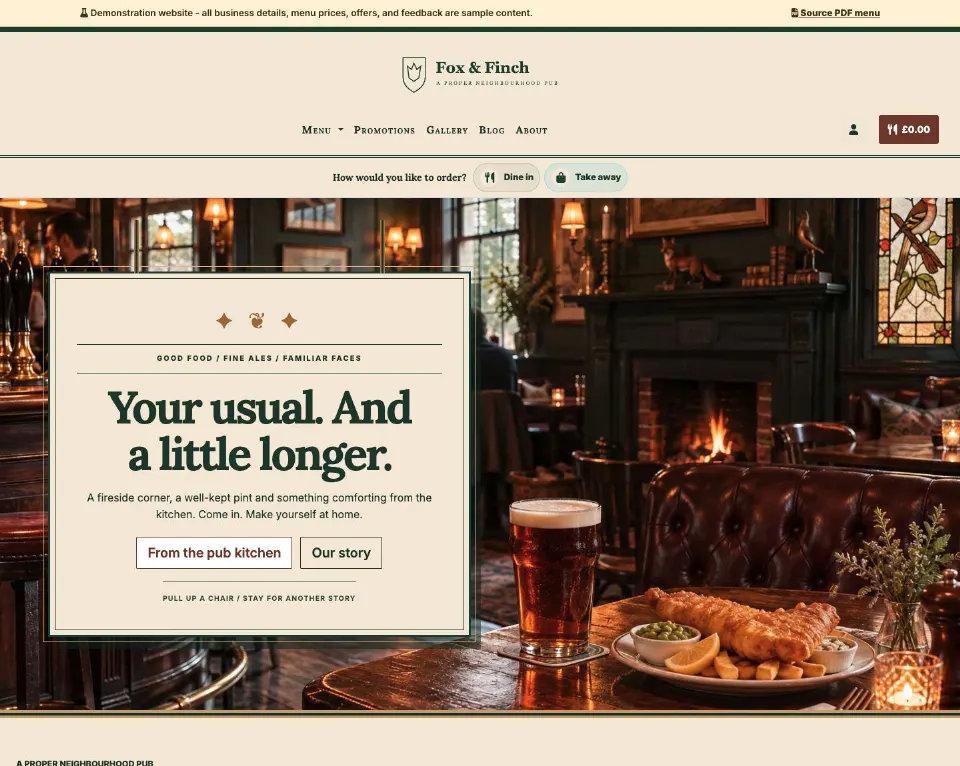
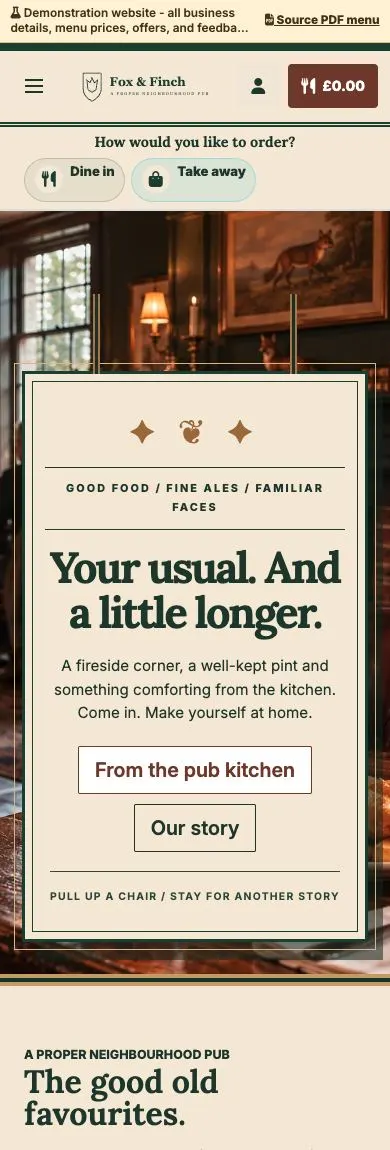
Traditional pub signage, fireside warmth and comforting classics.
Explore demo — British pub — Opens in a new tab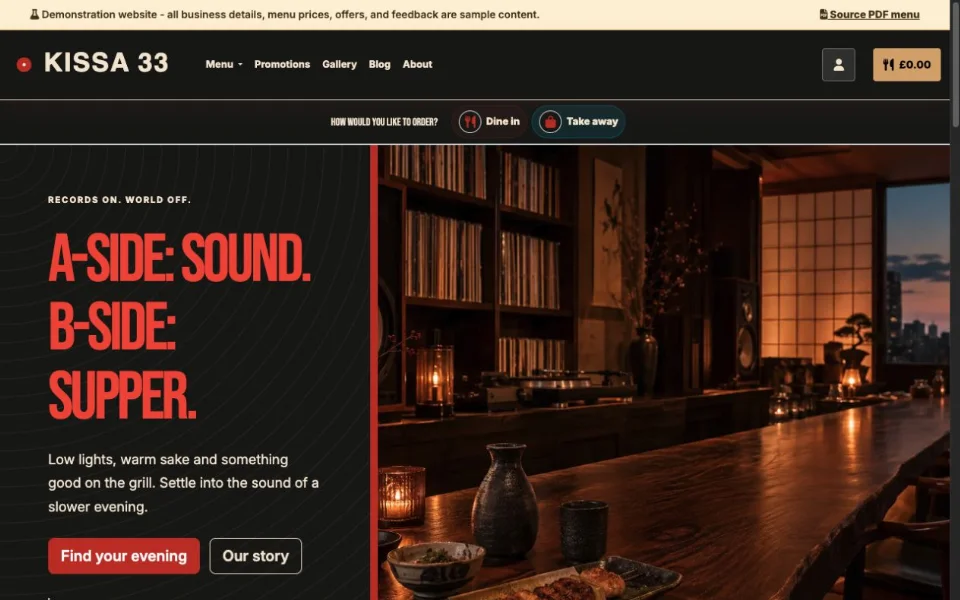
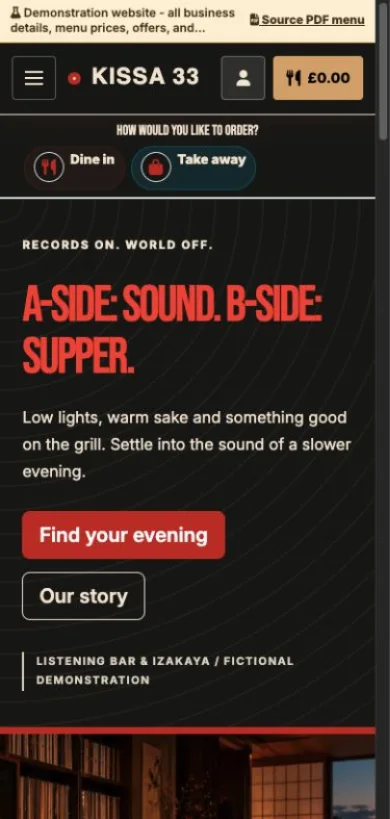
Warm wood, record-sleeve typography and small plates after dark.
Explore demo — Listening bar & izakaya — Opens in a new tab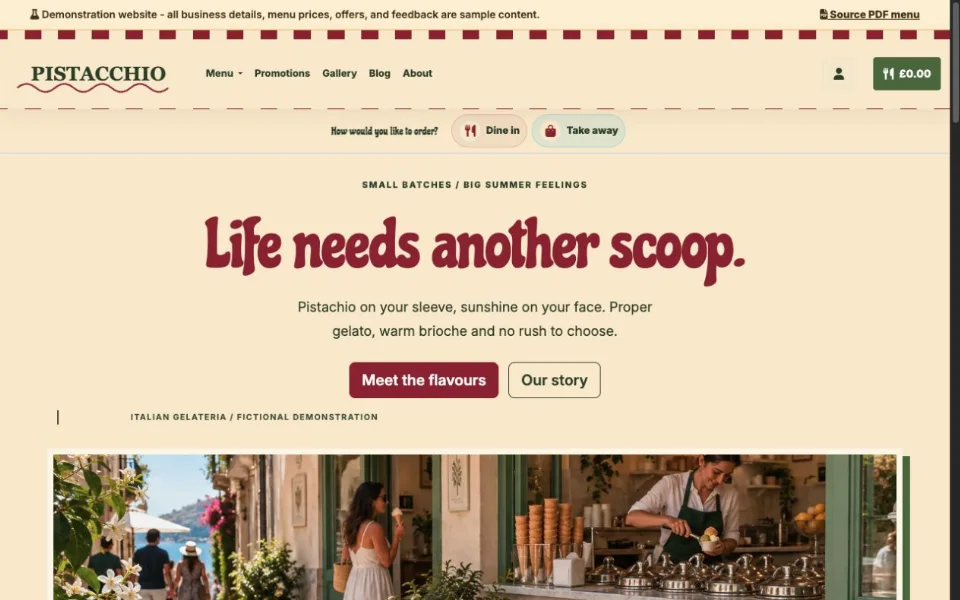
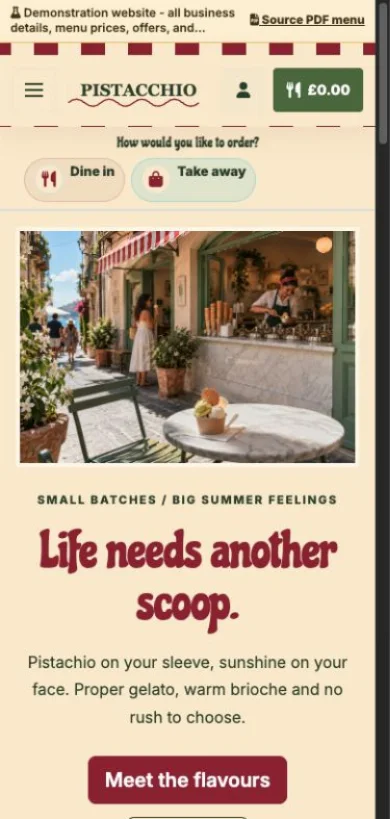
Pistachio green, cherry stripes and a scoop of Italian sunshine.
Explore demo — Italian gelateria — Opens in a new tab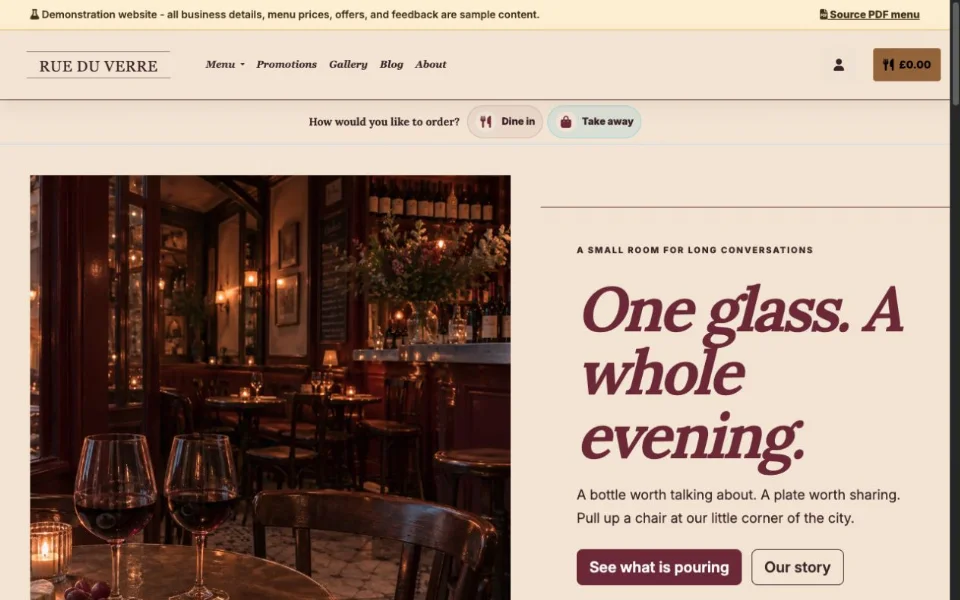
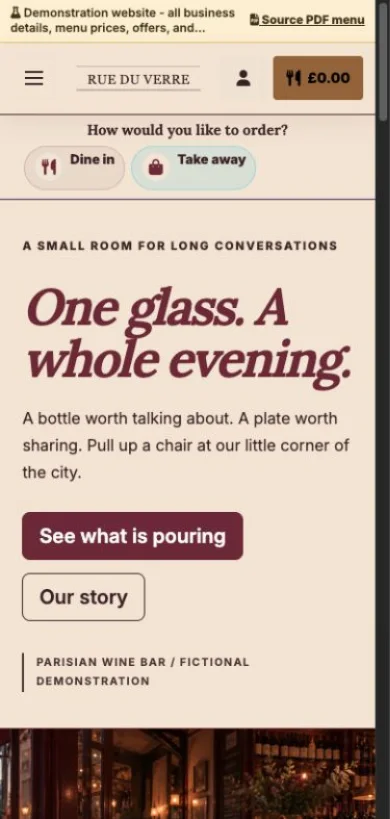
Burgundy, brass and an intimate editorial wine-bar design.
Explore demo — Parisian wine bar — Opens in a new tab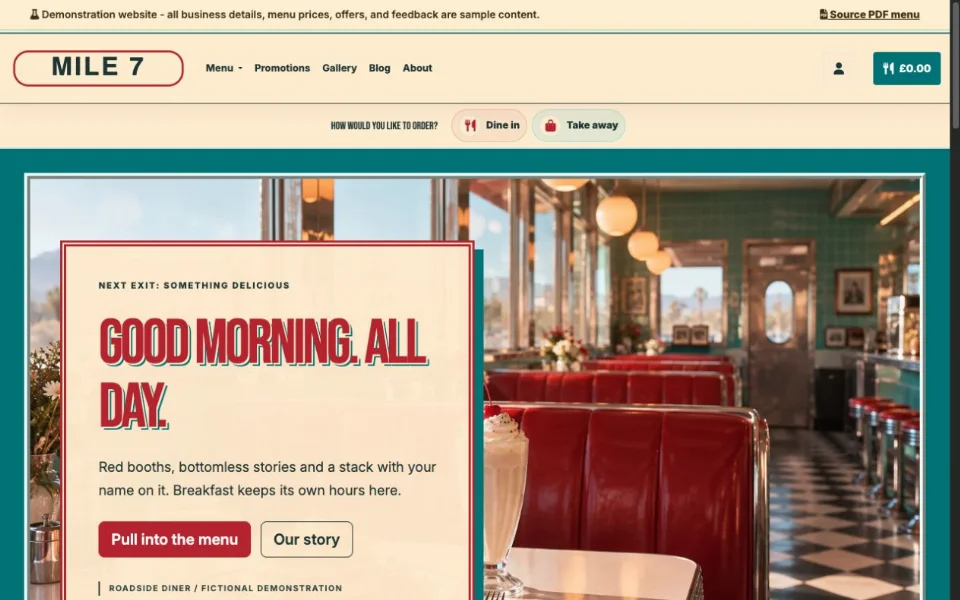
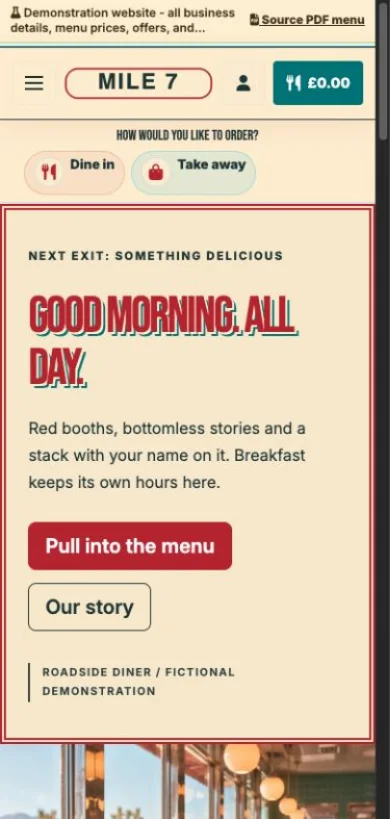
Chrome trim, red booths and a breakfast menu with big personality.
Explore demo — Roadside diner — Opens in a new tab
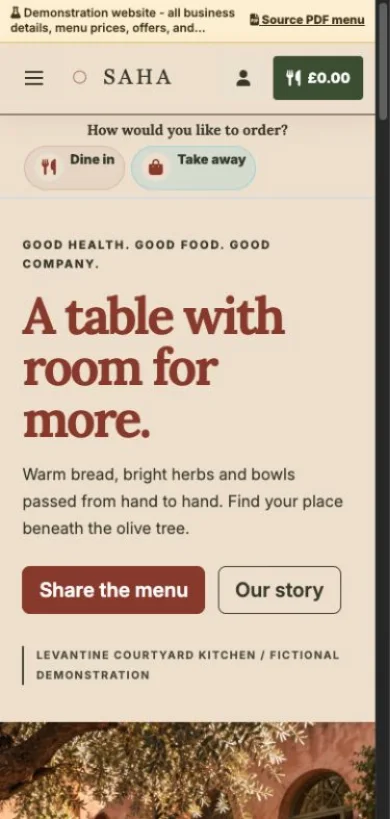
Terracotta, olive tones and a generous table made for sharing.
Explore demo — Levantine courtyard — Opens in a new tab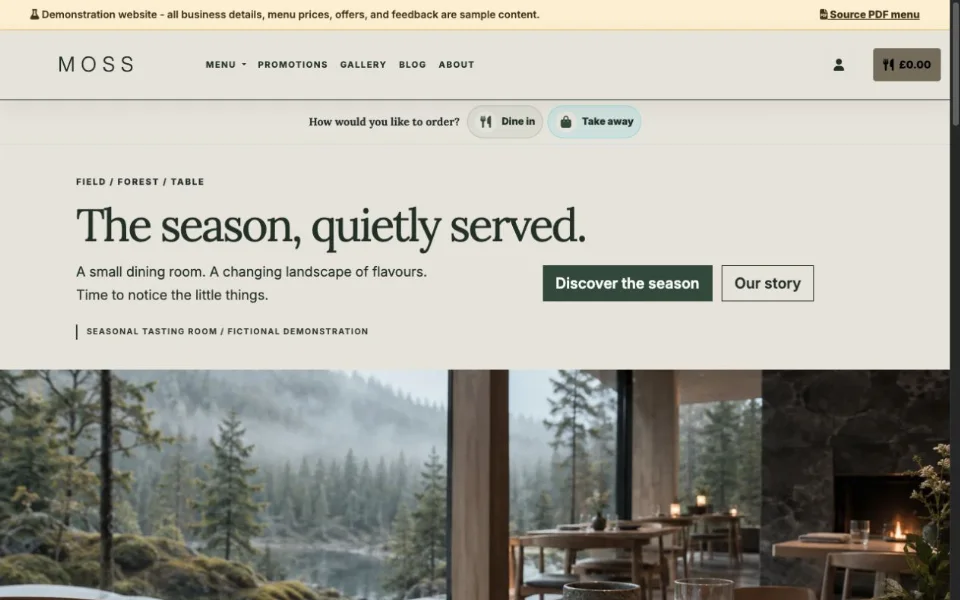
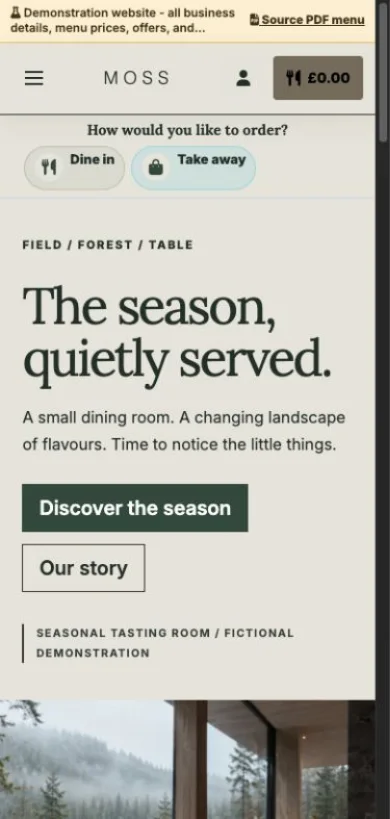
Quiet typography, natural textures and a seasonal tasting menu.
Explore demo — Nordic tasting room — Opens in a new tab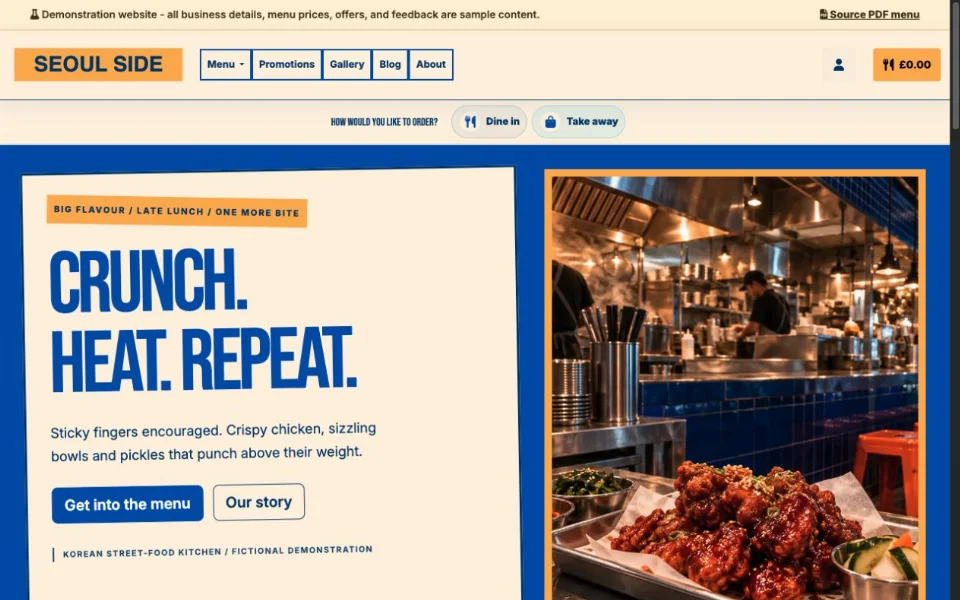
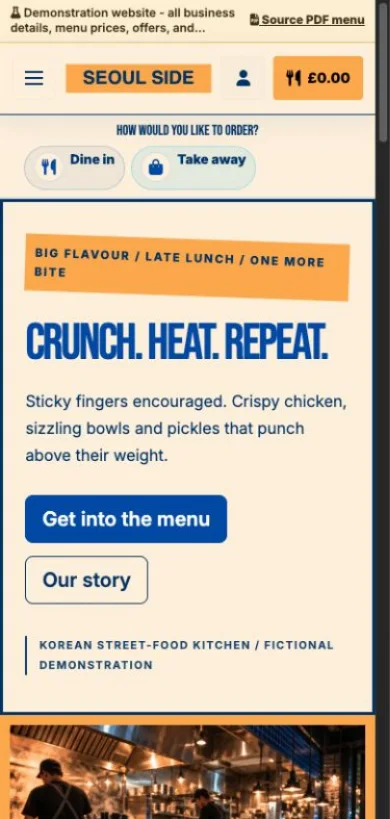
Cobalt blue, bold posters and a menu full of crunch and heat.
Explore demo — Korean street-food kitchen — Opens in a new tabThese are demonstration businesses with sample menus, photos and feedback.
Change prices, photos, offers or availability. Once published, guests see the update through the same link.
Yes. Download QR codes for your website and configured tables or service points.
It can open your website with the menu, offers, photos, reviews, business details and any enabled ordering options.
No. The link stays the same when you update your published content.
FROM THE GIVEAMENU BLOG
Practical guides for your website, digital menu and everyday service.
2 Nov 2026
Compare a PDF with a menu built for phone screens. Run a small guest test and keep a useful printed fallback without assuming one format suits every task.
Read the guide30 Oct 2026
Check your menu, hours, directions and guest actions on a phone. Use this practical launch worksheet to find missing information before you share your restaurant website.
Read the guideCreate your account, upload your menu and review your website before publishing. Try Order Pro for 90 days, with no card required.