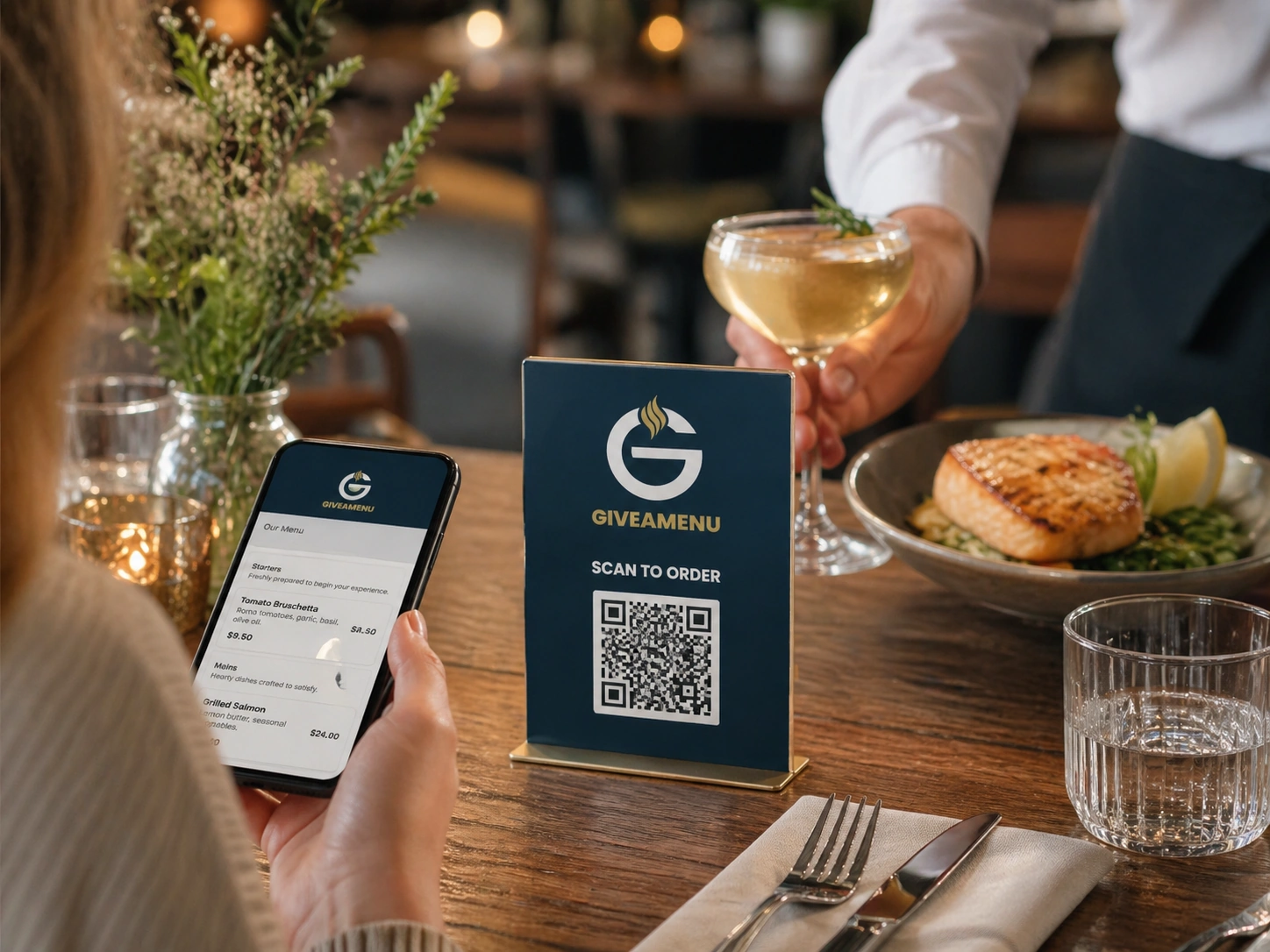
Meni, rezèvasyon, ak kontèks lòd soti nan yon eskanè
Kliyan yo ka wè meni an, rezève kote ki disponib, oswa mete yon lòd sou tab nan menm vwayaj QR tab la lè plan an pèmèt li.
Vire chak tab, chanm, kabann solèy, oswa pwen sèvis nan yon kanal dirèk kòmande.
Bay envite yo yon flux QR rapid pou navige nan meni yo, fè rezèvasyon kote li pèmèt, epi mete lòd sou tab lè magazen an itilize Order Pro.
Kliyan yo ka wè meni an, rezève kote ki disponib, oswa mete yon lòd sou tab nan menm vwayaj QR tab la lè plan an pèmèt li.
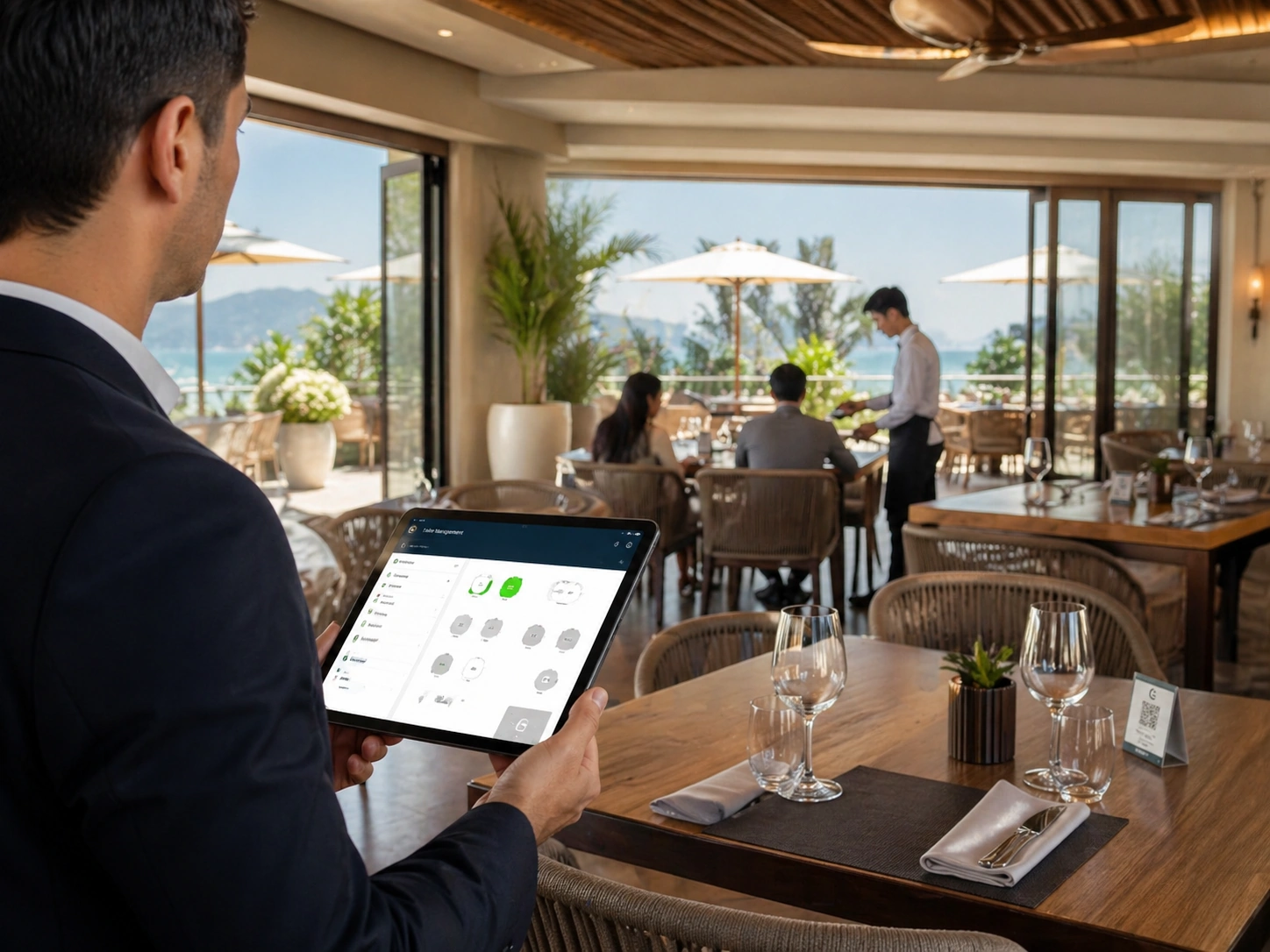
Lòd yo rete konekte ak tab la oswa pwen sèvis, ede anplwaye yo sèvi envite yo dwa san klarifikasyon manyèl.
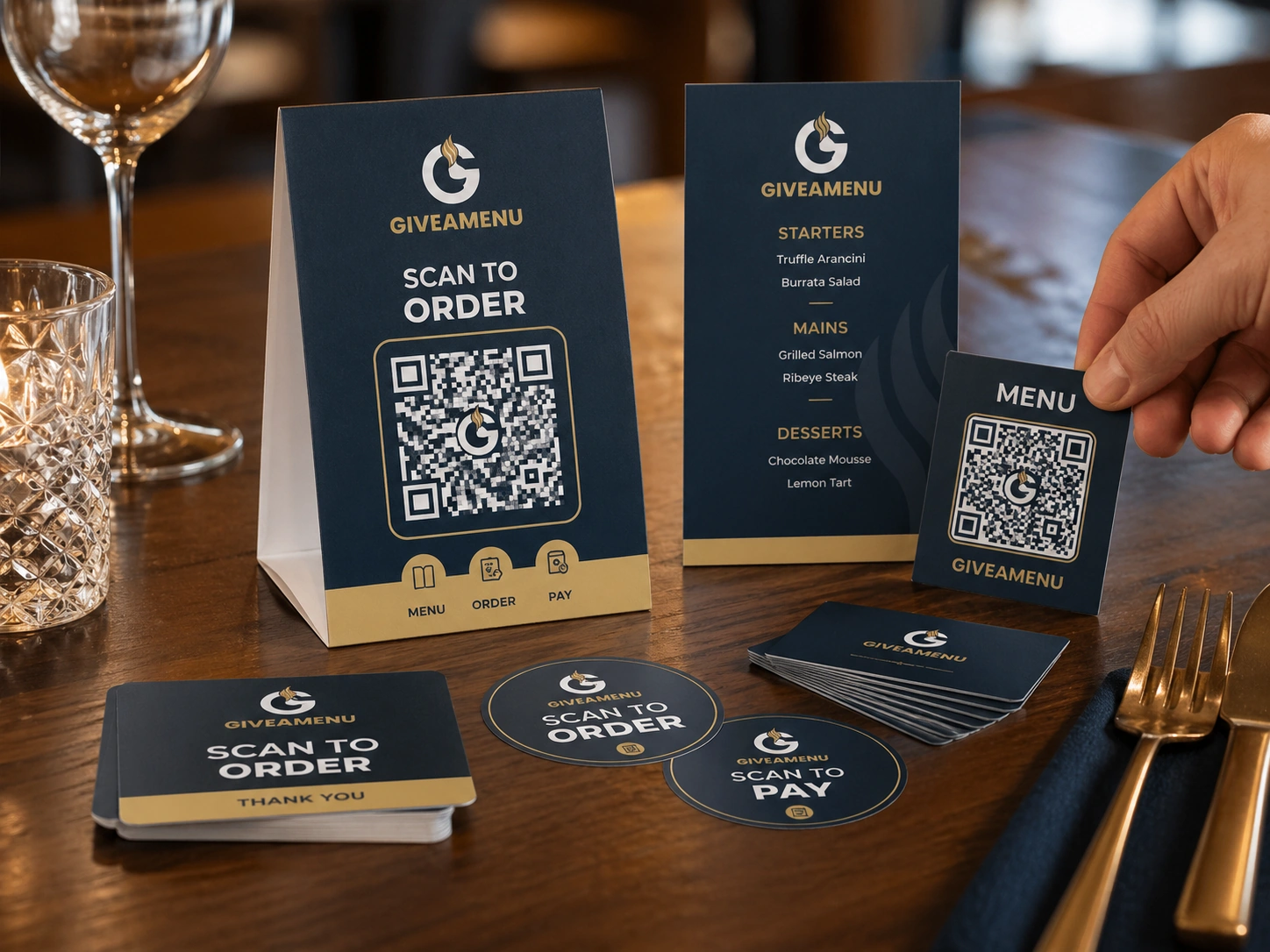
Mete ajou meni yo dijital, redwi kantite meni enprime yo, epi kite envite yo kòmande lè yo pare.
Create a free account, add your restaurant menu, and use the 90-day Order Pro trial to test On Tab ordering without credit card details.
Wi. Tablo-kod QR espesifik ede sistèm lan idantifye ki kote kliyan an ap kòmande soti.
Peman sou entènèt ak koule resi fiskal fè pati aksè pilòt Order & Pay. Order Pro sèvi ak règleman sou tab deyò Giveamenu.
Wi. Menm lide a ka sipòte chanm otèl, sèvis plaj, kontwa, zòn evènman, ak lòt pwen sèvis.
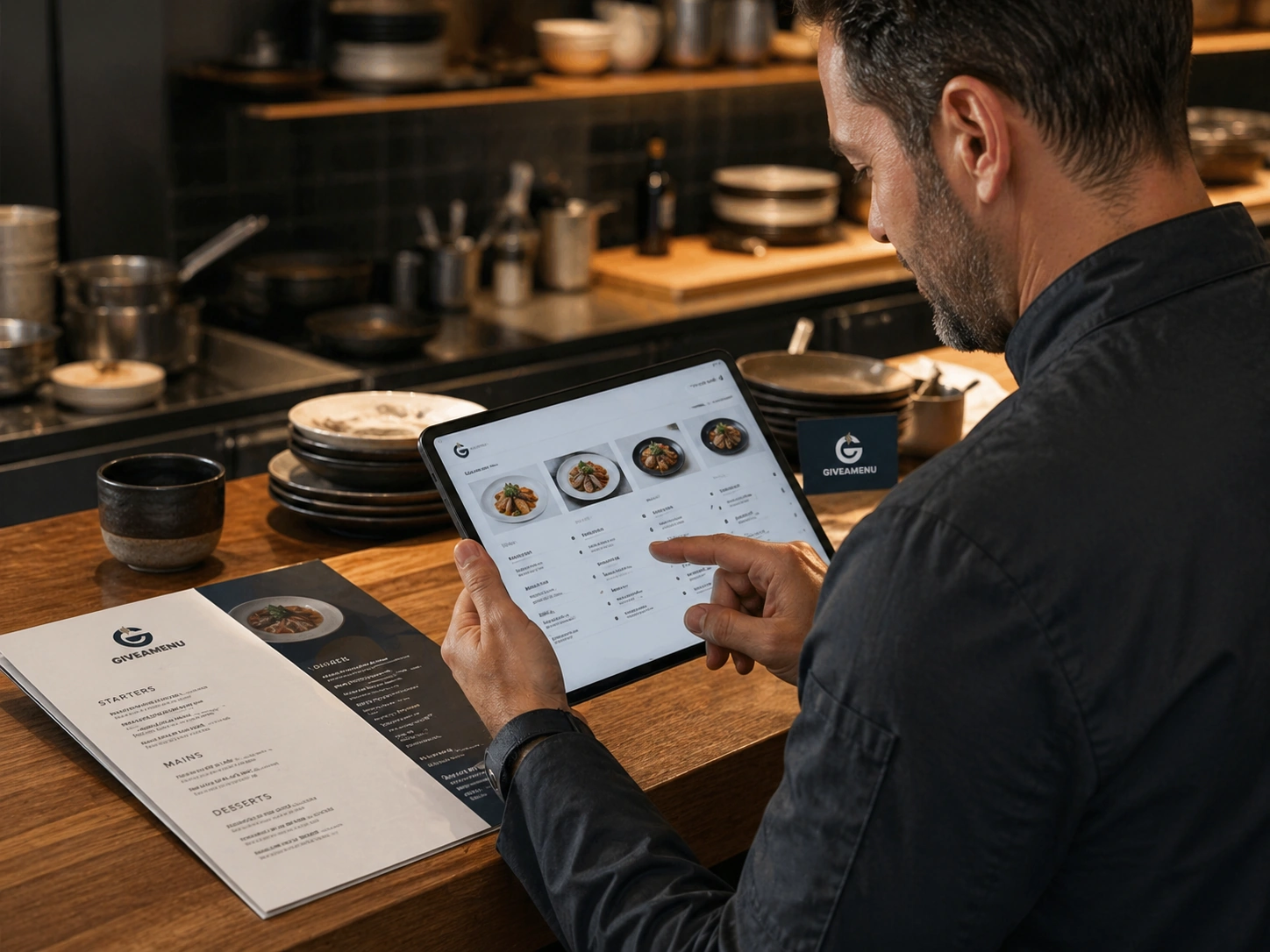
Kreye yon meni dijital estriktire ak kategori, detay pwodwi, galri imaj, opsyon, kontwòl disponiblite, ak tradiksyon.
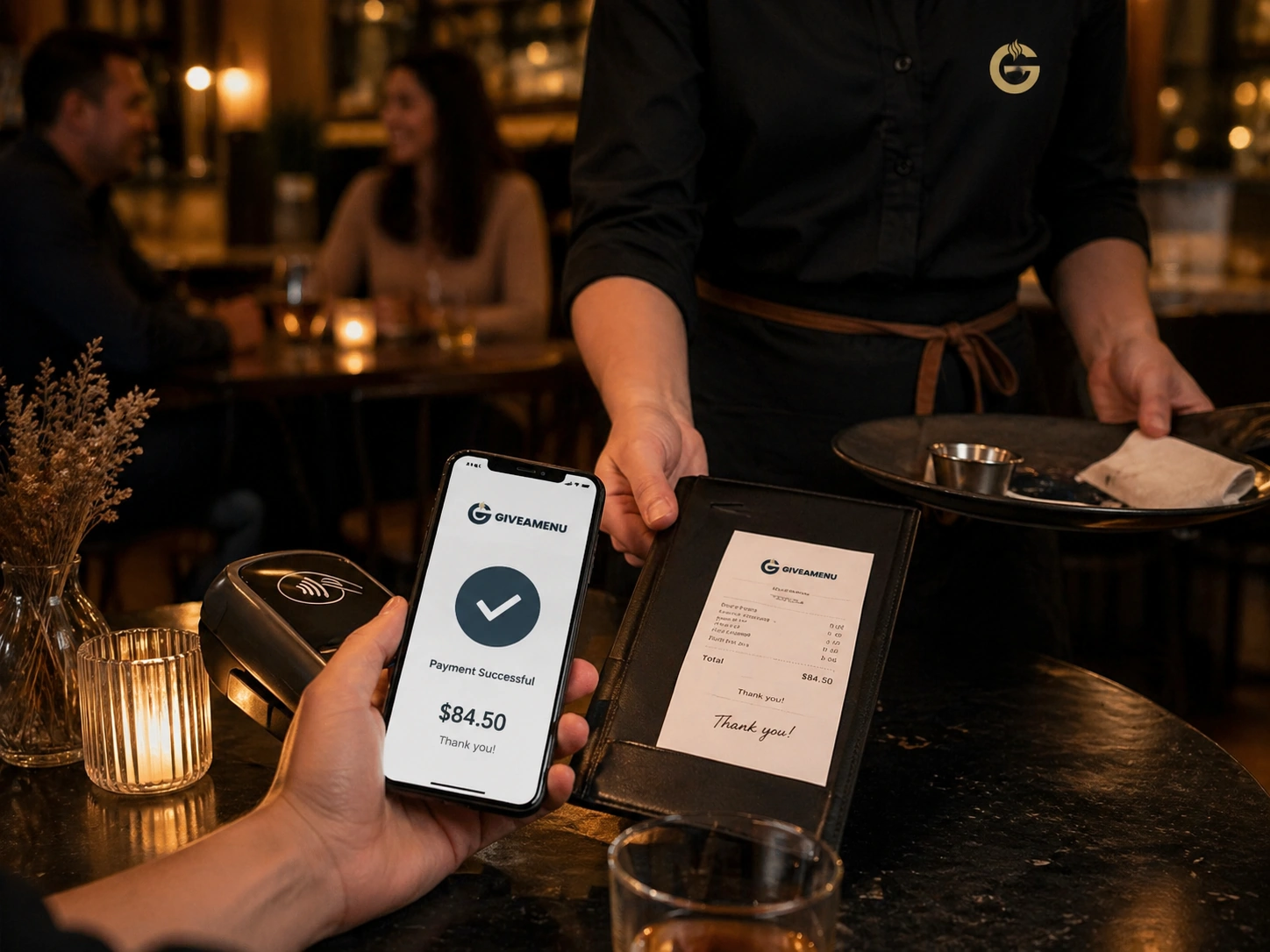
Order & Pay se peman ak liy fiskal nan lavni pou magazen ki bezwen koleksyon peman sou entènèt ak workflows resi apre konfigirasyon kòmand debaz la estab.

Sitiyasyon lòd an dirèk ede ekip yo wè sa ki bezwen atansyon, sa y ap prepare, ak sa ki pare pou sèvis oswa koleksyon.