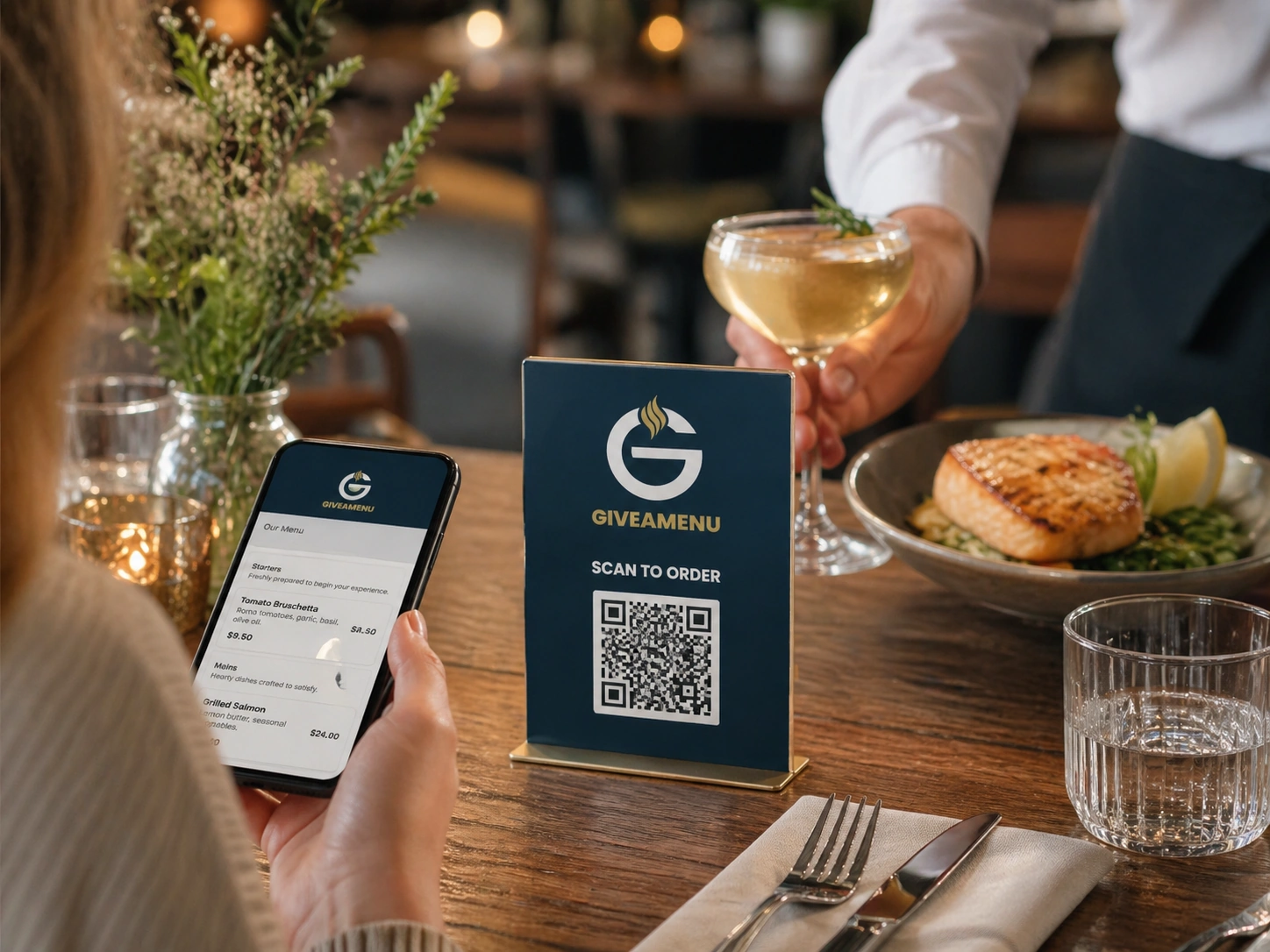
Menu, reservation, ne order context fi scan biako mu
Adetɔfo betumi ahwɛ menu no, de asie baabi a ɛwɔ, anaasɛ wɔayɛ On Tab order afi table QR akwantu koro no ara so bere a nhyehyɛe no ma ho kwan no.
Dane pon, dan, owia mpa, anaa ɔsom beae biara ma ɛnyɛ ɔkwan a wɔfa so kra nneɛma tẽẽ.
Ma ahɔho no QR a ɛkɔ ntɛmntɛm a wɔde bɛhwehwɛ menu ahorow mu, ayɛ reservations wɔ baabi a wɔahyɛ no den, na wɔde On Tab ahyɛde ahorow bere a sotɔɔ no de Order Pro redi dwuma no.
Adetɔfo betumi ahwɛ menu no, de asie baabi a ɛwɔ, anaasɛ wɔayɛ On Tab order afi table QR akwantu koro no ara so bere a nhyehyɛe no ma ho kwan no.
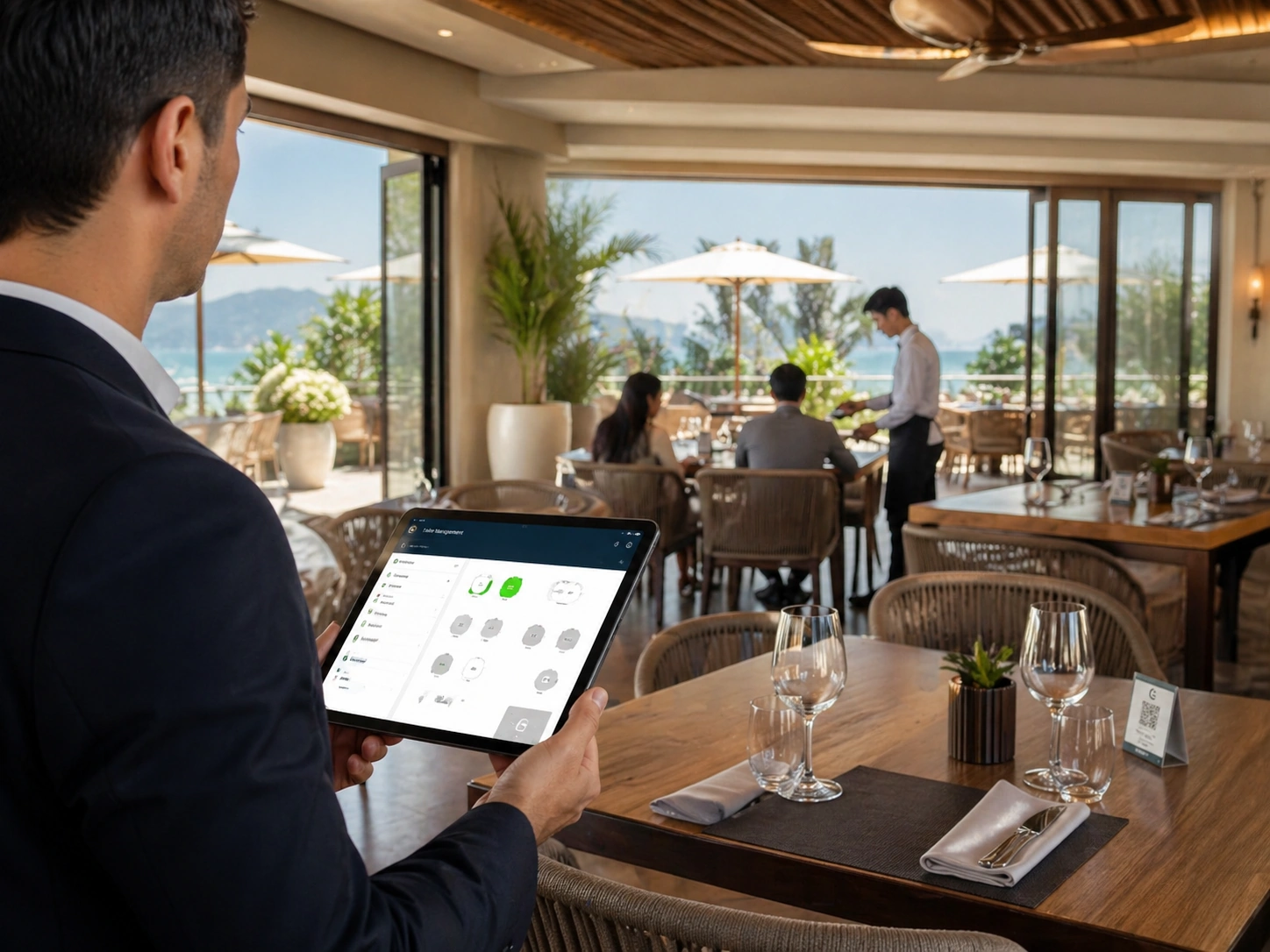
Nneɛma a wɔkra no tra pon anaa service point no so, na ɛboa adwumayɛfo ma wɔsom ahɔho a wɔfata a wɔmfa nsa nkyerɛkyerɛ mu.
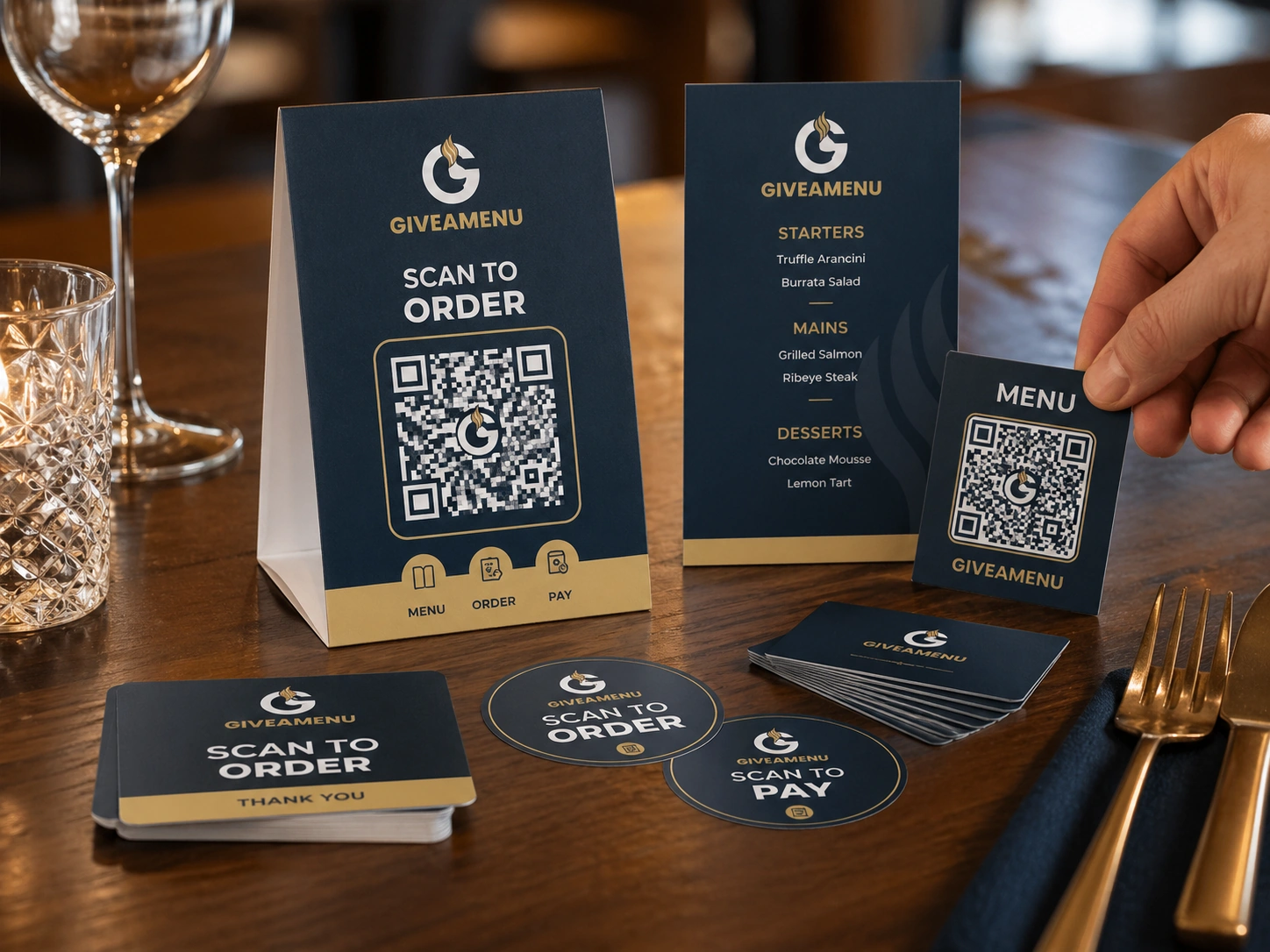
Yɛ menu ahorow no foforo wɔ dijitaal kwan so, tew menu churn a wɔatintim so, na ma ahɔho nkra bere a wɔasiesie wɔn ho no.
Create a free account, add your restaurant menu, and use the 90-day Order Pro trial to test On Tab ordering without credit card details.
Aane. QR code ahorow a ɛwɔ pon pɔtee bi so boa nhyehyɛe no ma wohu baabi a adetɔfo no fi rekra nneɛma.
Intanɛt so sikatua ne sikasɛm mu sika a wɔde gye sika no yɛ Order & Pay pilot access dea. Order Pro de On Tab settlement di dwuma wɔ Giveamenu akyi.
Aane. Adwene koro no ara betumi aboa ahɔhodan mu adan, mpoano som adwuma, counter ahorow, mmeae a wɔyɛ nhyiam ahorow, ne mmeae afoforo a wɔyɛ adwuma wɔ hɔ.
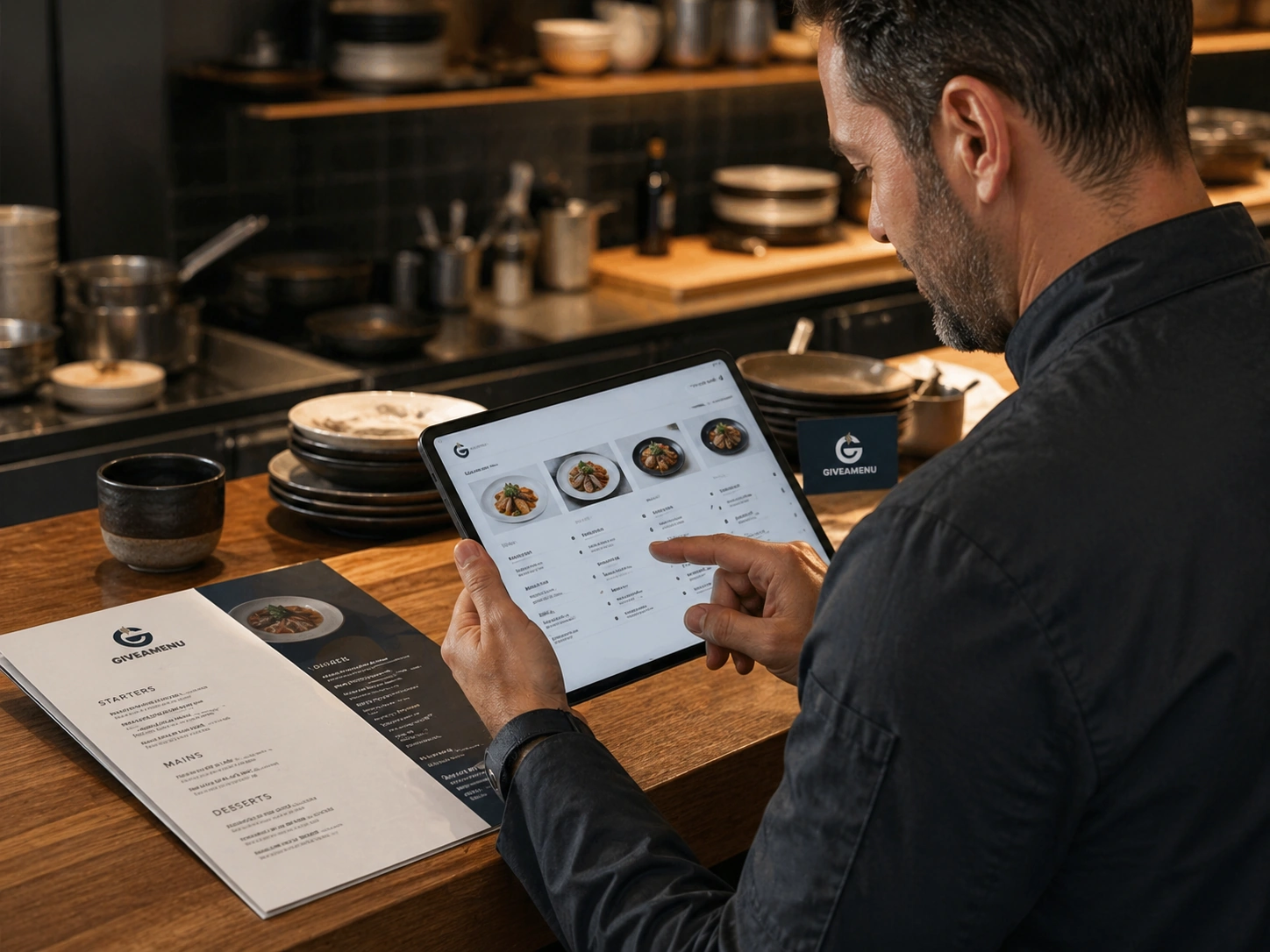
Yɛ digyital menu a wɔahyehyɛ a ɛwɔ akuo ahodoɔ, nneɛma ho nsɛm, mfonini ahodoɔ, akwan a wobɛtumi apaw, akwan a wɔfa so hwɛ nneɛma a ɛwɔ hɔ, ne nkyerɛaseɛ.
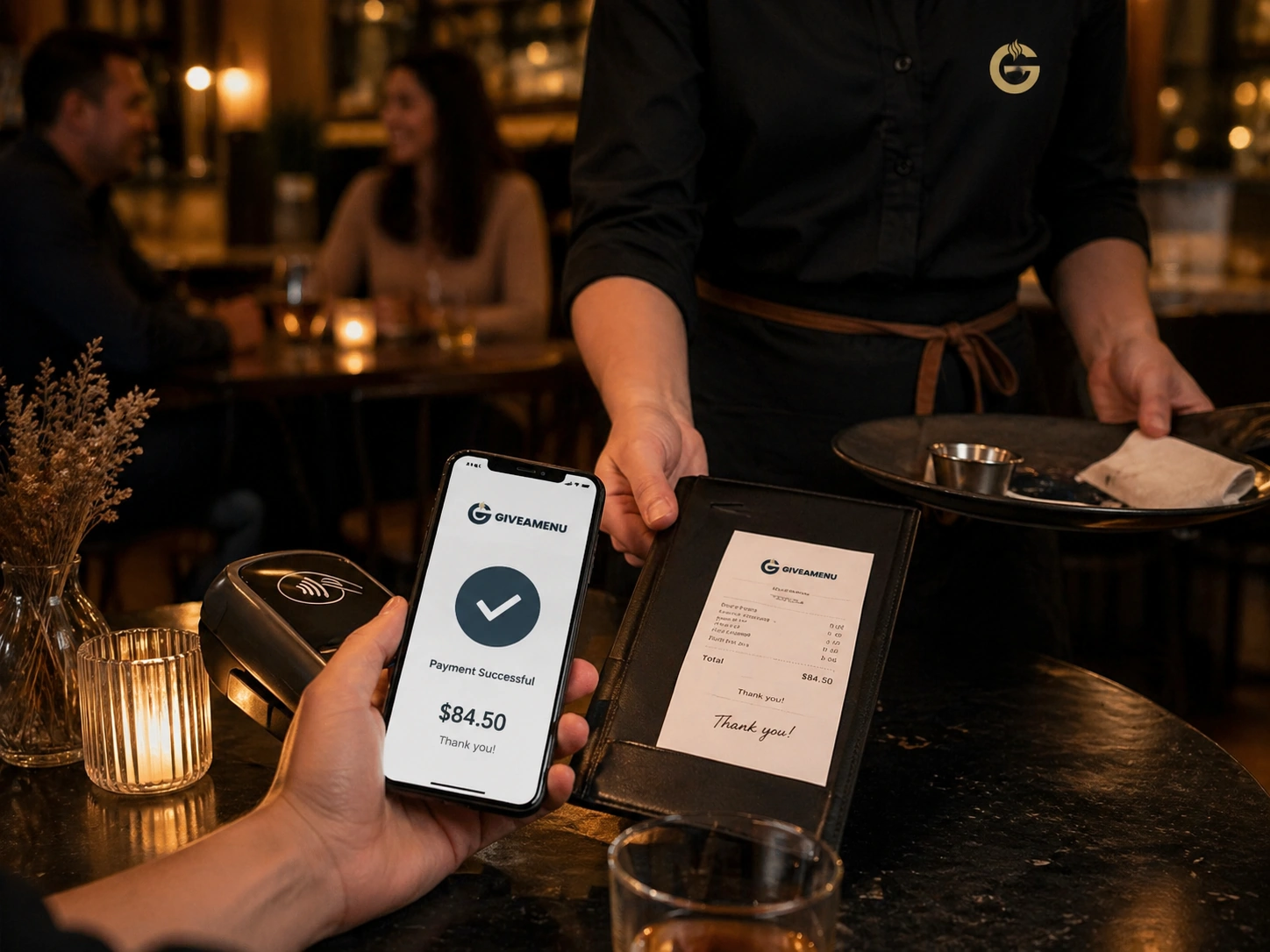
Order & Pay yɛ daakye sikatua ne sikasɛm kwan ma sotɔɔ ahorow a wohia intanɛt so sikatua a wɔboaboa ano ne adwuma a wɔde gye sika bere a core ordering nhyehyɛe no ayɛ pintinn akyi.
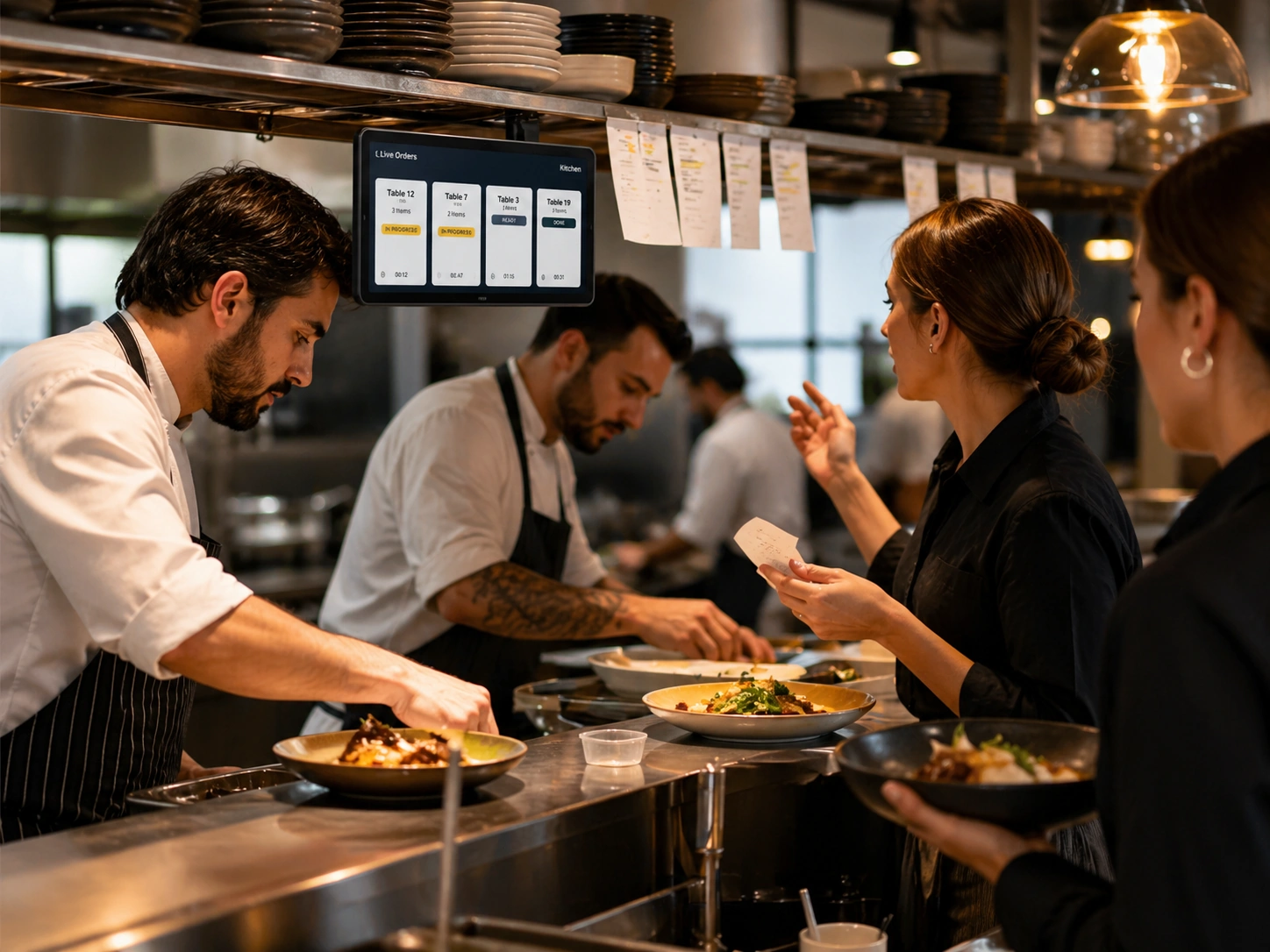
Live order tebea boa akuw ma wohu nea ɛsɛ sɛ wɔde wɔn adwene si so, nea wɔresiesie, ne nea wɔasiesie ama ɔsom anaa nea wɔaboaboa ano.