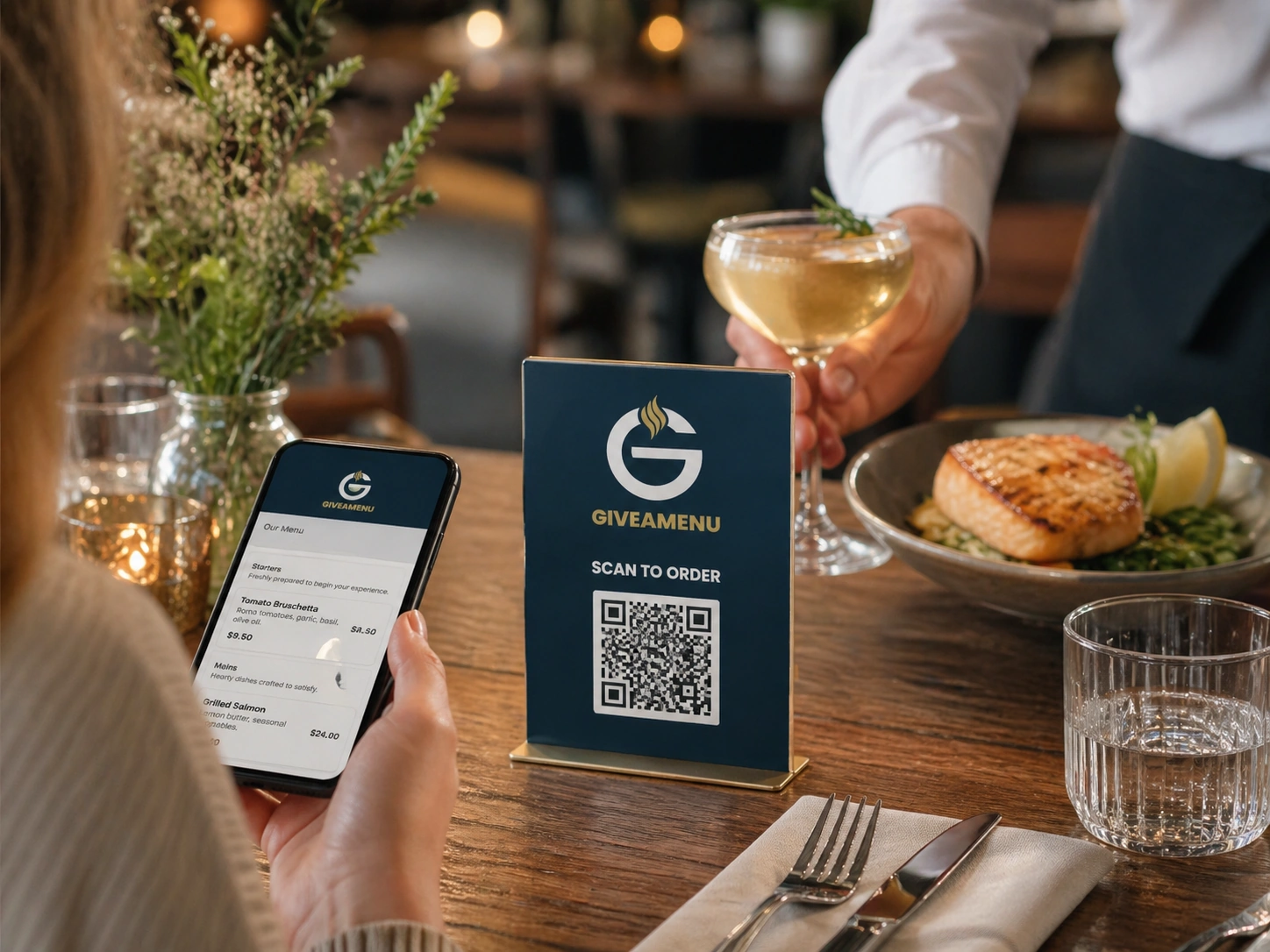
Menyu, okuteeka, n'okulagira ensonga okuva mu sikaani emu
Bakasitoma basobola okulaba menu, okuteeka ekifo we kiri, oba okuteeka order ya On Tab okuva ku lugendo lwe lumu olwa QR ku mmeeza nga pulaani ekkirizza.
Buli mmeeza, ekisenge, ekitanda ky’omusana oba ekifo eky’okuweereza kifuule omukutu gw’okulagira obutereevu.
Okuwa abagenyi enkola ya QR ey’amangu okusobola okulambula menu, okuteeka ebifo we zisobozeseddwa, n’okuteeka order za On Tab nga dduuka likozesa Order Pro.
Bakasitoma basobola okulaba menu, okuteeka ekifo we kiri, oba okuteeka order ya On Tab okuva ku lugendo lwe lumu olwa QR ku mmeeza nga pulaani ekkirizza.
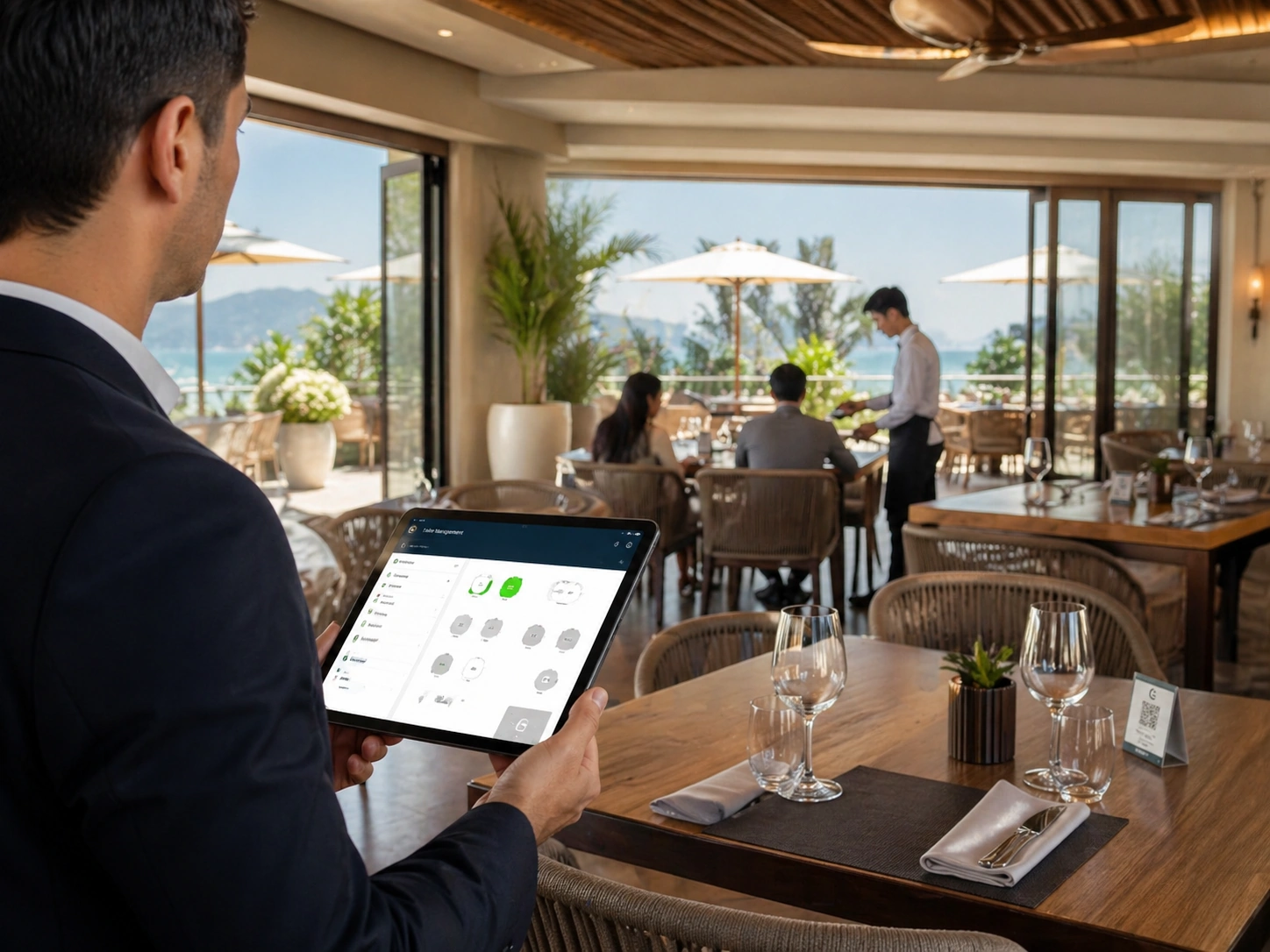
Orders zisigala nga ziyungiddwa ku mmeeza oba service point, okuyamba abakozi okuweereza abagenyi abatuufu awatali kunnyonnyola mu ngalo.
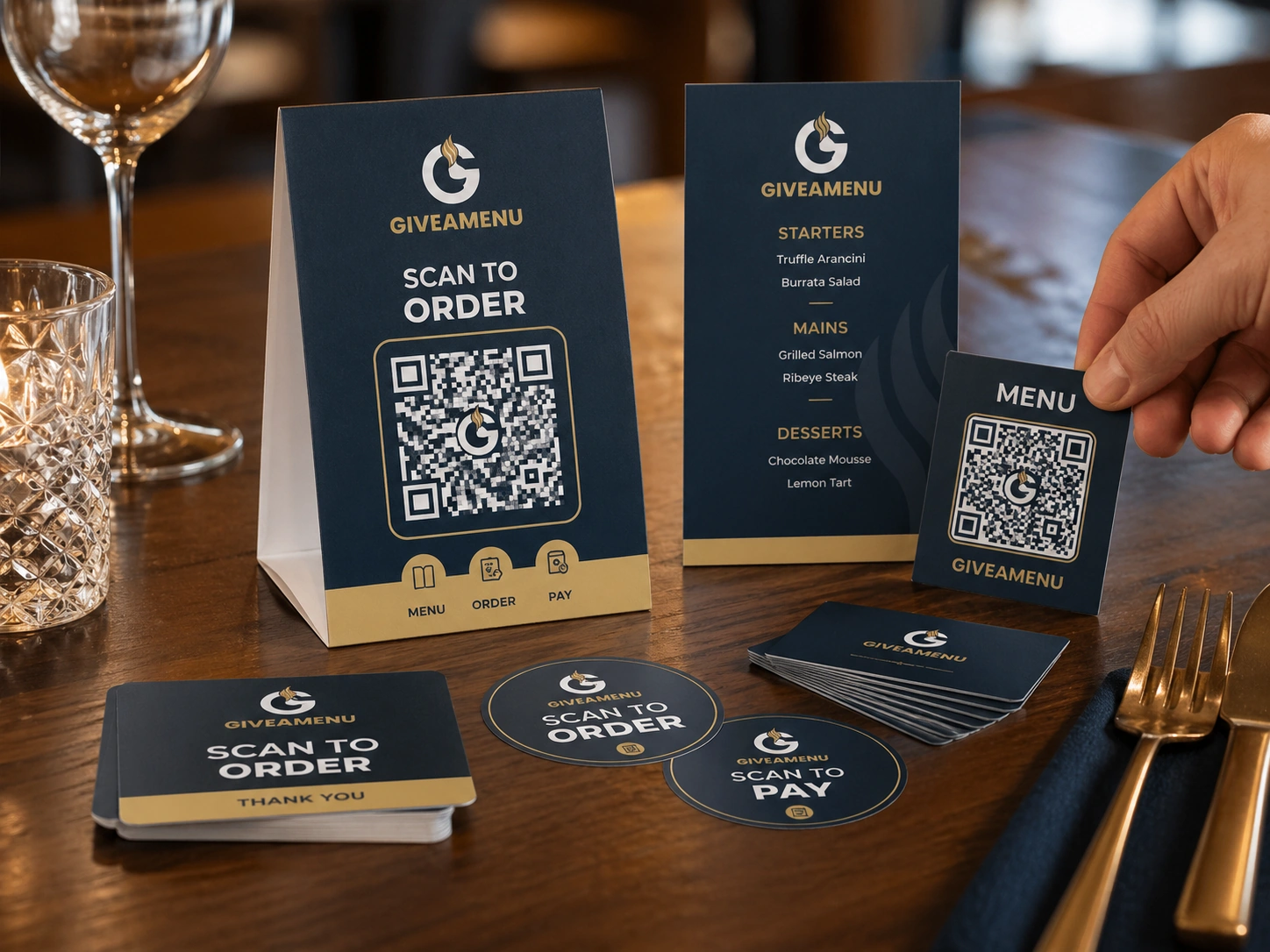
Update menus digitally, kendeeza ku printed menu churn, era leka abagenyi balagire nga beetegefu.
Create a free account, add your restaurant menu, and use the 90-day Order Pro trial to test On Tab ordering without credit card details.
Yee. QR codes ezikwata ku mmeeza ziyamba enkola okuzuula kasitoma gy’alaga.
Okusasula ku yintaneeti n’okutambula kwa lisiiti z’ebyensimbi bya Order & Pay pilot access. Order Pro ekozesa On Tab settlement ebweru wa Giveamenu.
Yee. Ekirowoozo kye kimu kiyinza okuwagira ebisenge bya wooteeri, empeereza ku bbiici, counter, ebifo omutegekebwa emikolo, n’ebifo ebirala eby’okuweereza.
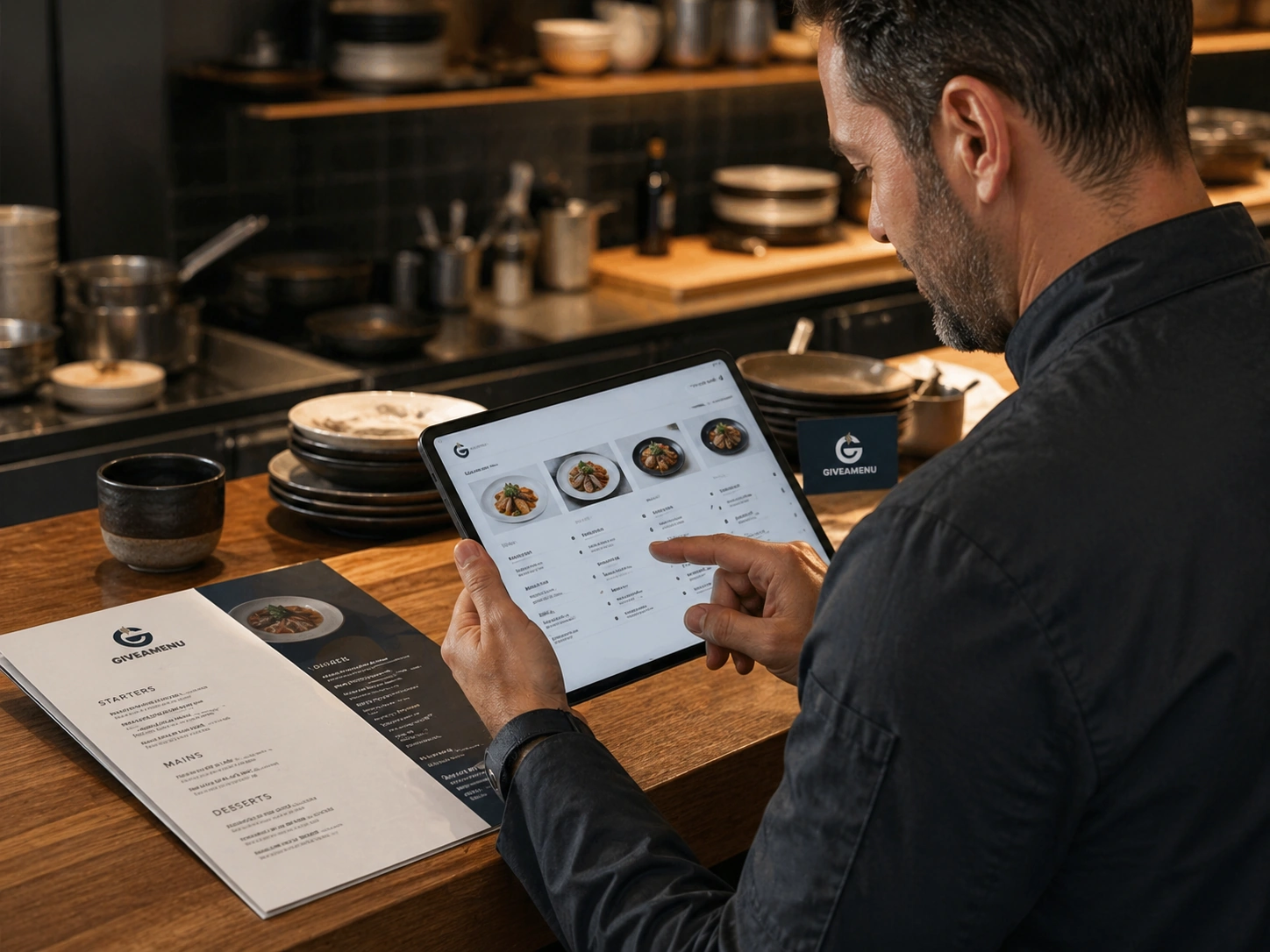
Tonda menu ya digito entegeke nga erimu ebika, ebikwata ku bikozesebwa, ebifo eby’ebifaananyi, eby’okulonda, ebifuga ebiriwo, n’enkyusa.
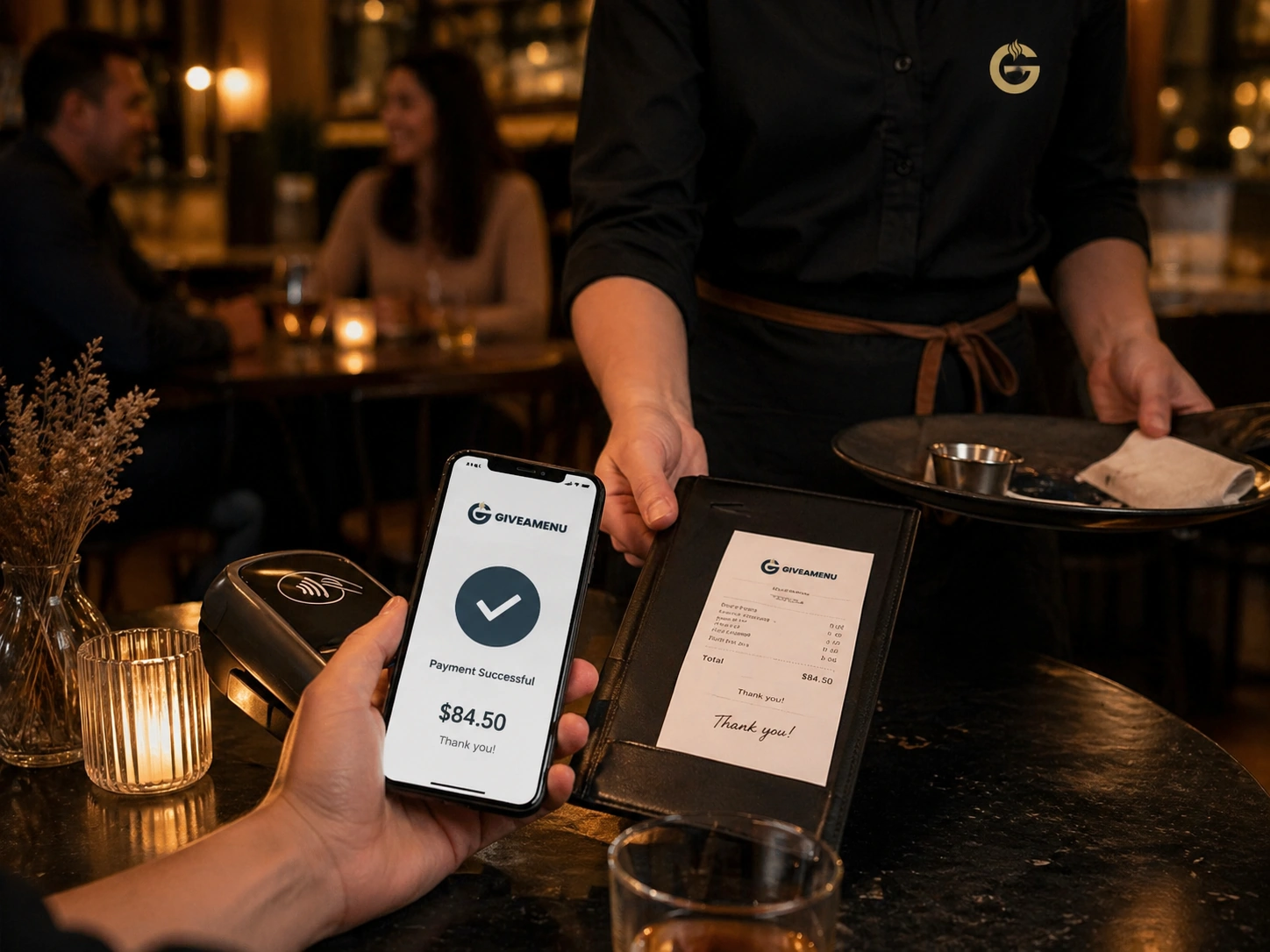
Order & Pay ye layini y’okusasula n’ebyensimbi mu biseera eby’omu maaso eri amaduuka ageetaaga enkola y’okukung’aanya okusasula ku yintaneeti n’okufuna lisiiti oluvannyuma lw’enteekateeka y’okulagira enkulu okubeera ennywevu.
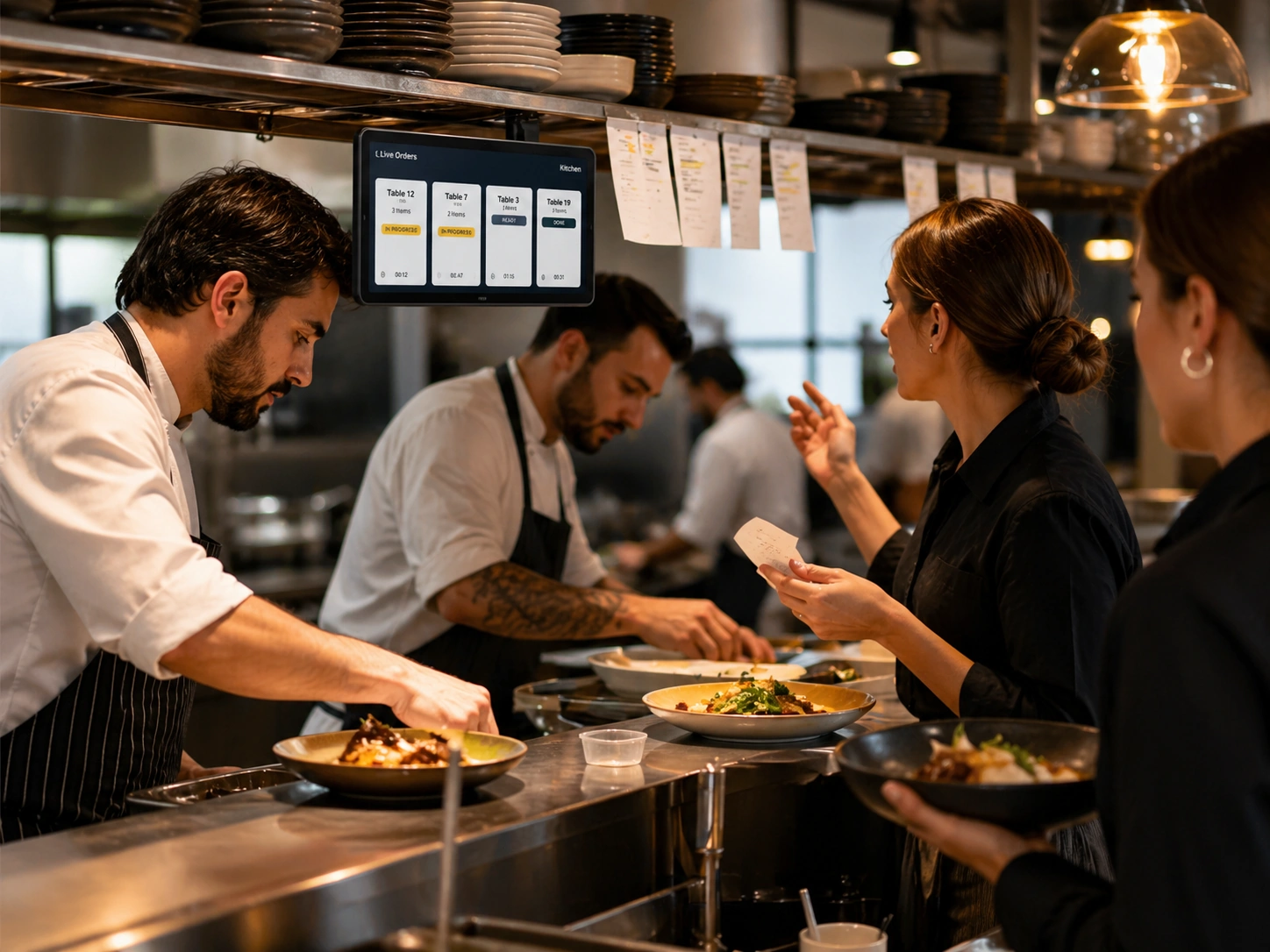
Embeera ya live order eyamba ttiimu okulaba ebyetaaga okufaayo, ebitegekebwa, n’ebyo ebyetegefu okuweereza oba okukung’aanyizibwa.